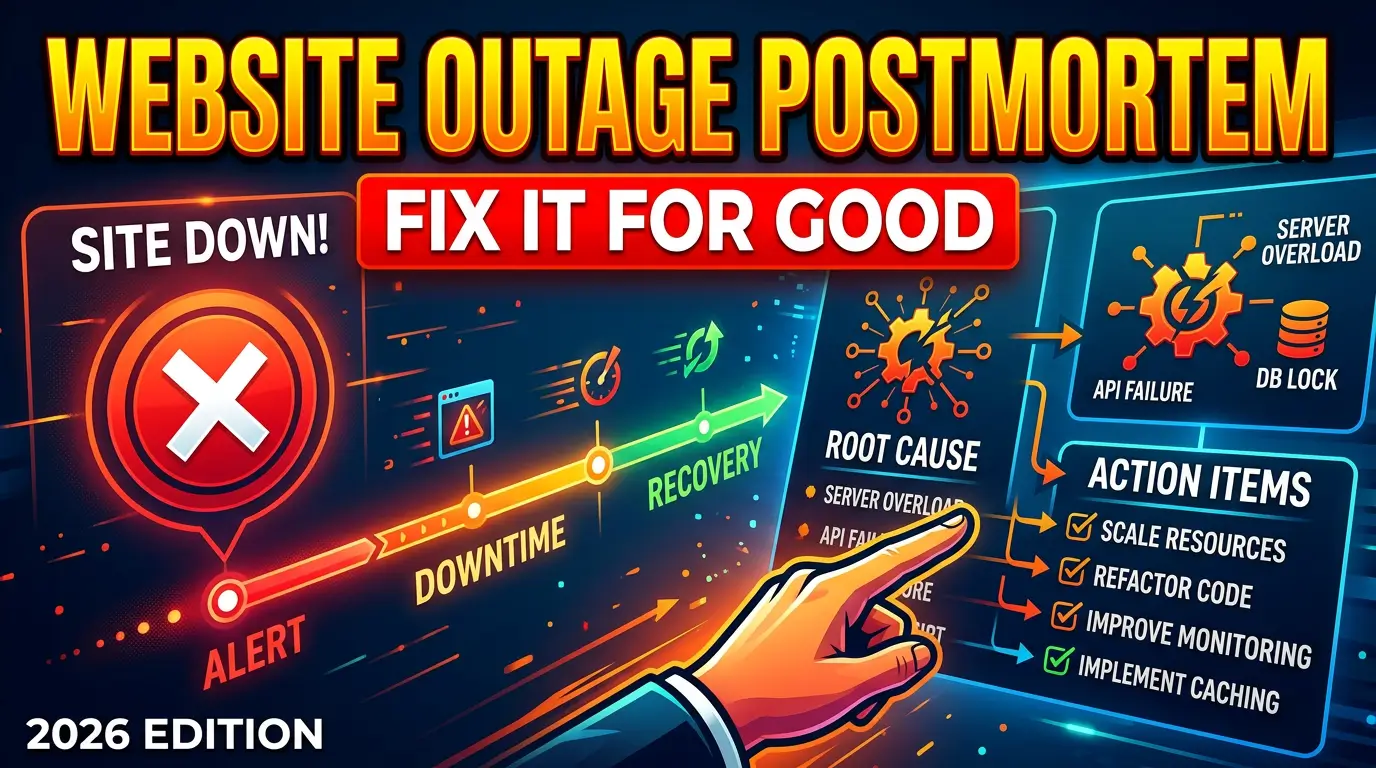
A website outage is expensive twice.
First, you pay for the downtime itself: missed leads, lost sales, angry customers, support calls, ad spend pointed at broken pages, and staff scrambling to figure out what happened. PagerDuty reported that IT leaders estimated the true cost of downtime at $4,537 per minute in its 2025 research. ITIC has also reported that 97% of large enterprises say one hour of downtime costs more than $100,000.
Second, you pay again if you don’t learn from it.
Most small business website incidents are not mysterious. A DNS record changed. A plugin update broke checkout. A form stopped sending emails. A security rule blocked real customers. A deploy shipped without testing the thank-you page. A domain renewal notice went to an old employee.
The fix isn’t a longer Slack argument. It’s a clear postmortem.
Use this template after any website outage, broken conversion path, security scare, traffic tracking failure, or customer-facing bug. It works for agency teams, in-house marketers, developers, and business owners who need plain language instead of engineering theater.
What Is a Website Outage Postmortem?
A website outage postmortem is a short document created after an incident to record what happened, who was affected, why it happened, what fixed it, and what needs to change before it happens again.
Google’s Site Reliability Engineering book says a blameless postmortem should focus on contributing causes without indicting individuals or teams. That matters. If people think the document exists to find a culprit, they’ll hide details. If the document exists to fix the system, they’ll tell the truth.
Atlassian describes postmortems as a process that moves from summary and timeline through root cause analysis, lessons learned, and corrective actions. That’s the right structure for business websites too.
You don’t need a 40-page report. You need something specific enough that the next person can understand the incident in 10 minutes and see exactly what changed afterward.
When Should You Write One?
Write a postmortem when an incident caused business impact, customer impact, security risk, or repeat confusion.
Good triggers include:
- The website, checkout, booking flow, quote form, login, payment page, or key landing page was unavailable.
- Leads, orders, calls, analytics events, ad tracking, email delivery, or CRM handoff failed.
- Search traffic, rankings, indexed pages, redirects, or schema changed unexpectedly.
- A security alert, malware warning, suspicious admin login, exposed file, or plugin vulnerability created risk.
- The same bug or outage happened more than once.
Don’t reserve postmortems for disasters. A 19-minute form outage during a paid campaign can teach you more than a full-day outage on a quiet Sunday.
Copy-and-Paste Website Outage Postmortem Template
Paste this into Google Docs, Notion, Confluence, ClickUp, Jira, Linear, or your project management tool.
1. Incident Summary
Incident title:
Date and time started:
Date and time detected:
Date and time resolved:
Total duration:
Severity: Critical / High / Medium / Low
Owner:
Systems affected: Website, hosting, DNS, CMS, forms, payments, CRM, analytics, email, CDN, search, ads
Short summary: One paragraph explaining what happened in plain English.
A good summary names the actual business problem. “WordPress error” is too vague. “Quote request form returned a 500 error for mobile users after the 10:04 a.m. plugin update” is useful.
2. Customer and Business Impact
Who was affected? Customers, prospects, staff, partners, search engines, ad visitors, logged-in users, mobile users, specific locations, or specific browsers.
What could they not do? Submit a form, book, buy, log in, download, call, view pricing, access support, or read critical content.
Estimated volume affected: Sessions, form attempts, orders, calls, ad clicks, indexed URLs, or support tickets.
Estimated financial impact: Lost sales, wasted ad spend, refunds, support time, developer time, SLA credits, or recovery cost.
Reputation impact: Complaints, public posts, bad reviews, sales objections, or partner concerns.
Use real numbers where you can. Google Analytics 4 lets teams mark important actions as key events, which helps estimate what stopped working. Google Search Console can show indexing and search performance changes for your property through its performance and indexing reports.
3. Detection
How was the issue discovered? Uptime alert, customer complaint, staff report, analytics anomaly, Search Console alert, security scan, host notification, manual check, or vendor email.
Was detection fast enough? Yes / No.
If not, why not? No monitor, wrong alert recipient, alert fatigue, dashboard not checked, missing test, or unclear ownership.
What would have caught it earlier? Uptime check, synthetic form test, payment test, Search Console alert, log alert, CRM check, or post-deploy QA.
Better Stack defines uptime monitoring as repeated checks to confirm a website is reachable and responding. That’s the minimum. Revenue paths need deeper tests, because a homepage can be online while the form that pays the bills is broken.
4. Timeline
Build the timeline from logs, commit history, monitoring, chat messages, support tickets, CMS activity, hosting records, DNS changes, and analytics.
Use this format:
- 09:42 Plugin update started by admin user.
- 09:44 Contact form submissions began returning errors.
- 10:11 First customer complaint arrived by phone.
- 10:18 Marketing confirmed issue on mobile Safari.
- 10:26 Developer disabled conflicting plugin.
- 10:31 Form submissions worked again.
- 10:48 Missed leads exported from form logs and manually entered into CRM.
A timeline should show cause, detection, decision points, fixes, and recovery. It should not read like a courtroom transcript.
5. Root Cause and Contributing Factors
Root cause: The direct technical or process failure that allowed the incident to happen.
Contributing factor 1:
Contributing factor 2:
Contributing factor 3:
What made the impact worse?
What made recovery slower?
Use the “five whys” carefully. The point is not to force exactly five answers. The point is to move past the first visible symptom.
Example:
- The quote form failed because the form plugin update changed validation behavior.
- The update reached production without a staging test.
- The team had no checklist for form testing after updates.
- The form had no synthetic monitoring.
- The CRM only showed successful leads, not failed attempts.
That root cause is not “Jane updated the plugin.” The system allowed a revenue-critical path to change without testing or monitoring.
6. Resolution and Recovery
What fixed the immediate problem?
Who made the fix?
Was the fix temporary or permanent?
What data had to be recovered? Leads, orders, logs, form entries, files, redirects, analytics, or content.
What customer follow-up was needed? Apology, refund, manual reply, quote resend, status update, or sales outreach.
If the incident involved security, document the containment steps separately. CISA’s Known Exploited Vulnerabilities program focuses on vulnerabilities with evidence of active exploitation and clear remediation guidance, which is a useful mindset: contain, remediate, verify.
7. Communication Review
Who needed to know? Owner, marketing, sales, support, developer, host, agency, customers, ad manager, legal, or leadership.
Who was notified?
How were they notified? Email, phone, Slack, Teams, status page, helpdesk, CRM task, or public notice.
Was the message clear?
What should change next time?
Atlassian’s incident communication guidance says updates should be simple and direct. Business owners don’t need vague statements like “we are experiencing technical difficulties” if the real issue is that appointment booking is unavailable.
A useful customer update says what is broken, who is affected, what customers should do now, when the next update is coming, and how to reach a human if the matter is urgent.
8. Action Items
This is where most postmortems fail.
Every action item needs an owner, due date, priority, and proof of completion. Atlassian says it tracks postmortems with Jira work items so follow-up actions are completed and approved. You can do the same in whatever tool your team actually uses.
Use this format:
| Priority | Action item | Owner | Due date | Proof |
|---|---|---|---|---|
| High | Add synthetic test for quote form submission | Developer | July 22 | Passing monitor link |
| High | Add post-update QA checklist for forms and CRM | Project manager | July 19 | Checklist URL |
| Medium | Add failed-submission alert to shared inbox | Developer | July 24 | Screenshot of alert rule |
| Medium | Add outage contact tree to operations folder | Owner | July 26 | Document URL |
Keep the list short enough to finish. Three completed fixes beat 19 abandoned promises.
Severity Levels for Website Incidents
Severity labels prevent every issue from becoming either panic or shrug.
Use this simple model:
| Severity | Definition | Examples | Target response |
|---|---|---|---|
| Critical | Site or revenue path unavailable for many users | Website down, checkout down, lead form down during campaign, malware warning | Immediate response |
| High | Major function degraded or broken for a meaningful segment | Mobile booking broken, payment errors, broken ad landing page | Same business day |
| Medium | Issue affects trust, SEO, reporting, or a secondary workflow | Broken schema, analytics gap, 404 spike, slow priority page | 1 to 3 business days |
| Low | Cosmetic or low-risk issue | Typo, minor layout bug, old image, noncritical broken link | Next maintenance cycle |
Make severity about business impact, not developer difficulty.
Metrics to Capture After an Outage
The postmortem is stronger when it includes numbers.
Track these where possible:
| Metric | Why it matters |
|---|---|
| Time to detect | Shows whether monitoring worked |
| Time to acknowledge | Shows whether the right person saw the alert |
| Time to resolve | Shows how fast the team restored service |
| Affected sessions | Estimates user impact |
| Failed forms or orders | Estimates revenue impact |
| Wasted ad clicks | Shows paid media loss |
| Support tickets or calls | Shows customer friction |
| Repeat incident count | Shows whether prior fixes worked |
For performance incidents, Google’s Core Web Vitals thresholds are useful guardrails: LCP within 2.5 seconds, INP under 200 milliseconds, and CLS under 0.1. For redirect or indexing incidents, Google documents how redirects and canonical signals help search systems understand which URLs should be shown.
Common Website Postmortem Mistakes
The biggest mistake is stopping at the first cause.
“The site went down because hosting failed” might be true, but it doesn’t answer why there was no alert, why nobody knew the host login, why DNS access belonged to an old vendor, or why there was no recovery plan.
Avoid these mistakes:
- Blaming a person instead of fixing a system. People make mistakes. Good systems reduce the blast radius.
- Writing action items with no owner. If everyone owns it, nobody owns it.
- Skipping customer impact. A technically interesting incident with no business impact is a different priority than a boring form bug that killed 34 quote requests.
- Ignoring communication. The fix is not complete if customers, sales, and support are still confused.
- Never reviewing old postmortems. Repeat incidents are a signal that prior action items were weak, unfinished, or aimed at the wrong problem.
A Finished Example
Here’s a short version of what a good postmortem can look like.
Incident: Quote request form failed after plugin update
Impact: 27 failed submissions estimated from form logs and ad click volume. Paid search spent $312 during the failure window. Sales team manually followed up with 11 prospects found in partial logs.
Detection: First detected by a customer phone call 41 minutes after failure started. No automated form test existed.
Root cause: Plugin update changed required-field validation. Production update was run without staging QA.
Contributing factors: No synthetic form monitor, no failed-submission alert, no update checklist, CRM only tracked successful submissions.
Resolution: Plugin rolled back. Form retested on desktop and mobile. Partial submissions exported.
Action items: Add form monitor, create update checklist, send failed-submission alerts, require staging test for all form plugin updates.
That document is useful because it tells the business what happened and gives the team a fix list.
Make the Postmortem Part of Normal Operations
A postmortem shouldn’t be a special ceremony that only happens when everyone is already stressed. Make it part of the operating system for the website.
Create a folder for incidents. Keep one template. Assign an owner. Review open action items during monthly website maintenance. If your site drives meaningful leads or sales, review the last quarter of incidents before planning new website work.
The point is not to create paperwork. The point is to stop paying for the same mistake twice.
If your team needs help turning outages, tracking gaps, broken forms, slow pages, or messy vendor handoffs into a cleaner website operating process, start here: /get-started/