Most small business websites still work like digital brochures.
A visitor fills out a form, then waits. Someone on your team gets an email, copies details into a spreadsheet, sends a follow-up, forgets to tag the lead source, and hopes the prospect remembers why they reached out.
That is not a website problem. That is an operations problem sitting on top of your website.
You do not need a giant software stack. You need a few automations that remove slow handoffs from the moments where leads get lost.
Response speed matters. The MIT lead response study found that the odds of qualifying a lead drop sharply when contact waits from 5 minutes to 30 minutes source. If your follow-up system moves slowly, revenue leaks out before sales starts.
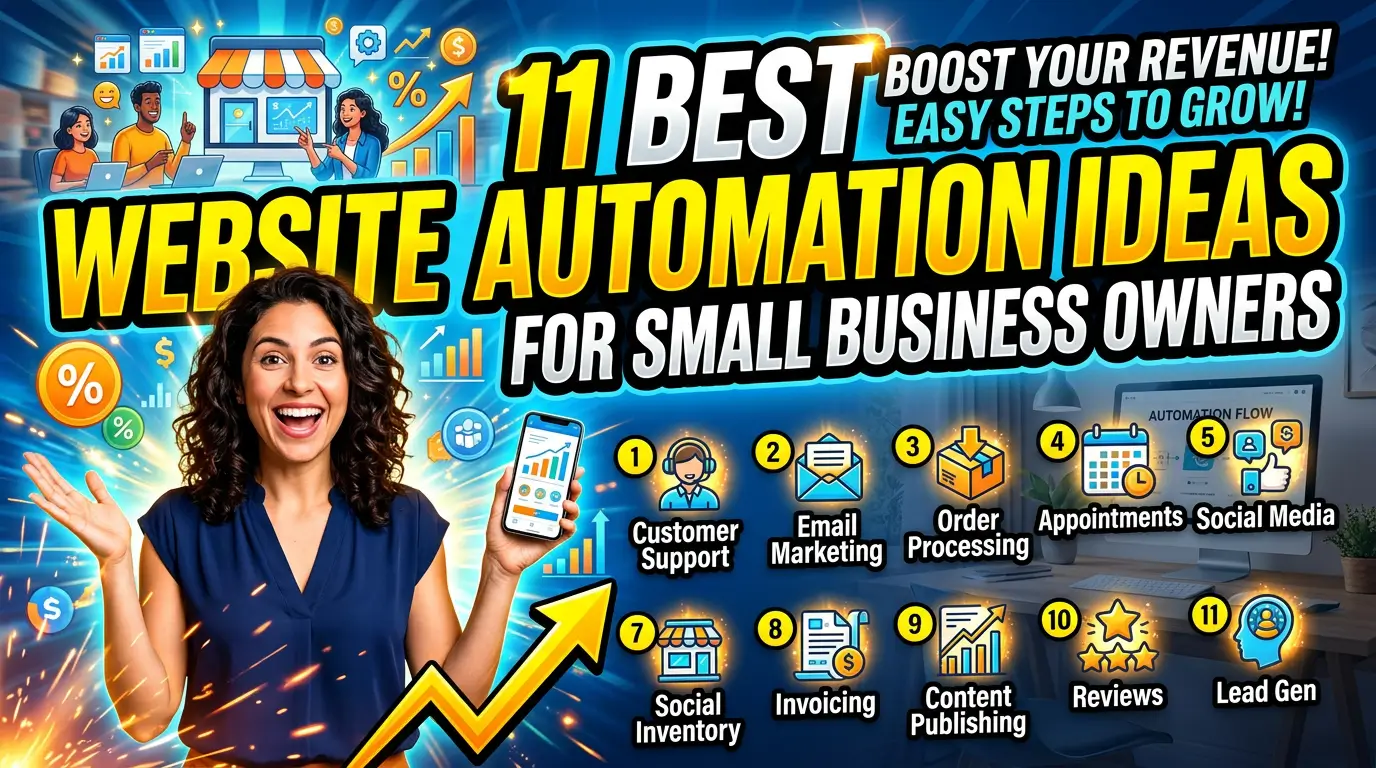
Here are 11 website automation ideas small business owners and marketers can put to work without turning the site into a bloated software project.
1. Route contact form leads by service type
A single inbox is where good leads go to age.
If your contact form asks what the visitor needs, use that answer to route the lead automatically. A plumbing company could send emergency repair requests to the dispatcher, remodel inquiries to the estimator, and commercial maintenance requests to the owner. A web design agency could send ecommerce builds, SEO audits, and support tickets to different people.
The tool can be simple. Gravity Forms supports conditional notifications in WordPress, and Webflow Logic can route submissions from Webflow forms. The point is not fancy software. The point is making sure the right person sees the lead first.
Start with three buckets: urgent, sales-ready, and general questions. That alone beats sending every inquiry to one crowded inbox.
2. Send instant confirmation emails after every form submission
A visitor should never wonder if your form worked.
Set up an automated confirmation email that arrives immediately after someone requests a quote, books a call, downloads a guide, or asks a question. Keep it plain. Tell them you received the request, when they can expect a reply, and what they can do next.
Example: “Thanks, we received your kitchen remodel request. Our estimator will review it and reply within one business day. If this is urgent, call us at the number below.”
This small automation reduces duplicate submissions and nervous phone calls. It also makes the business feel organized. Mailchimp, ActiveCampaign, and most form tools can send basic autoresponders.
Do not stuff this email with promotions. The visitor just raised their hand. Confirm the next step and earn trust.
3. Create booking links for sales calls and consultations
Back-and-forth scheduling wastes more time than most owners admit.
If your website asks people to “contact us to schedule,” give them a booking link instead. A consultant can let qualified prospects pick a 30-minute discovery call. A med spa can route new patients to a consultation calendar. A contractor can offer estimate windows only in serviceable ZIP codes.
Tools like Calendly, Acuity Scheduling, and Google Calendar appointment schedules can handle availability, reminders, and calendar invites.
Put the booking link on high-intent pages, not everywhere. Good spots include pricing pages, service pages, and thank-you pages after a quote request. If you sell a considered service, the faster someone gets a real appointment, the less time they have to shop five competitors.
4. Add lead scoring based on form answers
Not every website lead deserves the same follow-up.
A $500 repair question, a $15,000 project request, and a vendor pitch should not hit your team with the same priority. Use form answers to score leads automatically. Budget, timeline, service type, company size, location, and urgency can all help.
Example: a commercial cleaning company might score “needs nightly service,” “50,000 square feet,” and “start within 30 days” as a hot lead. A one-time residential question can still get a polite reply, but it does not need to interrupt the sales manager.
HubSpot and Zoho CRM both offer lead scoring features. Smaller teams can start with hidden form fields and a simple email subject line like “HOT LEAD: Commercial cleaning quote.”
Automation should help humans focus, not replace judgment.
5. Push website leads into your CRM automatically
Copying form submissions into a CRM is low-value work. It is also easy to mess up.
Connect your website forms to your CRM so each new lead creates a contact, deal, or task automatically. Include the page they came from, the service requested, the campaign source, and the message they wrote. That context helps sales follow up with a specific answer instead of a generic opener.
For example, a landscaping company could tag leads from its “commercial snow removal” page separately from residential lawn care. When winter work slows down, the team can pull the right list fast.
HubSpot, Pipedrive, and Keap all support website lead capture. If your form tool does not connect directly, Zapier or Make can bridge the gap.
Clean data beats a full inbox.
6. Trigger review requests after completed jobs
Reviews should not depend on someone remembering to ask.
Set up an automation that sends a review request after a job is marked complete, an invoice is paid, or a customer has had time to use the service. A dentist might send it the day after an appointment. A home services company might wait until the technician closes the job in the field system.
Keep the message short and specific: “Thanks for choosing us for your AC repair. If we did good work, would you leave a quick Google review? It helps local homeowners find us.”
Google explains how businesses can ask customers for reviews in its Business Profile help documentation. Tools like Birdeye, NiceJob, and GatherUp can automate the request and track responses.
The best time to ask is when the customer is happiest, not three months later.
7. Send abandoned quote form reminders
Ecommerce teams obsess over abandoned carts. Service businesses should care about abandoned forms.
Baymard Institute’s research puts the average documented ecommerce cart abandonment rate at about 70% source. Service websites have the same pattern, even if the analytics report calls it a form exit instead of a cart.
If someone starts a quote request but does not finish, you can trigger a reminder when you have permission and enough contact information. For longer forms, break the process into steps and save progress. A visitor who entered an email but got interrupted can receive a helpful nudge: “Still need a roofing estimate? You can finish the request here.”
Tools like Typeform, Jotform, and ecommerce platforms such as Shopify offer abandoned flow options depending on the setup.
Do this carefully. Helpful reminder, yes. Creepy chase sequence, no.
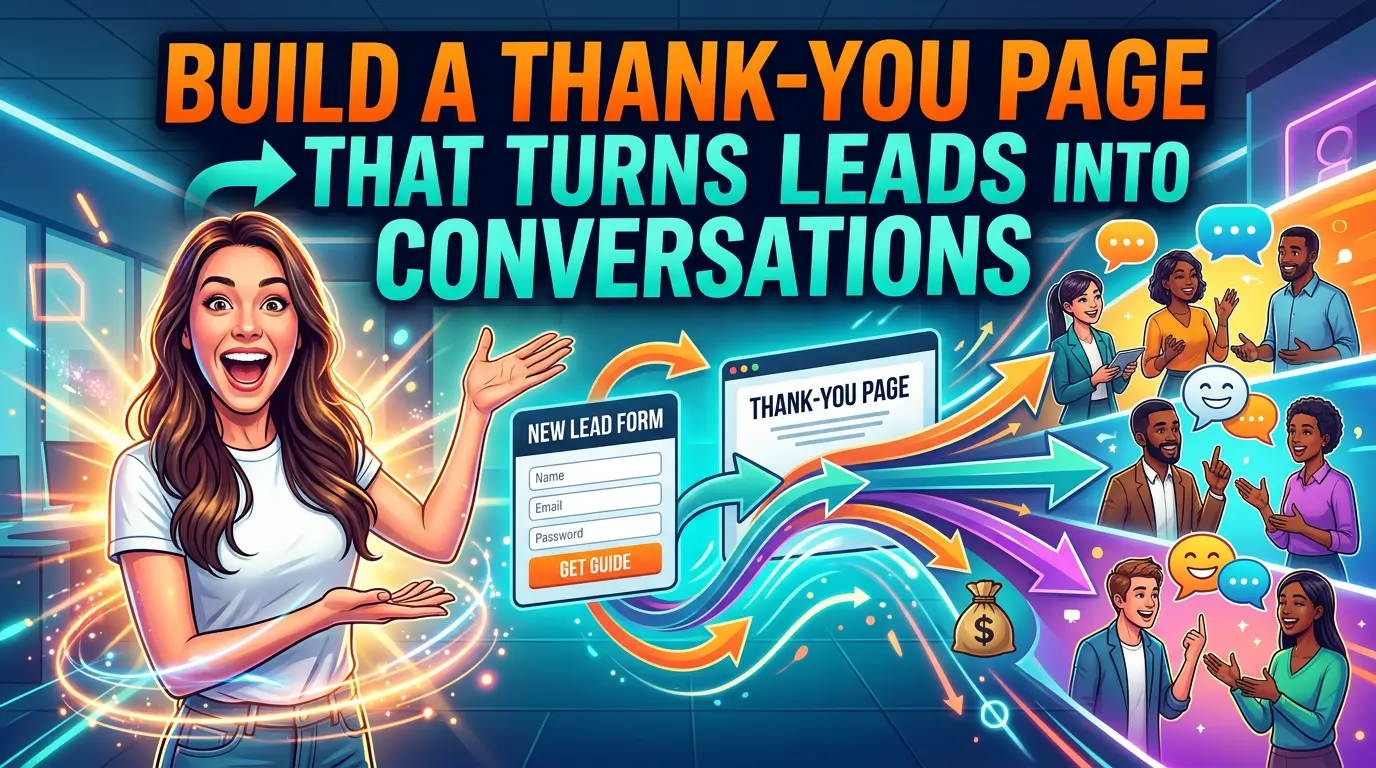
8. Show different thank-you pages by conversion type
One generic thank-you page is a missed opportunity.
A visitor who books a consultation needs different information than someone who downloads a checklist. Build thank-you pages that match the action. After a quote request, show what happens next, expected response time, emergency contact details, and one strong case study. After a newsletter signup, show the best starter resource.
This keeps momentum going after the conversion. It also reduces support questions because the next step is clear.
You can set this up with most form tools or page builders by redirecting each form to a different URL. WordPress forms, Webflow, and Squarespace all support post-submit redirects in different ways.
If you only build one first, create a thank-you page for your highest-value lead form. That is where clarity pays fastest.
9. Use chat automation for first questions, not fake sales calls
Chat can help, but bad chat feels like a pop-up wearing a suit.
Use chat automation to answer first questions, collect contact details, and route people to the right next step. Do not pretend a bot is a senior consultant. A local HVAC company could let visitors choose “repair,” “replacement,” or “maintenance plan” before sending the conversation to the right team member.
Tools like Intercom, Tidio, and Crisp can qualify visitors and collect details. For many small businesses, a simple chat flow is enough.
Make the handoff obvious. If a person is not available, say so. If the chat collects a phone number for follow-up, explain when the team will call.
Automation works better when it is honest about what it can and cannot do.
10. Alert your team when high-intent pages get action
Some website actions deserve faster attention than others.
A visitor reading one blog post is early. A visitor looking at pricing, case studies, and the contact page in one session is warmer. If that person submits a form, your team should know it was a high-intent visit.
Set up internal alerts for the actions that usually precede a sale. That might include pricing page visits, demo requests, repeat visits from the same company, or downloads of a buyer’s guide. Google Analytics 4 can track key events, while Microsoft Clarity can show session behavior.
A B2B service firm could send a Slack alert when a target-account visitor books a call from a case study page. Slack and Zapier make that kind of notification simple.
The goal is timing. Sales conversations improve when context is fresh.
11. Build a monthly website performance digest
Owners do not need more dashboards. They need clear signals.
Create a monthly automated digest that reports the numbers tied to revenue: leads by source, top converting pages, form completion rate, booked calls, and pages that lost traffic. Send it to the owner, marketer, and salesperson who can act on it.
This can be a simple Looker Studio report connected to Google Analytics 4, Google Search Console, and your CRM. If you want fewer moving parts, export the five numbers that matter and email them on the first Monday of each month.
The real value is not the report. It is the habit. When your team sees which pages create leads and which ones stall, website decisions stop being opinion fights.
Better data makes better priorities.
Start with one automation that fixes a real leak
Do not automate everything this month.
Pick the leak that costs you the most. If leads sit too long, start with routing and instant confirmations. If sales wastes time on weak inquiries, start with lead scoring. If your team forgets to ask for reviews, automate that first.
A good website should not just attract visitors. It should move the right people to the next step with less friction for them and less admin work for your team.
If your website is generating activity but not enough booked calls, quote requests, or customers, get started with Your Web Team and we’ll help you build a site that works like part of your sales process.