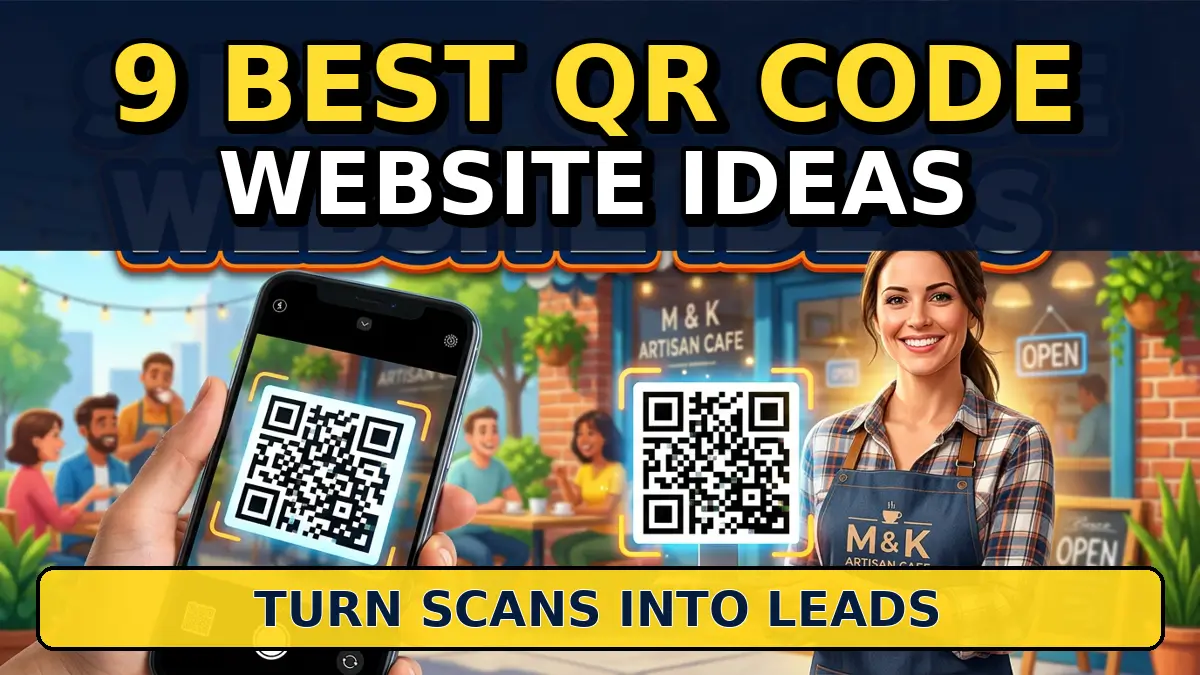
A QR code is not a marketing strategy by itself. It’s a shortcut.
That shortcut is useful when someone is already standing in front of your truck, holding your brochure, sitting at your table, opening your package, or waiting after a service call. If the code sends them to a weak homepage, you waste the moment. If it sends them to the right page, you can collect reviews, book appointments, grow your list, and make the next sale easier.
The channel is familiar enough that you do not need to teach people what to do. Statista reports that smartphone users scanning QR codes in the United States reached tens of millions and is projected to keep rising. The real work is matching each QR code to a page with one job.
Here are 9 QR code website ideas small businesses can use in 2026 without making their marketing feel gimmicky.
1. Review request QR code after the job is done
Best for contractors, dentists, med spas, restaurants, accountants, repair shops, and local service businesses.
The QR code should send customers to a simple review page with buttons for Google, Facebook, Yelp, or the platform that matters most in your market. Do not send everyone straight to a review form with no context. Use a short page that says, “Thanks for choosing us. If we earned it, would you leave a quick review?” Then show one primary review button.
Google provides instructions for sharing a Google review link from Business Profile, which makes this easy to set up. Put the QR code on leave-behind cards, invoices, receipts, table tents, and service follow-up sheets. The best timing is right after the customer is happy, not three weeks later when the job is old news.
2. Quote request QR code on trucks and jobsite signs
Best for roofers, landscapers, remodelers, painters, cleaners, HVAC companies, and mobile service teams.
If your trucks and yard signs already get attention, a QR code can turn that attention into a quote request. The landing page should be short: service area, proof, three photos, a simple form, and a click-to-call option. Nobody scanning from a driveway wants a 2,000-word company history.
This works especially well when the offline placement tells the story. A roofing sign in a neighborhood should send people to a roofing estimate page, not your homepage. A cleaning van parked outside an office should point to a commercial cleaning quote page. Add a tracking parameter to the URL so you can see which signs, trucks, or print pieces are producing leads in Google Analytics 4 campaign reports.
3. Menu or service list QR code with upsell paths
Best for restaurants, salons, spas, auto detailers, clinics, gyms, and any business with a list of options.
A QR code menu should do more than replace paper. It should help people choose. Restaurants can feature catering, gift cards, reservations, or loyalty signup below the menu. Salons can link service descriptions to booking pages. Auto detailers can show package comparisons and add-ons before the customer asks for pricing.
The page needs to load fast because customers may scan on weak cellular service. Keep images compressed, make buttons thumb-friendly, and put the most common choices near the top. Square’s restaurant QR code ordering resources show how QR codes can connect menus, ordering, and payment. Small businesses do not need a complicated system, but they do need a page that helps customers act while they are still interested.
4. Event booth QR code for the one offer that matters
Best for trade shows, local expos, conferences, chamber events, open houses, and pop-up shops.
Most booth QR codes fail because they point to the homepage. That makes the visitor do all the work after they already took the time to scan. Build a page for the event instead. Use the event name in the headline, show the offer, add proof, and keep the form short.
A home remodeler at a local home show might use “Book Your Free Kitchen Estimate” with three project photos and a calendar link. A B2B consultant at a chamber event might offer a 15-minute website teardown. Eventbrite’s event marketing resources are a useful reminder that attendees need clear follow-up paths. Your QR page is that path. Give them one next step, not your full navigation menu.
5. Packaging insert QR code for repeat purchases
Best for ecommerce brands, food producers, subscription boxes, apparel companies, specialty retailers, and local makers.
The buyer already said yes once. Your packaging insert should make the second purchase easier. Use a QR code that sends customers to a reorder page, care instructions, product registration, warranty signup, loyalty offer, or recommended accessories.
The page should match the product they bought. If someone scans from a candle box, send them to burn instructions, scent recommendations, and a reorder offer. If they bought a specialty food item, send them to recipes and bundles. Shopify’s guidance on product inserts explains why packaging is a strong post-purchase marketing touchpoint. The key is making the QR destination useful before asking for another sale.
6. Print ad QR code with a campaign-specific landing page
Best for local magazines, postcards, flyers, mailers, newspaper ads, sponsorships, and door hangers.
Print is expensive when you cannot track it. A QR code does not solve every attribution problem, but it does give you a cleaner signal than sending everyone to the homepage. Create a landing page for the campaign, then use a unique URL and QR code for each print placement.
A dental office could run a postcard with a QR code for new-patient appointments. A pool installer could use a spring mailer that points to a financing and design consultation page. A nonprofit sponsor could send scanners to a local partnership page with the offer tied to the event. Use Google’s Campaign URL Builder so the traffic shows up with source, medium, and campaign names. That makes the next print decision less of a guess.
7. Window sticker QR code for after-hours visitors
Best for restaurants, retailers, gyms, clinics, salons, repair shops, and appointment-based local businesses.
People walk by when you’re closed. A window QR code can still capture the opportunity. Send scanners to a page with hours, booking, menu, gift cards, emergency contact options, or a “text us tomorrow” form.
This is useful for businesses with high street visibility. A restaurant can link to reservations and catering. A gym can link to class schedules and membership trials. A repair shop can link to appointment requests and towing instructions. The page should answer the after-hours question quickly: “Can I still do something right now?” If the answer is yes, make the button obvious. If the answer is no, capture the lead with a form that promises a specific follow-up window.
8. Instructional QR code for support and setup
Best for product companies, repair businesses, software firms, equipment sellers, clinics, and service teams that answer the same questions over and over.
A QR code on a product, receipt, work order, or install sheet can send customers to the exact help page they need. That page might include setup videos, troubleshooting steps, safety instructions, warranty details, or a support request form.
This saves time because customers do not have to search your site while frustrated. A water treatment company could place a code on a filter replacement sticker that opens the correct replacement schedule. A software consultant could add a QR code to onboarding documents that points to login help and training videos. Wistia’s video marketing resources show how useful video can be when the customer needs to see a process, not just read it. Keep the support page focused on the exact problem tied to the QR placement.
9. Newsletter or SMS signup QR code at the point of interest
Best for retailers, restaurants, fitness studios, consultants, nonprofits, events, and local service businesses with repeat buyers.
A signup QR code works when the offer is tied to the moment. “Join our list” is weak. “Scan for this week’s lunch specials,” “Get the maintenance checklist,” “Claim 10% off your next visit,” or “Get the event recap” is stronger because it gives people a reason to scan now.
The landing page should ask for the minimum information needed. Email is enough for a newsletter. Phone number and consent language matter for SMS. Mailchimp explains QR code email signup use cases for list growth, and Twilio’s SMS compliance guidance is a good reminder to handle text consent carefully. If you’re asking for access to someone’s inbox or phone, make the value clear before the form.
Make the scan worth it
QR codes work when the destination page respects the visitor’s context. A person scanning from a receipt, truck, booth, window, or package is not casually browsing. They want a fast answer or a next step.
Before printing any code, test it on a phone, check the page speed, confirm the form works, and add tracking. Then print one small batch before ordering 5,000 cards.
If you want QR codes that actually feed your sales pipeline, start with the page behind the scan. Your Web Team can help you build landing pages, tracking, and website flows that turn offline attention into measurable leads. Get started here.