Your website probably gets blamed for some sales it did not create and ignored for some sales it absolutely did create.
That happens because a lot of small business conversions finish offline. Someone clicks an ad, checks your service page, calls from their truck, visits your showroom, emails a salesperson, or walks in three days later. If the tracking stops at the form submit, your reports miss the part where money changed hands.
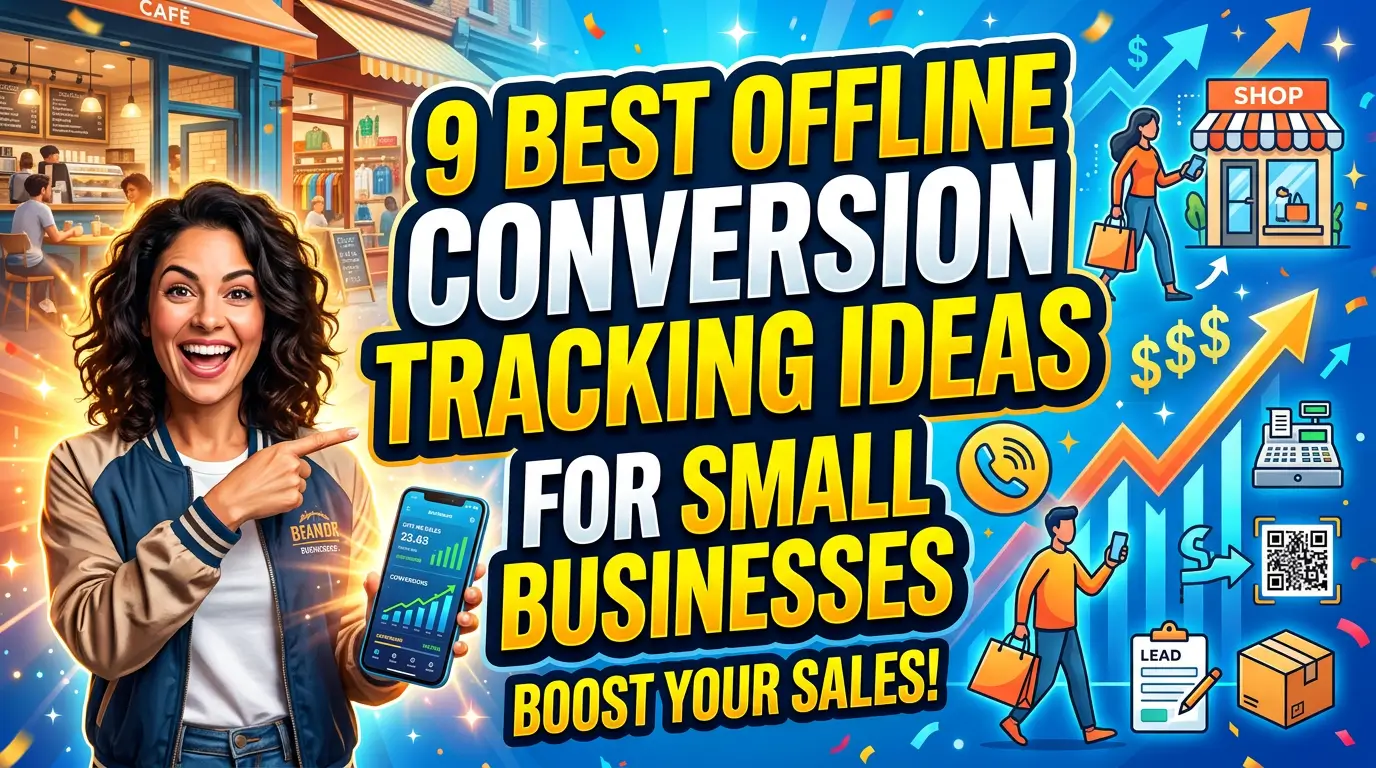
You do not need an enterprise analytics department to fix this. You need a few practical handoffs between the website, phone, CRM, front desk, and sales team. Here are 9 offline conversion tracking ideas that help business owners and marketers see what is actually working.
1. Track phone calls back to the page that caused them
Phone calls are usually the first offline gap to fix. If your website has one static phone number everywhere, you may know that calls happened, but not which page, ad, search term, or campaign pushed someone to call.
Use call tracking with dynamic number insertion for high-value pages, paid campaigns, and local landing pages. CallRail explains call attribution as connecting incoming calls to the marketing activity that caused them. That is the point. You are not just counting rings. You are tying calls to buyer intent.
Example: a roofing company may find that the emergency repair page produces fewer visits than the homepage but more booked inspections. Without call tracking, the homepage looks like the winner. With call tracking, the emergency page gets the credit and the ad budget gets cleaner.
2. Import closed deals into Google Ads
Clicks and form fills are useful, but they are not the same as revenue. A campaign can generate cheap leads that never buy, while another campaign brings fewer leads that turn into bigger jobs.
If you run paid search, set up offline conversion imports. Google Ads supports offline conversion uploads so businesses can send later sales outcomes back into the ad account. For lead-based businesses, enhanced conversions for leads can use user-provided data, such as email addresses, to improve matching.
Example: a commercial cleaning company gets 40 quote requests from two campaigns. Campaign A closes three small offices. Campaign B closes one school district contract. If the ad account only sees lead volume, it may favor the wrong campaign. Importing closed deals helps bidding learn from revenue, not just form fills.
3. Add a simple “How did you hear about us?” field to sales intake
Attribution software helps, but human memory still catches things tracking misses. Add one short source question to phone scripts, showroom checklists, estimate forms, and new customer intake.
Keep it simple. Ask, “How did you first hear about us?” and give staff a few standard choices, such as Google, referral, repeat customer, mailer, social, event, or not sure. Do not make the customer solve your attribution model. You are looking for useful signals, not courtroom evidence.
Example: a local dentist may see many bookings attributed to Google Ads, then hear new patients mention a neighborhood Facebook group during intake. That does not mean ads failed. It means the website, ad, reviews, and word of mouth worked together. The intake field helps you spot those patterns before you cut a channel that was helping.
4. Use CRM stages that match real sales decisions
A form submission should not be the final conversion in your reporting. It is the start of a sales process. Your CRM stages should show what happened after the website handed over the lead.
Create a short pipeline that matches your business: new lead, contacted, qualified, estimate sent, won, lost, no response. Then make sure every website lead lands in that pipeline with its original source attached. Tools like HubSpot or Zoho CRM can do this, but a disciplined spreadsheet is better than a fancy CRM nobody updates.
Example: a remodeling contractor may learn that kitchen remodel leads from organic search qualify at a higher rate than bathroom leads from paid social. That insight only appears when marketing data and sales stages live in the same place.
5. Give quote requests and invoices a source ID
If your sales process moves from the website to estimates, invoices, or point-of-sale software, carry the source with it. A source ID can be as simple as a hidden form field, UTM value, campaign code, or CRM contact property.
The key is continuity. When a lead becomes an estimate, the estimate should still know where that lead came from. When an estimate becomes an invoice, the invoice should still carry that original source.
Example: a custom sign shop might receive website quote requests, then send final invoices from accounting software two weeks later. If the invoice includes the original campaign source, the owner can compare revenue by channel at the end of the month instead of guessing based on lead volume. This is not glamorous work. It is how you stop treating every lead as equal when the jobs are not equal.
6. Use unique URLs or QR codes for print, events, and direct mail
Offline campaigns need their own digital doorway. If every postcard, flyer, trade show banner, and yard sign sends people to the homepage, you lose the trail.
Create a short landing page or memorable URL for each offline push. A QR code can help, but the page itself matters more. Use a URL people can type, such as /spring-service/ or /home-show/, then add campaign tracking behind it. Google’s Campaign URL Builder is a handy way to create tagged links for QR codes and partner links.
Example: an HVAC company sponsors a local home show. Instead of sending visitors to the homepage, it uses a page with the show offer, photos of the team, financing details, and a booking form. Now the company can see event traffic, calls, and booked appointments from that specific offline campaign.
7. Match store visits and appointment bookings to local search activity
Local businesses often get website traffic that turns into physical visits. That path is easy to undercount because the customer may never submit a form.
Start with the basics. Track clicks from your Google Business Profile, appointment links, direction requests, and calls. Google Business Profile performance reporting can show interactions such as calls, bookings, messages, and direction requests. Pair that with your website analytics and booking software.
Example: a med spa may notice that a location page gets heavy mobile traffic on Saturdays, while the front desk reports more walk-in consultations after lunch. That is not perfect attribution, but it is useful. Add a location-specific booking link, train staff to ask the source question, and compare appointment volume before and after the page update.
8. Record lead response time next to source
A marketing source can look bad when the follow-up process is the real problem. If leads from one campaign sit untouched for a day, the channel may get blamed for weak results even though the handoff failed.
Track response time by source. Add timestamps for lead received, first call, first email, appointment scheduled, and deal outcome. Speed matters. Harvard Business Review reported that companies responding within an hour were nearly 7 times more likely to qualify a lead than those that waited even one more hour.
Example: a pest control company may think paid search leads are low quality. After checking timestamps, it finds that paid leads arrive after hours and do not get called until late the next morning. The fix is not only a new ad. It may be call routing, weekend coverage, or an autoresponder that sets expectations.
9. Review offline conversion reports every month, not once a year
Offline tracking falls apart when nobody looks at it. Set a monthly review rhythm with the owner, marketer, and whoever handles sales or intake.
Keep the report plain: leads by source, qualified leads, estimates sent, sales won, revenue, average response time, and notes from the front desk or sales team. Look for mismatches. A channel with low lead volume but high close rate may deserve more attention. A channel with high lead volume and low qualification may need tighter targeting or better page copy.
Example: a B2B service firm may learn that webinars create slow-moving leads, while organic service pages create fewer but faster sales calls. Both can be valuable, but they should not be judged by the same first-week lead report. Monthly reviews give offline conversions enough time to show up.
Make the website responsible for revenue, not just clicks
Offline conversion tracking does not need to be perfect to be profitable. Start with one leak: phone calls, quote requests, closed deals, showroom visits, or slow follow-up. Fix that handoff, then add the next one.
If your website generates leads but you cannot see which ones turn into real customers, talk to YourWebTeam. We can help connect the website, tracking, and sales process so your marketing reports match how your business actually makes money.