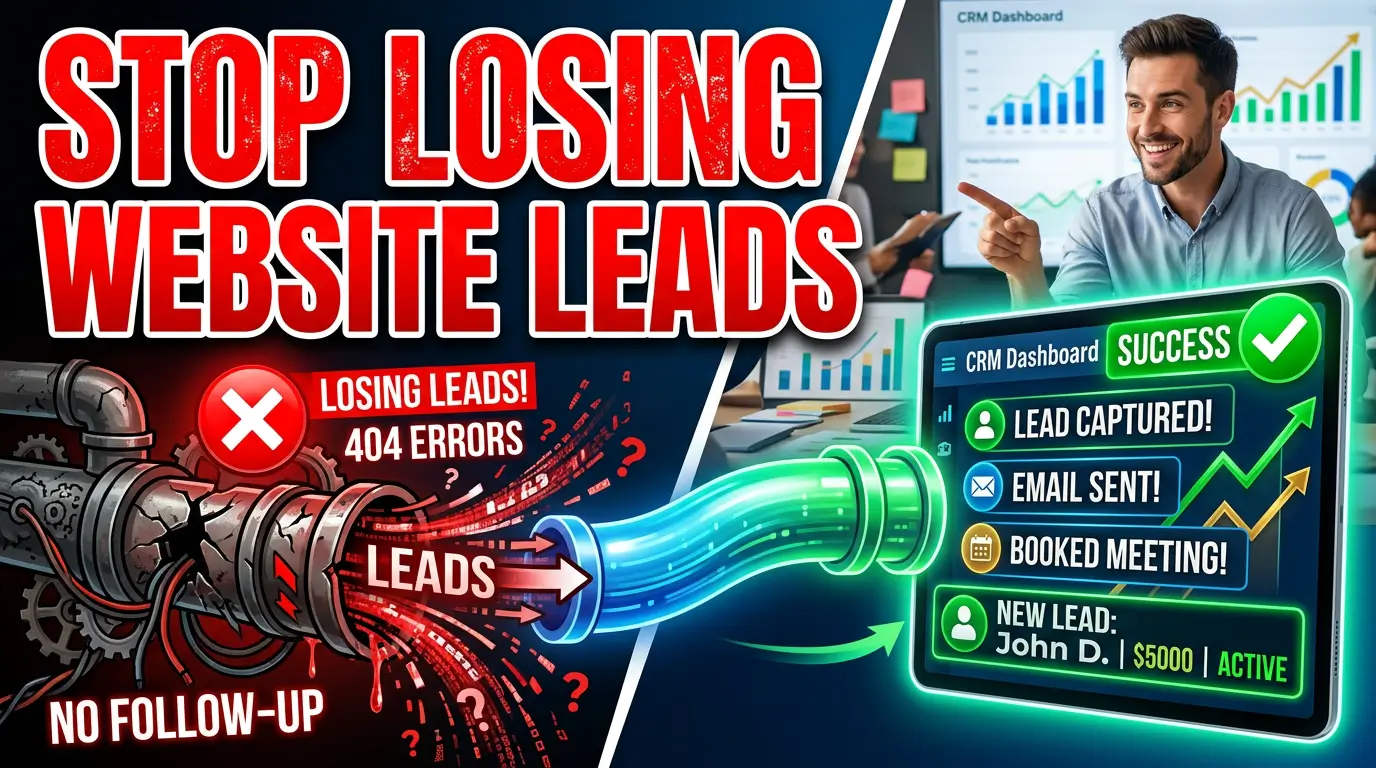
A prospect fills out your website form. The thank-you message appears. They assume your team has their information.
But the notification lands in an unmonitored inbox. The CRM integration fails. The territory rule assigns the lead to a former employee. Nobody calls.
From the prospect’s side, your business ignored them. From your side, the inquiry may never appear in a report. That makes lead routing failures especially expensive: you lose the opportunity and the evidence that anything went wrong.
A lead routing audit follows a real submission through every system between the website and the person responsible for responding. It is part website QA, part sales process review, and part incident prevention. Here is how to run one without buying another platform or sitting through a month-long consulting project.
Map the route before testing it
Start with a one-page diagram. Do not rely on what the form builder or CRM is supposed to do. Write down what actually happens after someone presses Submit.
A typical route looks like this:
- Visitor submits a form.
- Website validates and stores or sends the submission.
- An integration creates or updates a contact in the CRM.
- Rules assign an owner, stage, source, and priority.
- The system sends an internal alert and prospect confirmation.
- A salesperson or owner responds.
- The eventual qualified lead or sale is reported back to marketing.
Some sites skip the CRM and send email directly. Others pass data through Zapier, Make, a booking platform, or custom middleware. Every handoff is a possible failure point. Zapier’s documentation, for example, explains that webhook deliveries can be delayed and that its system may retry some failed webhook requests for up to eight hours (Zapier webhook guidance). That does not make automation unreliable. It means your plan needs monitoring and a fallback.
Record the owner of each step. “Marketing” is not an owner. Use a name or role with clear responsibility: website administrator, sales manager, front desk, or CRM administrator.
Inventory every place a lead can enter
Most businesses test the Contact page and stop. That misses quote forms, appointment widgets, gated downloads, chat transcripts, product inquiries, event registrations, and forms embedded on campaign landing pages.
Search the live site for buttons and links containing words such as contact, quote, book, schedule, estimate, demo, request, download, and register. Check the header, footer, mobile menu, blog templates, location pages, service pages, and old landing pages that paid campaigns may still use.
Then check external entry points. A Google Business Profile can send people to a landing page or appointment URL. Social profiles and email campaigns may point to older forms. QR codes on vehicles or print pieces can quietly keep obsolete pages alive for years.
Create a simple inventory with the form URL, purpose, destination system, notification recipients, assignment rule, expected response time, and last successful test date. This becomes your control sheet for future audits.
Test with realistic submissions
Do not submit “test test” with a fake phone number. That only proves the button works under ideal conditions. Use controlled test identities that exercise the rules real prospects encounter.
Run at least these cases:
- A normal lead inside your main service area
- A lead outside the service area
- A mobile submission
- An existing contact using the same email address
- A high-value service or product selection
- A submission after normal business hours
- A name with punctuation and a longer message
Use an inbox and phone number your team controls, then label each submission with a unique audit code such as AUDIT-2026-09-A. Never use a real customer’s data.
Watch what the prospect sees. Is the success message unmistakable? Does the page prevent an accidental second submission? Does the confirmation email arrive, and does its Reply-To address work? The Web Content Accessibility Guidelines require status messages to be exposed to assistive technology, so a visual green check alone is not enough for every user.
Verify the website accepted the lead
A thank-you page does not prove the server saved or delivered anything. It only proves the browser received a success response.
Check the form platform’s submission log, the website database if submissions are stored there, and server or application logs. Confirm the exact timestamp, submitted fields, originating page, and result of the next handoff.
If your form sends email directly, confirm the message passed authentication and reached the intended mailbox. Email should be a notification channel, not your only record. Spam filters, forwarding rules, full mailboxes, and employee departures can break an email-only workflow without changing the website.
For custom forms, log a submission ID and the outcome of every delivery attempt. Avoid putting sensitive form contents in general application logs. OWASP recommends excluding or masking data such as passwords, access tokens, and sensitive personal information from logs (OWASP Logging Cheat Sheet). You need enough detail to trace a failure without creating a second data-security problem.
Inspect the CRM record field by field
Open the resulting record. Do not settle for “it showed up.” A lead can exist in the CRM and still be useless.
Confirm the name, email, phone, company, message, requested service, consent status, original landing page, and marketing source. Check whether the system created a new record or correctly updated an existing one. Look for truncated messages, phone numbers reformatted into nonsense, dropdown values that no longer match CRM options, and hidden fields that overwrite good data.
Pay close attention to source data. Google Analytics recommends using consistent campaign parameters such as utm_source, utm_medium, and utm_campaign when tagging URLs (Google campaign URL guidance). Your form or integration must carry those values into the record if sales and marketing expect to connect an inquiry to its campaign.
Also preserve the first known source separately from the most recent source. If a prospect first arrives through organic search, returns through an email, and then submits, overwriting the original source hides how the relationship started.
Challenge every assignment rule
Routing rules often grow one exception at a time. A ZIP code sends a lead east. One service goes to a specialist. Existing accounts go to their current representative. Large opportunities go to the owner. After a few years, nobody can explain which rule wins when several match.
Test the boundaries. Use the first and last ZIP code in a territory. Select a service with a recently renamed option. Submit as an existing contact owned by an inactive user. Try a request that could fit two departments.
Every lead should end with one active owner and one clear next action. A shared queue can work, but somebody must monitor it. “Unassigned” should trigger an alert, not become a parking lot.
Document a fallback owner for vacations, turnover, and integration errors. When someone leaves, disabling their account should not strand their open leads or keep new inquiries flowing to them.
Time the alerts and the human response
Record four timestamps: form submission, CRM creation, owner assignment, and first human response. These separate technical delay from operational delay.
If the CRM record appears immediately but the alert arrives 18 minutes later, inspect the automation. If both arrive quickly but nobody responds until tomorrow, the website is not the main problem. The sales process is.
Define response targets by inquiry type and business hours. A booked appointment may need only a confirmation. An urgent repair request may need a call within minutes. A detailed commercial quote may reasonably require a same-day acknowledgment followed by a researched answer.
Alerts should contain enough context to act but should not expose sensitive information in insecure channels. Include the lead name, requested service, source, and a secure link to the CRM record. Avoid copying private details into group text threads.
Build failure alerts, not just success notifications
Many workflows celebrate every new lead but stay silent when an integration stops. Reverse that logic. Your team needs to hear about failures.
Set alerts for failed form deliveries, CRM API errors, authentication expiration, unassigned records, unusual drops in submission volume, and leads untouched beyond the response target. Route technical failures to the website or CRM owner and overdue leads to the sales manager.
Keep a backup copy of submissions for a limited, documented retention period where appropriate. If the CRM connection fails for two hours, you need a way to replay or manually enter those leads. The backup should be access-controlled and deleted according to your privacy policy, not left forever in an inbox or spreadsheet.
Close the loop with qualified outcomes
Counting form submissions tells an ad platform which campaigns generate forms, not which campaigns generate customers. Feed meaningful downstream results back into reporting.
Google describes enhanced conversions for leads as a way to use hashed first-party customer data with imported offline conversion data to improve measurement (Google Ads enhanced conversions for leads). The setup requires consent, accurate identifiers, and disciplined CRM stages. It is not a substitute for clean routing.
At minimum, distinguish inquiry, valid lead, qualified opportunity, proposal, and customer. Define each stage in plain language. If salespeople use stages differently, the reports will look precise while telling the wrong story.
Match the original audit code through the full route. Confirm that a test lead can be qualified, converted, and excluded from production revenue reports. This proves the return path works as well as the intake path.
Run a 30-minute monthly audit
After the initial cleanup, the audit should be boring. That is the goal.
Once a month, submit one test through each important entry point, confirm the CRM fields and owner, measure notification time, and close the record as a test. Once a quarter, repeat boundary cases and review the complete form inventory. Run an extra audit after website releases, CRM changes, staff departures, territory changes, new ad campaigns, or form-builder updates.
Track failures in a small log with the date, affected form, missed leads, cause, fix, and preventive change. Patterns become obvious. If dropdown mismatches break integrations twice, add a release checklist. If alerts keep going to departed employees, connect offboarding to the routing inventory.
The result you actually want
The point is not a perfect automation diagram. It is confidence that a person who asks to buy can reach someone able to help.
Start with your highest-value form today. Submit a realistic inquiry, note the time, and follow it until a named person receives it. If you cannot trace it in 10 minutes, you have found work worth doing.
Need help fixing the website, integrations, and conversion path behind your leads? Tell us what is breaking and get started.