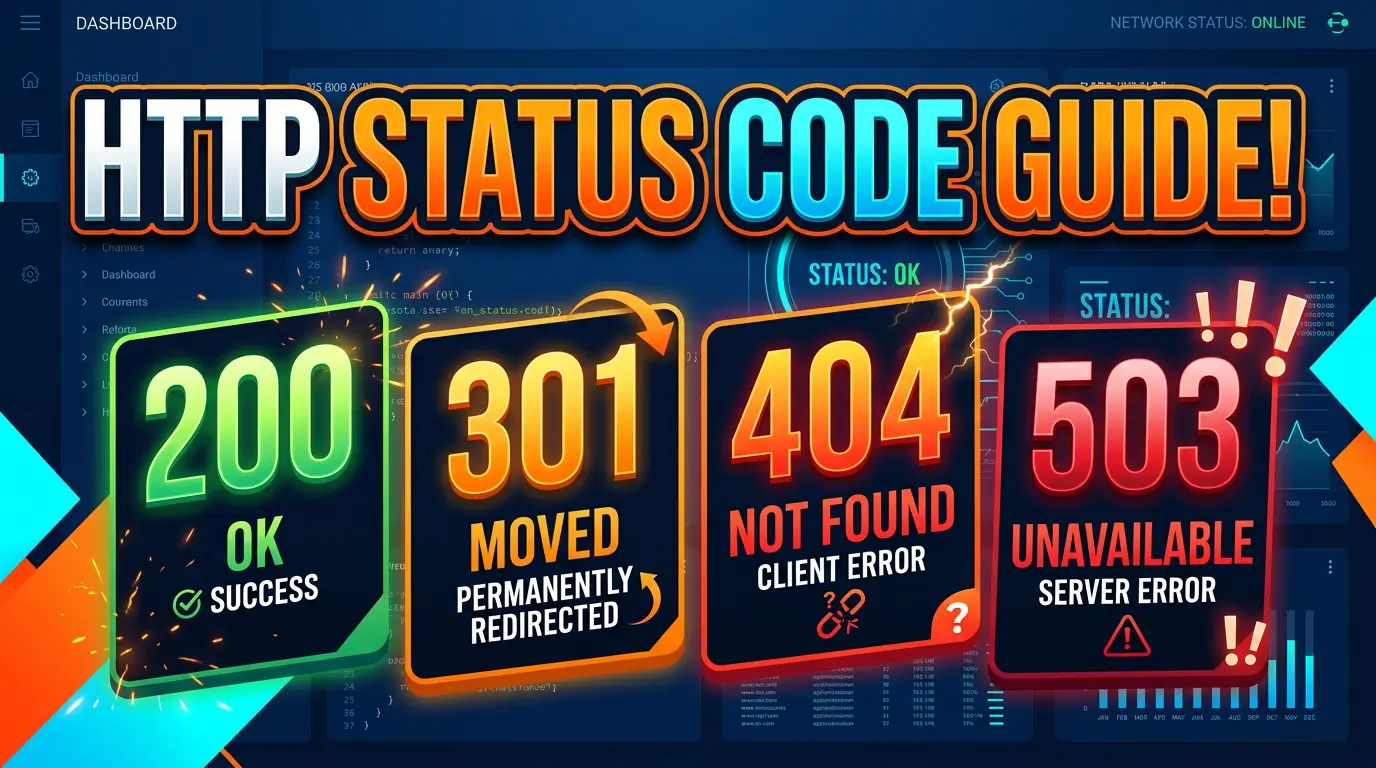
A page can look perfectly normal in a browser and still send the wrong message to every search engine, monitoring tool, cache, and API that requests it.
That message is the HTTP status code. It tells a client whether the request worked, moved, failed, or should be tried again. The IANA registry is the official list, while RFC 9110 defines the core semantics used across HTTP versions.
Most business websites only need a small part of that registry. The hard part isn’t memorizing codes. It’s choosing correctly when a product is discontinued, a redesign changes URLs, the server is under maintenance, or a form rejects a submission.
This field guide turns those decisions into rules your developer, SEO, agency, and business owner can all use. Bookmark it for migrations and hand it to whoever maintains your redirects.
The 30-second HTTP status code decision tree
Start with the visitor’s request and ask what happened:
- Does the requested content exist at this URL? Return 200 OK. If the request created something, use 201 Created. If it succeeded but there is intentionally no response body, use 204 No Content.
- Does the content exist at a different URL? Use 301 Moved Permanently or 308 Permanent Redirect for a lasting move. Use 302 Found or 307 Temporary Redirect when the old URL will return.
- Is the content unavailable because of the request? Use a specific 4xx response: 400 for a malformed request, 401 when authentication is required, 403 when access is refused, 404 when the resource isn’t found, 410 when it was intentionally removed, or 429 when requests are arriving too quickly.
- Did the server fail while handling a valid request? Use 500 Internal Server Error, 502 Bad Gateway, or 504 Gateway Timeout, depending on where the failure occurred.
- Is the outage planned or temporary? Use 503 Service Unavailable, ideally with a
Retry-Afterheader. The specification allowsRetry-Afterto contain either a date or a delay in seconds (RFC 9110, Section 10.2.3).
Do not return 200 merely because you designed a friendly error page. The visual page is for humans. The status code is the machine-readable result.
The status codes every website team should know
200 OK: the requested page is really here
For a normal GET request, 200 means the request succeeded and the response contains a representation of the resource (RFC 9110, Section 15.3.1). Your live service pages, product pages, articles, images, CSS, and JavaScript normally return 200.
The common failure is a soft 404: the server returns 200 while the page says “not found,” contains almost no useful content, or redirects a missing URL somewhere irrelevant. Google says a soft 404 wastes crawl effort and recommends returning 404 or 410 when the page is gone, or 301 when there is a clear replacement (Google’s crawl-error guidance).
Use 200 only when the requested URL deserves to be treated as a real page.
201 Created: a new resource now exists
201 means the request succeeded and created one or more resources. The primary resource should be identified by a Location header or, when that header is absent, by the request target (RFC 9110, Section 15.3.2).
This matters more to APIs and application back ends than marketing pages. A customer portal might return 201 after creating a support ticket. A form endpoint could return it after creating a lead record. For an ordinary HTML form submission followed by a thank-you page, many sites instead use a redirect after processing so refreshing the browser doesn’t resubmit the form.
204 No Content: it worked, but there is nothing to display
204 says the server completed the request and has no response content to send (RFC 9110, Section 15.3.5). It fits actions such as saving a preference, deleting an item, or accepting an event where the interface doesn’t need a new document.
Don’t use 204 for a normal web page. A browser receiving it has no page body to render.
301 vs. 308: permanent redirects
Both codes tell clients that the resource has a permanent new location. The practical difference is request-method handling. With 301, a client may change a POST request into GET; 308 does not permit changing the method (RFC 9110 on 301 and RFC 9110 on 308).
For ordinary page moves reached with GET, 301 is the established choice. Use it when:
/old-service/has permanently become/new-service/.- A product URL changed but the same product still exists.
- HTTP permanently redirects to HTTPS.
- You are consolidating duplicate hostnames or URL formats.
Google recommends permanent server-side redirects such as 301 or 308 when a URL changes permanently, and says these redirects do not cause a loss in PageRank (Google redirect documentation). That doesn’t make careless redirects harmless. The destination still needs to satisfy the reason someone requested the old URL.
302 vs. 307: temporary redirects
Use a temporary redirect when the original URL will matter again. 302 may allow a client to turn POST into GET; 307 requires the client to preserve the original method (RFC 9110 on 302 and RFC 9110 on 307).
Good cases include a short maintenance detour, a temporary campaign experience, or a stock interruption where the canonical product URL should remain the long-term home. Google groups 302 and 307 as temporary redirects and uses the source page as the canonical signal in its redirect guidance (Google’s redirect table).
A redirect isn’t temporary because someone forgot to change it. Record an owner and review date for every temporary redirect.
304 Not Modified: reuse the cached copy
304 is not a redirect to another page. It answers a conditional request by saying the stored representation can be reused because the selected resource has not changed (RFC 9110, Section 15.4.5).
Browsers and caches use validators such as ETag and Last-Modified to avoid downloading unchanged files. Correct caching can reduce transferred bytes and repeat-load work, but 304 responses need the right headers. Treat this as a performance and infrastructure concern, not an SEO redirect.
400, 401, and 403: three different request problems
These codes are often blurred together:
- 400 Bad Request means the server cannot or will not process the request because it appears to be a client error, such as malformed syntax (RFC 9110).
- 401 Unauthorized actually means valid authentication credentials are missing. The response must include a
WWW-Authenticatechallenge (RFC 9110). - 403 Forbidden means the server understood the request but refuses to fulfill it; authentication may not solve the problem (RFC 9110).
Use plain language in the visible error. “Sign in to view invoices” is more useful than “401.” Keep the correct code underneath so clients know what happened.
404 vs. 410: missing or deliberately gone
404 Not Found means the server did not find a current representation, or is unwilling to reveal whether one exists. It does not say whether the condition is temporary or permanent (RFC 9110, Section 15.5.5).
410 Gone means access is no longer available and the condition is likely permanent. The specification says 410 is intended to help web maintenance by signaling that remote links can be removed (RFC 9110, Section 15.5.11).
Use 404 when the URL may be mistyped, was never valid, or its history is unknown. Use 410 when your team intentionally removed the resource and there is no suitable replacement. If there is a close replacement that meets the same intent, use a permanent redirect instead.
Google removes URLs returning either 4xx code other than 429 from its index and says previously indexed URLs that return a 4xx are removed over time (Google’s HTTP status documentation). That guidance is a good reason not to invent a redirect for every deleted URL. A truthful 404 is often the right answer.
422 Unprocessable Content: valid structure, invalid instructions
422 fits a request whose content type and syntax are understood but whose instructions cannot be processed (RFC 9110, Section 15.5.21). An API might use it when an email field has the right JSON structure but an unacceptable value, or when submitted data breaks a business rule.
For visitors, pair the code with field-level explanations and preserve their entered values. “Submission failed” creates more support work than it saves.
429 Too Many Requests: slow down
429 indicates that a client sent too many requests within a period. The response may include Retry-After to say how long to wait (RFC 6585, Section 4).
This is the right signal for API rate limiting and some anti-abuse controls. It needs care around public pages: Google documents 429 as a server-busy signal that makes Googlebot slow crawling, and persistent server errors can eventually affect indexed URLs (Google’s network-error guidance).
500, 502, 503, and 504: where the server path broke
These four codes tell different operational stories. 500 is an unexpected server condition. 502 means a gateway or proxy received an invalid response from an upstream server. 503 means the service is temporarily unable to handle the request. 504 means the gateway or proxy did not receive a timely upstream response (RFC 9110 Sections 15.6.1 through 15.6.5).
For planned maintenance, 503 is usually the useful choice. Google specifically recommends 503 with Retry-After during downtime and warns against using 404, 403, 404-like placeholder pages, or noindex for temporary closures (Google’s pause-or-disable guidance).
Your public error page should give customers another path, such as a phone number or status page. Your logs and alerts should preserve the technical detail for the people fixing it.
A redirect map that survives a website redesign
Redirect decisions belong in a shared map before launch, not in a developer’s memory afterward. For each old URL, record its status, destination, reason, owner, and test result.
Map one old page to one genuinely equivalent destination whenever possible. Google advises avoiding redirect chains, keeping redirects in place generally for at least one year, updating internal links, and sending users to relevant destinations rather than an irrelevant page such as the homepage (Google’s site-move guidance).
That means an expired “blue pump model 210” page should redirect to its direct successor, not the home page. If the product has no successor, return 404 or 410 and offer useful navigation inside the error-page design.
Also watch for loops and chains. /a to /b to /c creates extra work and another failure point. Point /a and /b directly to /c. Google says it follows up to 10 redirect hops before Search Console reports a redirect error (Google’s redirect guidance), but “technically followed” is a poor launch standard.
How to test status codes without guessing
Visual QA isn’t enough. Test the response itself.
curl -I https://example.com/old-page/Look at the first status line and, for redirects, the location header. To follow the full redirect path, use:
curl -IL https://example.com/old-page/For production checks, test a sample from every rule type: live page, permanent redirect, temporary redirect, deleted page, protected page, missing asset, form endpoint, and maintenance response. Test both desktop and mobile behavior separately from the headers.
Google’s URL Inspection tool can show the indexed and live-page state, while Search Console’s Page Indexing report groups reasons pages are not indexed (Google’s URL Inspection help and Page Indexing report help). A crawler can validate thousands of URLs, but spot-check important revenue pages manually.
Status-code rules for owners, marketers, and developers
Write these into the acceptance criteria for any redesign or platform change:
- Every valuable live URL returns 200 and contains the expected content.
- Every permanent move returns 301 or 308 in one hop to the closest equivalent page.
- Every temporary move has a reason, owner, and review date.
- Every retired URL returns 404 or 410 unless a true replacement exists.
- Every custom error page preserves the accurate non-200 status.
- Planned maintenance returns 503 with a sensible
Retry-Aftervalue. - Monitoring checks status codes from outside the hosting environment.
- Redirect maps and server rules are backed up with the rest of the site configuration.
This turns status codes from obscure developer trivia into operating rules. When the rules are explicit, marketing doesn’t lose landing pages, developers don’t guess at content relationships, and owners get fewer post-launch surprises.
Frequently asked questions
Do 404 errors hurt SEO?
A 404 on a URL that should not exist is normal. Google says URLs returning 4xx responses are not indexed and previously indexed URLs are removed over time (Google’s HTTP status guidance). The real problems are valuable pages accidentally returning 404, internal links pointing to missing pages, and missing URLs returning a misleading 200.
Should every 404 redirect to the homepage?
No. Google warns that redirecting many old URLs to an irrelevant destination can be treated as a soft 404 (Google’s site-move guidance). Redirect only when the destination is a meaningful replacement.
Is 301 or 308 better?
Both communicate a permanent move. For normal GET page requests, 301 is widely used. Choose 308 when preserving the request method matters because 308 does not allow a client to change the method during redirection (RFC 9110).
How long should redirects stay active?
Google recommends keeping redirects for at least one year after a site move, and says keeping them longer is useful to users (Google’s site-move FAQ). Long-lived backlinks, bookmarks, printed materials, and old emails are practical reasons to retain valuable mappings beyond that minimum.
What code should a maintenance page return?
Use 503 Service Unavailable and add Retry-After when you can estimate recovery. Google recommends this pattern for temporary downtime (Google’s pause-or-disable guidance).
Can a custom 404 page return 200?
It can, but it should not. That creates a soft 404. Keep the helpful design, search box, contact details, and navigation, but make the HTTP response 404.
Make the machine-readable answer match reality
The best status code is the honest one. A live resource is 200. A permanent move is 301 or 308. A missing resource without a replacement is 404 or 410. Temporary maintenance is 503.
If your site has accumulated redirect chains, soft 404s, confusing outages, or migration damage, talk with Your Web Team. We’ll audit what the server is saying, fix the risky paths, and leave you with rules your team can maintain.