Why Your WordPress Site Is Costing You Customers (And What to Replace It With)
Your WordPress site loads in 4.7 seconds on mobile. You probably don’t know that because you’ve never tested it on a real phone over a cellular connection. But your customers know. They’re hitting the back button and going to your competitor whose site loads in 1.2 seconds.
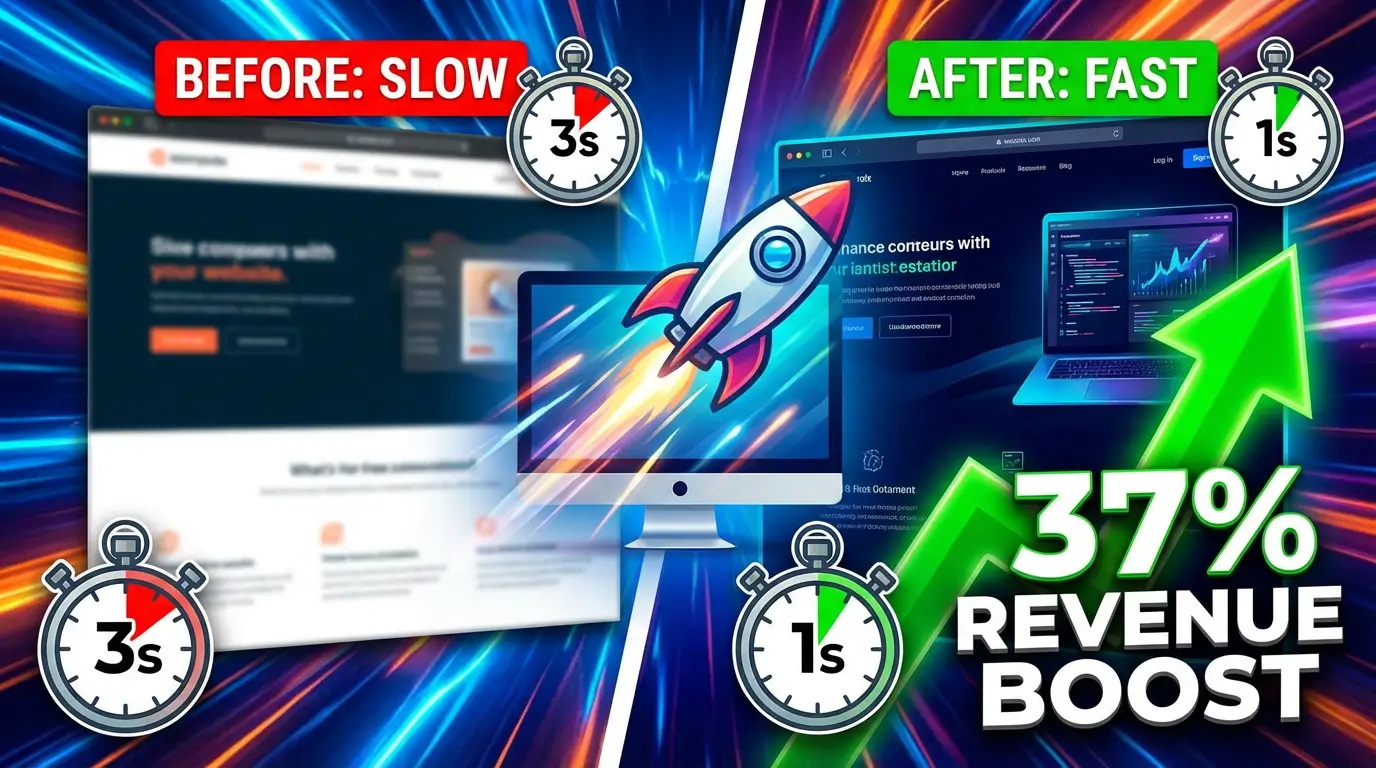
This isn’t speculation. Portent’s 2024 research found that a site loading in 1 second has a conversion rate 5x higher than one loading in 10 seconds. For B2B sites specifically, HubSpot reports that a 1-second load time delivers 3x higher conversions than a 5-second load time.
WordPress isn’t just slow. It’s become a liability.
The Security Problem Nobody Talks About
According to Patchstack’s State of WordPress Security report, 7,966 new vulnerabilities were discovered in the WordPress ecosystem in 2024. That’s a 34% increase over 2023’s total of 5,943. The vast majority of these vulnerabilities come from third-party plugins and themes, not WordPress core itself.
Think about what that means for your business. Every plugin you install is a potential entry point for attackers. The average WordPress site runs 20 to 30 plugins. Each one needs regular updates. Skip an update for a few weeks and you’re running known vulnerable software on your business website.
Elegant Themes reported that plugin vulnerabilities accounted for the overwhelming majority of WordPress security issues in 2024. Contact form plugins, SEO plugins, page builders, e-commerce plugins. The tools you rely on to run your site are the same tools that put it at risk.
When your site gets hacked, the damage goes beyond the immediate cleanup costs. Google flags compromised sites with security warnings that destroy trust. Your email deliverability tanks because your domain gets blacklisted. Customers who encounter a “This site may be hacked” warning in search results will never click through. Ever.
Plugin Bloat Is Killing Your Load Times
Here’s a scenario we see constantly. A business owner installs WordPress and starts adding plugins. A caching plugin to make the site faster (ironic). A security plugin because they read about vulnerabilities. An SEO plugin. A forms plugin. A slider plugin. An analytics plugin. A backup plugin.
Each plugin loads its own CSS and JavaScript files. Your browser now has to download, parse, and execute dozens of separate files before the page becomes interactive. A fresh WordPress install might load in 2 seconds. Add 25 plugins and you’re looking at 5 to 8 seconds on mobile.
Cloudflare’s research shows that a 2-second delay in page rendering leads to approximately a 4% loss in revenue per visitor. On a site doing $500,000 in annual revenue, that’s $20,000 walking out the door because your page builder loads three extra JavaScript libraries.
The worst part? Most business owners don’t realize the connection between their slow site and their declining conversion rates. They blame their marketing, their pricing, or the market. They almost never blame the 847 HTTP requests their homepage makes.
The Database Problem
WordPress stores everything in a MySQL database. Every page view triggers multiple database queries. Your blog post? That’s a query. The sidebar widgets? More queries. The navigation menu? Another query. Comments, user data, plugin settings, all hitting the same database.
As your site grows, these queries slow down. WordPress sites with thousands of posts and dozens of plugins can take 2 to 3 seconds just on server-side processing before the browser even starts rendering the page.
This is a fundamental architectural limitation. WordPress was built in 2003 when websites were simple blogs. Bolting on e-commerce, landing pages, membership areas, and complex layouts through plugins creates a Frankenstein architecture that no amount of caching can fully fix.
What the Modern Alternative Looks Like
Static site generators like Astro take a completely different approach. Instead of building each page on the fly when someone visits, Astro pre-builds every page into static HTML files during deployment. When a visitor hits your site, the server just hands them a pre-built file. No database queries. No PHP processing. No plugin conflicts.
The result? Load times measured in milliseconds, not seconds. The Deloitte “Milliseconds Make Millions” study, based on 30 million user sessions, found that a 0.1-second improvement in site speed increased conversion rates by 8.4% for retail sites and 10.1% for travel sites. When your site loads in under a second, those milliseconds add up to real revenue.
Astro sites typically score 95 to 100 on Google’s PageSpeed Insights. Most WordPress sites score between 30 and 60 on mobile. That gap directly impacts your Google rankings because Core Web Vitals are a confirmed ranking factor.
And security? A static HTML site has no database to hack, no PHP code to exploit, and no plugins to compromise. The attack surface drops to essentially zero.
But What About Content Management?
This is the first question every WordPress user asks. “How do I edit my content without WordPress?”
The answer is a headless CMS like Sanity. You get a clean, modern editing interface that’s actually easier to use than the WordPress dashboard. Your content lives in a structured API, completely separate from your website’s code. When you publish a change, the site rebuilds in seconds and deploys automatically.
Your marketing team edits content through a beautiful interface. Your website delivers that content at lightning speed through pre-built static files. No plugins, no security patches, no database optimization.
The Migration Isn’t As Scary As You Think
Moving from WordPress to a modern stack doesn’t mean rebuilding from scratch. Your content, your URLs, your SEO equity, all of it transfers. The process typically takes 2 to 4 weeks depending on the complexity of your site.
Here’s what changes: your site loads 5 to 10x faster, your security vulnerabilities drop to near zero, your hosting costs decrease because static files are cheap to serve, and your Google rankings improve because you’re delivering a better user experience.
What doesn’t change: your content, your URLs, your brand, and your customer relationships.
The businesses that make this switch almost universally say the same thing. “We should have done this sooner.”
If you’re ready to stop losing customers to a slow, vulnerable WordPress site, talk to our team about a migration. We’ll audit your current site, map out the migration path, and show you exactly what your new site will look like before we build it.

Richard Kastl
Founder & Lead EngineerRichard Kastl has spent 14 years engineering websites that generate revenue. He combines expertise in web development, SEO, digital marketing, and conversion optimization to build sites that make the phone ring. His work has helped generate over $30M in pipeline for clients ranging from industrial manufacturers to SaaS companies.