Your website does not need to be broken for it to cost you leads.
A contact form can stop sending notifications. A key landing page can crawl on mobile. A plugin update can break checkout. Your homepage can load fine from your office and fail for customers two states away.
That is why website monitoring matters. Google found that bounce probability increases 32% as mobile page load time goes from 1 second to 3 seconds. If you need to put dollars behind the risk, run the numbers with our website downtime cost calculator. You do not need a giant IT department to catch problems early. You need the right monitoring stack for how your business actually sells.
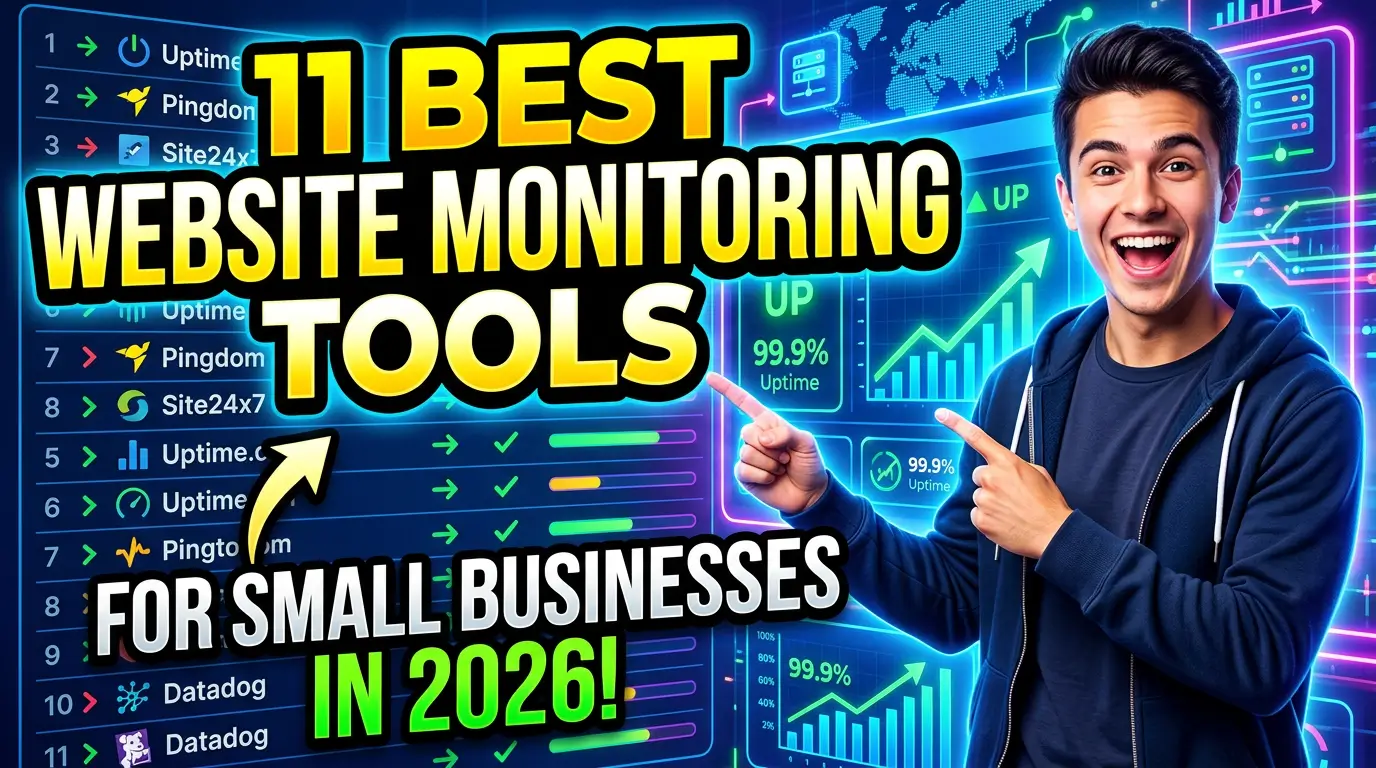
Here are the 11 best website monitoring tools for small businesses in 2026.
1. UptimeRobot, best for simple uptime alerts
UptimeRobot is one of the easiest ways to know when your website goes down. It monitors websites, ports, SSL certificates, keywords, and cron jobs, with checks as frequent as 30 seconds on paid plans.
For most small businesses, the value is speed. If your contact page returns an error at 10:07 a.m., you do not want to find out from a customer at 3:30 p.m. UptimeRobot can notify your team through email, SMS, voice call, Slack, Microsoft Teams, or webhooks.
A good fit is a local service business that depends on quote requests. If the website goes offline during a storm, holiday rush, or ad campaign, UptimeRobot gives the owner or web team a fast warning before the lead loss piles up.
2. Better Stack, best for uptime monitoring plus incident response
Better Stack combines uptime monitoring, status pages, logs, and incident management in one platform. It is more polished than a basic ping checker, which makes it useful when multiple people need to respond to website issues.
Small businesses with a web agency, in-house marketer, and outside developer often struggle with the same problem: everyone sees the problem late, then nobody knows who owns the fix. Better Stack helps route alerts, create incident timelines, and publish a status page when needed.
For example, a SaaS company or appointment-based service can use Better Stack to monitor the marketing site, app login page, API endpoints, and SSL certificate expiration. If something fails, the right person gets paged instead of the whole team guessing in a group text.
3. Pingdom, best for performance and uptime in one dashboard
Pingdom is a long-running website monitoring tool that covers uptime, page speed, transaction monitoring, and real user monitoring. SolarWinds positions Pingdom around synthetic monitoring and real user experience, which is helpful if your site has important customer paths.
The difference between uptime and usable performance matters. A page can technically be online and still load so slowly that buyers leave. Pingdom helps watch both conditions from one place.
A practical example is an ecommerce store that needs checkout, product pages, and campaign landing pages to stay healthy. Pingdom can monitor whether the site is reachable, how fast pages load, and whether real users are experiencing slowdowns after a theme change or app install.
4. StatusCake, best for multi-location website checks
StatusCake monitors uptime, page speed, domains, SSL certificates, servers, and more from testing locations around the world. That global view matters when your customers are not all sitting near your office.
A site can work from your city and still fail from another region because of a DNS issue, hosting problem, CDN setting, or firewall rule. StatusCake helps catch those location-based problems before they turn into lost sales.
This is useful for a business selling across the United States, Canada, or Europe. If a paid campaign targets several regions, StatusCake can show whether the landing page is reachable and fast enough where buyers actually live.
5. GTmetrix, best for page speed monitoring business owners can understand
GTmetrix gives page speed reports with performance scores, Core Web Vitals, waterfall charts, and scheduled monitoring. It is especially useful because the reports are readable enough for non-developers, while still giving developers the details they need.
For a small business, GTmetrix is a good early warning system after website changes. Add a new video, install a chat widget, swap image formats, or change a page builder, and your site may slow down without anyone noticing. The revenue case is clear in our website speed statistics, especially for mobile visitors and paid landing pages.
A strong use case is a marketing director who wants a weekly speed check on the homepage, main service page, and top paid landing page. If Largest Contentful Paint or total page size jumps after an update, GTmetrix helps spot the problem before conversions drop.
6. Google PageSpeed Insights, best free Core Web Vitals check
Google PageSpeed Insights is the free tool most business owners should use before paying for anything more complex. It reports lab data from Lighthouse and field data from the Chrome User Experience Report when enough real-world usage data is available.
That field data matters because it reflects how actual Chrome users experience your page. Google Search Central says Core Web Vitals are part of its page experience guidance, so speed and usability should not be ignored.
Use PageSpeed Insights when you are reviewing a redesign, checking a key landing page, or deciding whether a developer’s performance work actually moved the numbers. It will not replace ongoing alerts, but it gives small businesses a free baseline for mobile performance.
7. Sentry, best for catching website errors developers need to fix
Sentry tracks application errors, performance issues, releases, and user-impacting problems. It is not just asking, “Is the site up?” It is asking, “What broke, who was affected, and which code change caused it?”
That makes Sentry valuable for custom websites, ecommerce stores, SaaS products, and any site with complex forms or user accounts. If a booking form works for most visitors but fails for people using a certain browser, basic uptime tools may never catch it. Sentry can.
A realistic example is a custom quote form that throws a JavaScript error only when a visitor selects a specific service combination. Sentry gives the developer the error details, browser data, and release context needed to fix it faster.
8. LogRocket, best for replaying broken user sessions
LogRocket combines session replay, product analytics, error tracking, and performance monitoring. It helps teams see what users did before something went wrong, not just that an error happened.
This is useful when customers say, “Your form doesn’t work,” but cannot explain what happened. LogRocket can show the clicks, fields, console errors, network issues, and page state leading up to the failure.
For small businesses with online booking, ecommerce checkout, client portals, or lead qualification forms, that evidence is gold. Instead of asking a developer to guess, you can hand them the session recording and technical details. Fewer guesses usually means fewer billable hours wasted.
9. Microsoft Clarity, best free behavior monitoring
Microsoft Clarity gives small businesses heatmaps, session recordings, rage click detection, dead click detection, and AI summaries at no cost. It is not an uptime monitor, but it is excellent for spotting user frustration.
A page can be fast, live, and still confusing. Visitors may miss your call to action, tap an image that looks clickable, or stop at a form field that feels too personal. Clarity helps you see those patterns.
Use it after launching a new homepage, service page, or pricing page. If twenty mobile visitors rage-click the same menu item, you have a real usability problem. That is much better evidence than a conference room opinion about whether the design “feels clean.”
10. Site24x7, best for businesses that want website and server monitoring together
Site24x7 monitors websites, servers, networks, cloud infrastructure, applications, and real user experience. It is broader than a simple website checker, which can be helpful when your website depends on more than one system.
This is a strong choice for businesses with managed hosting, custom apps, multiple domains, or internal portals. If the website slows down because of server CPU, database response time, DNS, or a third-party service, Site24x7 can help connect the dots.
A practical fit is a regional company with a marketing site, customer portal, and several service-area microsites. Instead of buying separate tools for every layer, Site24x7 gives the technical team one place to watch the health of the stack.
11. Uptrends, best for monitoring critical customer journeys
Uptrends offers website monitoring, web application monitoring, transaction monitoring, API monitoring, and real user monitoring. The transaction monitoring piece is the reason it belongs on this list.
Many lead losses happen inside a path, not on a single page. A visitor searches for a service, opens a location page, fills out a form, and expects a confirmation. If any step breaks, the business loses the lead even though the homepage still looks fine.
Uptrends is a good fit for businesses that need to monitor multi-step journeys like booking appointments, requesting quotes, logging into a client portal, or completing checkout. If that path is worth money, monitor it like a production line.
How to choose the right monitoring setup
Do not buy the biggest tool first. Buy coverage for the risks that actually cost you money.
For many small businesses, a smart starting stack looks like this:
- UptimeRobot or Better Stack for downtime alerts
- GTmetrix or PageSpeed Insights for performance checks
- Microsoft Clarity for behavior monitoring
- Sentry or LogRocket if your site has custom forms, checkout, or login areas
If your website mostly generates phone calls and form submissions, monitor uptime, SSL, page speed, and form behavior first. If you sell online, add transaction monitoring. If your site is a custom application, add error tracking before you need it.
Your website is part of your sales operation. Treat it that way.
Need a website that is easier to monitor, faster to fix, and built to turn traffic into real leads? Start a project with Your Web Team.