Your ad dashboard says Google Ads drove 18 leads. Your inbox says 27 people asked for quotes. Your CRM says 14 were real opportunities.
Which number do you trust?
For a lot of small businesses, the honest answer is “none of them completely.” Browser-based tracking is getting weaker because ad blockers, browser privacy rules, cookie consent choices, mobile app browsers, and messy form setups all get between the visitor and your reporting. Analytics is not dead. But the old setup, a few JavaScript pixels dropped into the website, is not enough for every business anymore.
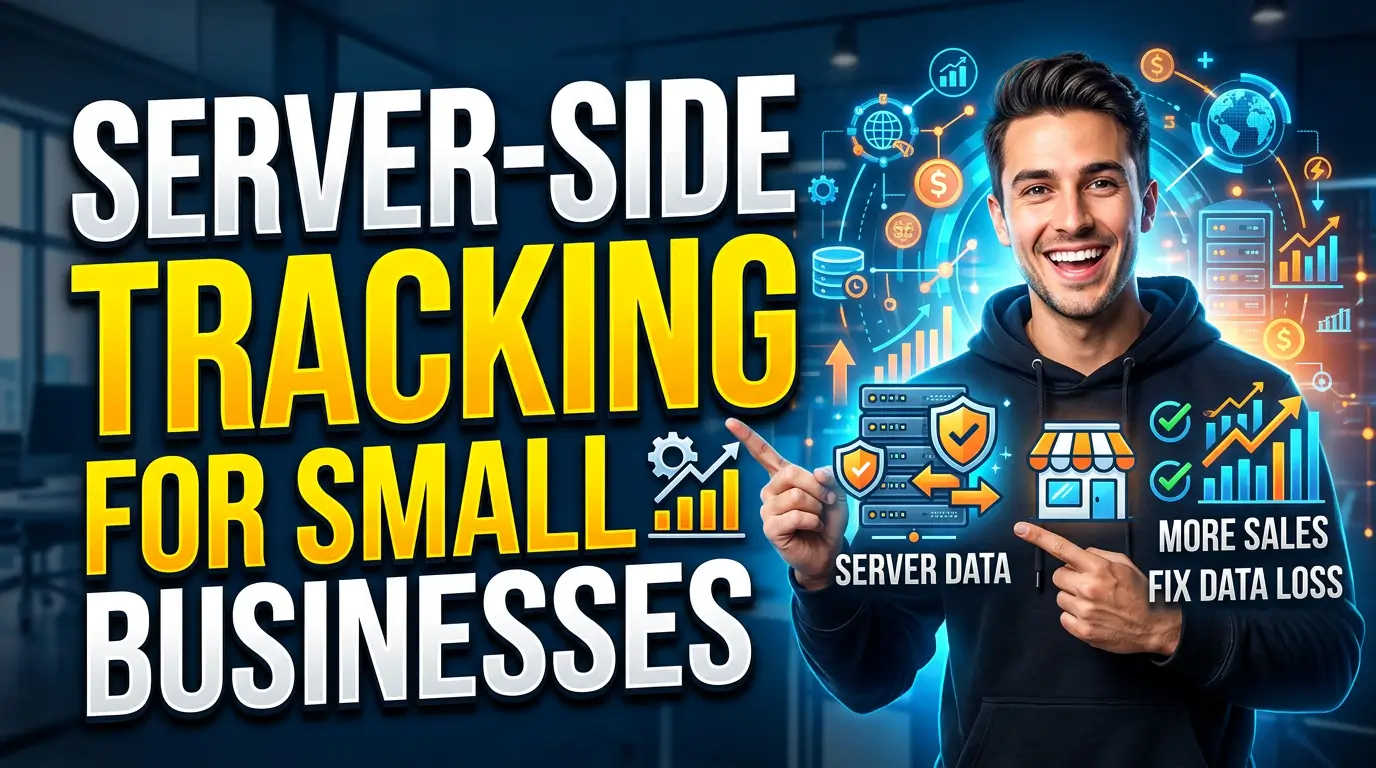
Server-side tracking is one answer. Not the only answer. Not a magic fix. But if you spend real money on ads, depend on web forms for leads, or need cleaner attribution between your website and CRM, it can make the difference between guessing and making a decent decision.
This guide explains what server-side tracking is, when a small business should care, and how to roll it out without making your website harder to manage.
What server-side tracking actually means
Traditional tracking usually happens in the visitor’s browser. A person lands on your website, Google Analytics, Meta Pixel, Google Ads, or another script fires, and the browser sends data straight to those platforms.
Server-side tracking changes the route. The website sends the event to a server you control first. That server cleans it up, applies consent rules, removes or limits sensitive data where needed, and then forwards the approved event to tools like Google Analytics 4, Google Ads, Meta, or your CRM.
Google describes server-side tagging as a setup that can improve page performance, provide more detailed privacy controls, and improve data quality. That is the value: fewer messy browser calls, more control, and cleaner event data.
Think of it like routing shop floor paperwork through one office instead of letting every vendor walk around with a clipboard. The same information may still reach the right places, but you decide the process.
Why this matters more in 2026
The reason small businesses are hearing more about server-side tracking is simple: the browser is no longer a reliable place to collect all marketing data.
Ad blockers are a big part of that. Backlinko’s 2025 ad blocker research, based on GWI and DataReportal sources, estimates that 1.77 billion internet users use ad blockers and 29.5% of internet users worldwide use ad-blocking tools. Those tools do not just hide annoying display ads. Many also block analytics and ad platform scripts.
Cookie policy changes added more confusion. Google changed its Chrome plan in 2024, saying it would offer a user-choice path instead of simply removing third-party cookies. That move stopped some panic, but it did not restore old tracking reliability. Safari, Firefox, privacy extensions, consent banners, and mobile behavior still limit what your tags can see.
Consent rules matter too. Google’s own consent mode documentation says tags adjust their behavior based on user cookie or app identifier consent choices. In basic consent mode, if a visitor does not consent, Google tags do not transfer data before consent is granted. That is good for privacy, but it means your reports can be missing real activity.
A 2026 server-side tracking guide from Lever Digital claims B2B teams relying only on client-side tracking are losing 20% to 40% of attribution data because of browser restrictions, ad blockers, and consent decline. Treat that as an industry benchmark, not a promise for your exact business, but the direction is hard to ignore.
If your marketing spend is small, imperfect numbers may be fine. If your paid campaigns cost thousands per month, imperfect numbers start costing real money.
What server-side tracking can fix
Server-side tracking is useful when the problem is data quality, not weak marketing.
It can help with these jobs:
- Cleaner conversion tracking: Form submissions, calls, quote requests, purchases, booked appointments, and lead status changes can be sent from your server or CRM instead of relying only on a browser pixel.
- Better ad optimization signals: Google Ads and Meta work better when they receive accurate conversion events, especially when the events are qualified leads, booked jobs, or sales instead of raw form fills.
- More control over privacy and consent: You can decide what gets sent, when it gets sent, and which fields are removed or hashed before data leaves your systems.
- Less front-end tag clutter: Fewer scripts running in the browser can reduce tracking conflicts and, in some cases, help page performance.
- Stronger first-party measurement: Events can be tied to your own domain and CRM process instead of depending entirely on third-party browser cookies.
That last point matters. Server-side tracking is not a replacement for a first-party data strategy. It is part of one. If your forms ask the wrong questions and nobody marks which leads became customers, server-side tracking will just move messy data through a cleaner pipe.
What it cannot fix
This is where vendors oversell it.
Server-side tracking will not make bad campaigns profitable. It will not identify every anonymous visitor. It will not bypass privacy laws, and it should not be used that way. It also will not make your reports match perfectly across Google Ads, GA4, Meta, and your CRM because those platforms use different attribution models.
Google Ads might count a lead on the click date. GA4 may show it on the conversion date. Your CRM may count it only after a salesperson qualifies it. Those are not always errors. They are different accounting systems.
Server-side tracking also adds responsibility. Once you route data through your own server, you need to understand consent, retention, access, and vendor settings. Google’s consent mode documentation is clear that consent mode does not provide the consent banner itself. Your site still needs a proper consent setup where required.
If a vendor says server-side tracking makes compliance automatic, be careful. It gives you more control. It does not remove your obligations.
When a small business should consider it
You do not need server-side tracking just because it sounds current. A five-page brochure website getting ten leads a month can usually start with clean GA4 events, Google Search Console, call tracking, and a disciplined CRM.
Server-side tracking becomes worth a serious look when one or more of these are true:
- You spend at least $2,000 to $5,000 per month on paid search, paid social, or display ads.
- Your reported conversions are clearly lower than the leads showing up in email, phone logs, booking tools, or your CRM.
- You need ad platforms to optimize toward qualified leads, booked consultations, deposits, or closed deals.
- Your sales cycle takes more than a few days, so the original website visit and the final sale are often separated.
- You operate in a privacy-sensitive field where you want tighter control over what data leaves your website.
- You have multiple lead sources and nobody trusts the monthly marketing report.
For a local service company, the strongest use case is usually not “more tracking.” It is better lead quality feedback. If Google Ads keeps optimizing toward junk form fills, send qualified lead events back instead. If Meta thinks a low-intent download is just as valuable as a booked estimate, fix the conversion hierarchy.
A practical setup that works
Do not start by installing another tool. Start by naming the business decisions the tracking should support.
A good small-business setup usually has six pieces:
- A clear event map. Define the events that matter: form submission, phone click, booked appointment, quote request, qualified lead, sale, repeat purchase, or cancellation. Keep it tight. Ten clean events beat fifty vague ones.
- A consent-aware tag setup. Your cookie banner, GA4, Google Ads, Meta, and any other tags need to respect consent rules. Google’s consent mode can help Google tags adapt to visitor choices, but it has to be configured correctly.
- A server container or tracking gateway. This could be Google Tag Manager server-side, a managed server-side platform, or a direct API setup for a simpler stack. Google says GTM server-side can run on Google Cloud or another platform of your choice.
- CRM connection. The highest-value events often happen after the form: qualified, quoted, won, lost, refunded. If those never flow back into reporting, your ad platforms keep optimizing for the easiest leads, not the best ones.
- Data cleanup rules. Remove fields you do not need. Standardize phone numbers and emails. Hash personal identifiers where the platform requires it. Do not send sensitive notes from your CRM into ad tools.
- A test sheet. Before launch, submit test leads, reject consent, accept consent, book a call, and check whether every event appears where expected.
That may sound like a lot, but it is not always a huge build. For many small businesses, the first useful version is just server-side GA4 plus one ad platform conversion API and a CRM qualified-lead event.
What it costs
Costs vary because there are two parts: the build and the monthly infrastructure.
Google Tag Manager server-side requires a server environment. Google notes that server-side tagging can be set up on Google Cloud or a platform of your choice. Managed platforms may charge a monthly fee. Agencies or developers may charge for the strategy, implementation, testing, and documentation.
For a small business, a realistic first phase might include event planning, GTM cleanup, GA4 server-side setup, Google Ads enhanced conversions or offline conversion import, Meta Conversions API if paid social matters, and CRM status mapping. That is not a one-hour website maintenance task.
The right budget depends on ad spend. If you spend $500 per month on ads, the return may not justify the setup. If you spend $8,000 per month and your tracking is off by 25%, the math changes quickly.
Here is the simple test: if better tracking would change where you put next month’s money, it is worth pricing out. If it would only make the report look nicer, wait.
How to measure whether it worked
Do not judge server-side tracking by whether every platform suddenly matches. They probably will not.
Judge it by whether your decisions improve. Before launch, record your baseline numbers for reported conversions, actual leads, qualified leads, cost per qualified lead, booked calls, and closed revenue. After launch, compare trends over 30, 60, and 90 days.
The useful win is often not a flashy lift in conversions. It is finding that one campaign produced 40 cheap forms and only two qualified leads, while another campaign produced 14 forms and six real opportunities.
Common mistakes to avoid
The biggest mistake is treating server-side tracking as a technical project only. It is a business measurement project. If the owner, marketer, sales team, and developer all define “lead” differently, the server will not fix that.
Another mistake is sending too much data. More fields do not mean better optimization. Keep the event useful and limited.
Finally, do not let server-side tracking distract from basics. If your website loads slowly, your offer is unclear, your forms are broken on mobile, or your follow-up takes two days, tracking will not save you.
The bottom line
Server-side tracking is not mandatory for every small business. But it is no longer just an enterprise analytics toy.
If your company depends on paid traffic, online forms, booked calls, or multi-step sales, cleaner tracking can pay for itself by helping you stop funding the wrong campaigns. The goal is not perfect attribution. Perfect attribution is a fantasy. The goal is a reporting system honest enough to guide decisions.
Start small. Map the events that matter. Clean up consent. Connect your CRM. Send the highest-value conversions back to the platforms that need them. Then test before you trust the numbers.
If you want help figuring out whether server-side tracking is worth it for your website, get started here. We can look at your current analytics, ad accounts, and lead flow, then tell you what is worth fixing and what is not.