A lot of small businesses still treat SEO and social media like two separate jobs.
That worked better when customers mostly searched in Google, clicked a website, and called from there.
That is not how discovery works now.
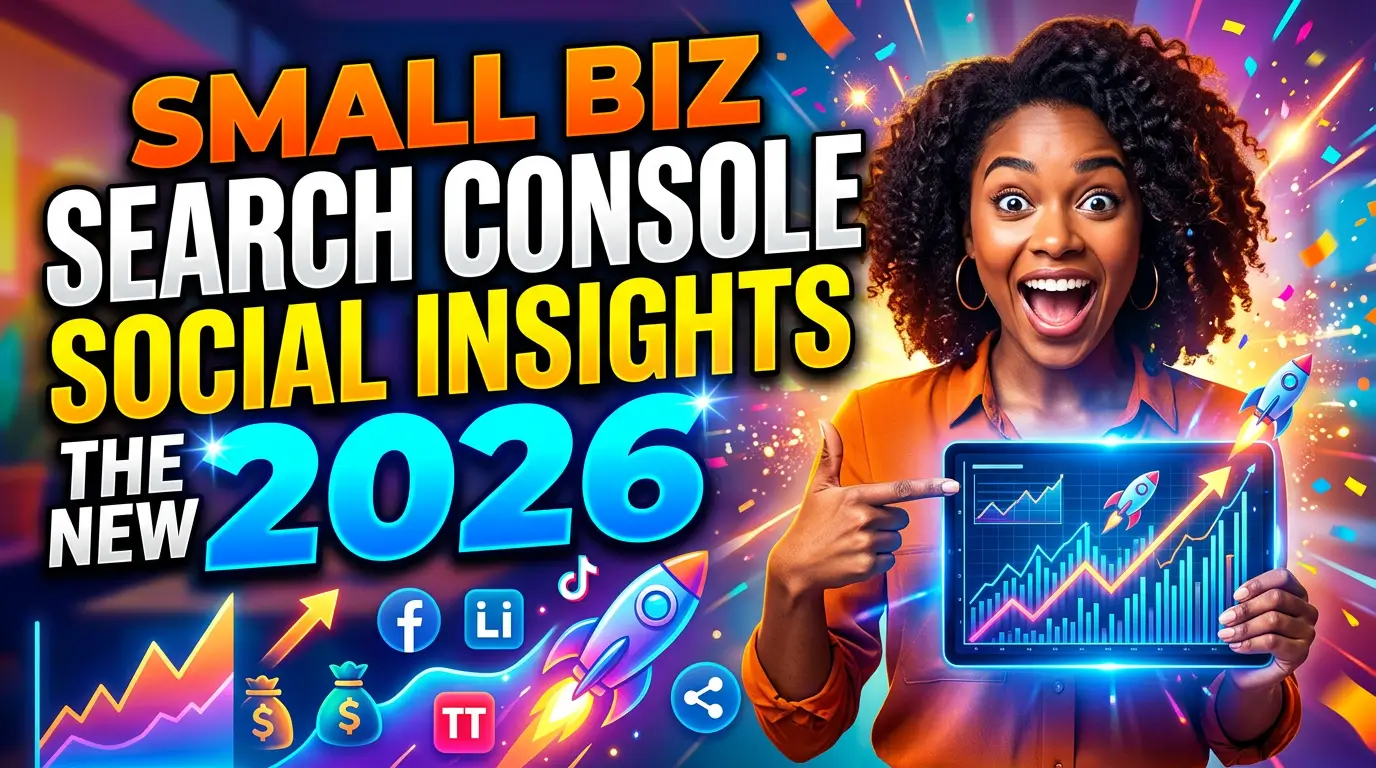
Google says its newer experimental social channel insights in Search Console give site owners a combined view of how their website and some social channels perform in Google Search. At the same time, Sprout Social’s Q2 2025 Pulse Survey found that 37% of consumers use social media as their starting point for product research, and 41% of Gen Z have a social-first search mindset. If you run a small business, that means buyers may find your brand on Google, YouTube, Instagram, TikTok, or all four in the same buying journey.
This new Search Console view matters because it gives you a cleaner way to spot that overlap.
Not every site has access yet. Google says the feature is still an experiment with a limited rollout. But the direction is clear, and small businesses that understand it early will make better content, better profile decisions, and better landing pages.
Here is how to use it without wasting time on vanity metrics.
What Google is actually showing you
Google’s official announcement says social channel insights can show five core things for associated channels:
- total reach, including clicks and impressions from Google to your social channel
- content performance, including top pages and pages trending up or down
- search queries leading users to your social profiles
- audience location
- additional traffic sources such as Image Search, Video Search, News, and Discover
Google’s Search Console Insights help page also says the feature is experimental, not available on every site, and currently does not let you manually choose or add your own channels.
That last part matters.
This is not a full social analytics replacement. It is not trying to compete with YouTube Studio, Instagram Insights, or TikTok analytics. It is showing how your social presence performs inside Google’s search ecosystem.
That is a very different question, and for a small business, often the more useful one.
Why this matters more than it sounds
On the surface, this can look like a niche reporting update.
It is not.
Google launched the integrated Search Console Insights report to help site owners quickly spot top pages, trending pages, top queries, and trending queries without needing to be data experts. Adding social channels to that environment signals that Google sees website content and social content as part of the same discovery path.
Consumer behavior backs that up.
BrightLocal’s 2025 consumer search behavior study found that 1 in 4 Gen Z consumers use social media as their primary method for local search. HubSpot’s research on changing search behavior says 31% of consumers use social media to find answers to their questions, and 29% of Gen Z and Millennials prefer social media over search engines. When people are bouncing between Google and social platforms to check businesses, your search strategy and your social content stop being separate projects.
A roofing company might win a search impression through its website, then get validated by a YouTube repair video. A med spa might get found through Instagram profile queries in Google before someone ever reads the services page. A local law firm might have prospects comparing the site, the Google Business Profile, and short-form educational clips in the same session.
If you only measure the website, you miss part of what is doing the convincing.
The best use case, finding content that creates both visibility and trust
This is where small businesses can get practical fast.
If Search Console starts showing that a YouTube channel page or video is getting search impressions for a phrase your website barely covers, that is not just a social insight. It is a content gap.
If an Instagram profile or reel-related page is pulling branded queries from a city you care about, that is not just a social win. It is a signal about local demand and brand recognition.
The most useful question is not, “Did this post get engagement?”
It is, “What customer question or buying concern is this content helping us win across search surfaces?”
That is the mindset shift.
Four ways to use social channel insights without overcomplicating it
1. Look for query overlap between your website and your social profiles
Google says the report can show top and trending queries leading users to your social profiles. That means you can compare what people type before landing on your site versus what they type before landing on your channel.
Sometimes the overlap will be obvious. Sometimes it will show a blind spot.
For example:
- your website gets impressions for “emergency plumber near me”
- your YouTube channel gets impressions for “how to stop pipe leak before plumber arrives”
Those are not separate topics. They are the same customer problem at two different stages.
That should influence your website copy. You may need a better emergency plumbing service page, a FAQ section about immediate steps before calling, or a blog post built around the same urgent question.
This is one reason the feature matters. It helps you stop guessing which social content supports SEO and start seeing the query relationship directly.
2. Use trending social content to improve service pages
Google’s Insights documentation says both website content and social channel content can surface as top, trending up, and trending down. That is useful because social content often reveals what real people actually care about before your service pages catch up.
Say you run a local med spa and your social channel content about “downtime after microneedling” is trending up. That is a good hint that your treatment page should address recovery time more clearly. Or maybe a landscaping company sees a jump in clicks around a video about spring cleanup timing. That tells you the website may need a seasonal FAQ or a stronger seasonal landing page.
The mistake would be treating the trending social content as a separate campaign. The better move is to feed that demand back into your site, where the lead form, phone number, pricing cues, and service details live.
3. Watch audience location for expansion or local mismatch
Google says social channel insights can show top countries where users click your social channel in search results. For some small businesses, especially local ones, that sounds irrelevant.
It is not always.
If you serve one metro and the social audience tied to search visibility is heavily aligned with that market, good. Your content is reaching the right geography.
If it is not, you need to ask why.
Maybe your content is too broad and attracts curiosity traffic instead of buyers. Maybe your videos or posts are optimized around generic educational terms but do not mention your location, service area, or business type clearly enough. Maybe your brand is getting attention in places you cannot serve, while local prospects are not seeing a strong local signal.
BrightLocal’s study found that 85% of consumers consider contact information and opening hours important when researching local businesses. So if your social content is helping discovery in search, your profiles and landing pages need that same basic trust information, clearly and consistently.
4. Use it to judge business value, not just reach
Google’s social channel report includes clicks and impressions for total reach. Those metrics matter, but they are not the finish line.
Small businesses get in trouble when they chase reach with no revenue logic behind it.
A short-form video with broad interest might get more search visibility than a niche service explainer. That does not automatically make it more valuable. The right test is whether that visibility supports actions that move someone closer to contacting you.
Google built the broader Insights report to help people spot opportunities to improve site performance, not just observe traffic. So if your social channel insights show rising visibility around a topic, ask practical questions:
- Did we update the matching service page?
- Does the page answer the same question clearly?
- Is there a visible CTA?
- Do we mention our location, offer, and next step?
- Can someone move from watching to contacting without friction?
If the answer is no, the reporting is useful because it shows where the handoff is weak.
What this should change in your weekly marketing workflow
You do not need another giant dashboard.
You need a simple routine.
Here is the version I would use for a small business team.
Weekly check 1: review your channel queries
Look for question-based phrases, branded phrases, and service phrases that are driving visibility to social profiles in Google. If one category is rising, decide whether the website already supports that intent well.
Weekly check 2: compare top social content against top landing pages
If a topic wins on social search visibility but the related page on your website is weak, thin, outdated, or vague, fix the page. This is especially important for services, pricing, process, FAQs, and local proof.
Weekly check 3: improve profile consistency
Make sure your bio, service description, location references, contact points, and website link all line up. If someone discovers your profile through Google, mixed signals cost trust.
Weekly check 4: turn winning topics into owned assets
Social content has a short shelf life. Your website does not have to. If a topic keeps showing up in queries, build a better permanent asset around it, a service page, FAQ section, resource article, or comparison page.
That is how you turn discovery into something you actually own.
What small businesses should not do with this report
A few traps are easy here.
First, do not assume every social query deserves a new blog post. Some should become FAQ copy, a homepage section, a better service page paragraph, or a quick profile cleanup.
Second, do not mistake impressions for intent. A query can create visibility without creating leads.
Third, do not ignore channels just because you cannot manually add them yet. Google says this feature currently only works for channels it identifies automatically, so availability may be uneven. That is a product limitation, not proof that social-search overlap does not matter.
Fourth, do not let the report pull you away from fundamentals. Your website still needs clear offers, fast load times, trust signals, and pages that answer buying questions well. Social channel insights are most useful when they sharpen those fundamentals.
The bigger takeaway for 2026
Search is less linear than it used to be.
Google knows it. That is why it folded Search Console Insights into the main Search Console interface, and why it is testing social channel reporting inside that same workflow.
Your buyers know it too. Sprout Social says 37% of consumers now start product research on social, while HubSpot says 31% use social media to find answers to their questions. People are piecing together trust from multiple surfaces before they ever contact a business.
For a small business, the opportunity is simple.
Use social channel insights to find the topics, questions, and profile pages that already attract attention in Google. Then tighten the website pages that should close the deal.
That is a better use of the data than chasing another report for its own sake.
If you want help turning search and social signals into landing pages that actually convert, start here.