Choosing a content management system is easy when you start with a vendor demo. Everything looks fast, flexible, and clean.
The hard part arrives two years later. A marketing manager needs a new landing page by Friday. An integration breaks after an update. The only developer who understands the build leaves. Your monthly software bill is still smaller than payroll, but every simple change now requires a ticket.
That is why “headless or traditional?” is the wrong first question. The useful question is: Which architecture gives this team the lowest cost and least friction while meeting its actual publishing, performance, security, and integration requirements?
This guide provides a vendor-neutral way to answer it. It compares four realistic options, gives you a weighted scorecard, and includes the questions most CMS sales calls skip.
The four CMS approaches you are really choosing between
The market talks as if every website fits into two buckets. It does not.
Traditional CMS
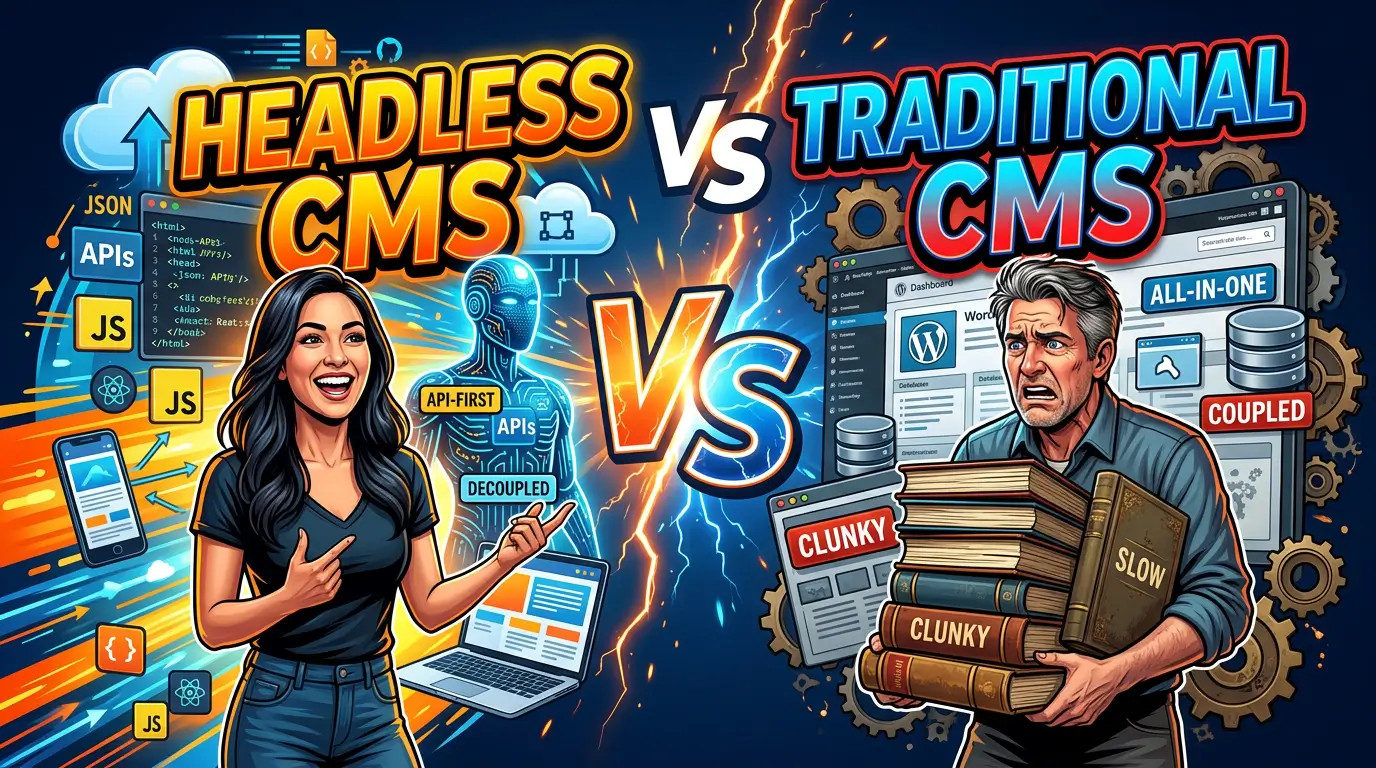
A traditional CMS keeps content management and page presentation in one system. WordPress, Drupal, and many proprietary platforms can work this way. Editors enter content, choose a template, preview the page, and publish it through the same application.
Its biggest advantage is operational simplicity. One product handles the database, editor, themes, users, and page delivery. A business can often find trained administrators and developers without building a specialized team.
That familiarity matters. WordPress alone powers 41.5% of all websites and about 59.2% of sites with a known CMS as of July 2026. A large labor pool, plugin market, and body of documentation come with that footprint.
Headless CMS
A headless CMS stores and manages content but does not control the final page. It sends structured content through an API to a separately built website, app, kiosk, or other interface.
That separation gives developers more control over the front end. It also means somebody must build, host, deploy, monitor, and maintain that front end. A headless subscription is not a finished website.
Website builder or managed CMS
Platforms such as Squarespace, Wix, Shopify, and Webflow bundle the editor, hosting, security, templates, and much of the maintenance. They restrict some architectural choices in return.
That trade is often sensible. The 2025 Web Almanac found that tightly managed CMS environments posted some of the largest year-over-year performance gains, including about 14 percentage points for Wix and 11 points for Duda. Giving up server access does not automatically mean accepting a slow website.
Hybrid or decoupled CMS
A hybrid setup uses a traditional CMS for some jobs and APIs or separate front ends for others. A company might keep its main marketing site in WordPress, send product data from a product information system, and power a customer portal with a separate application.
Hybrid is not a compromise in the negative sense. It can keep routine publishing simple while isolating the parts that truly need custom engineering.
The short answer
Use a traditional CMS when the website is primarily a publishing and lead-generation tool, editors need page-level control, and the business does not employ a permanent web engineering team.
Use a managed builder when speed to launch, predictable maintenance, and editor independence matter more than unusual workflows or deep control over the stack.
Use headless when the same structured content must serve multiple important channels, the front end behaves more like a product than a brochure, or independent teams need to release the content layer and interface on separate schedules.
Use hybrid when only part of the operation has those headless requirements.
If your case for headless is merely “it will be faster,” stop. Architecture creates possibilities, not outcomes. A poorly built React front end can be slower than a well-run WordPress site. Across the web, only 48% of mobile visits passed all Core Web Vitals in 2025. Modern tooling has not removed the need for performance discipline.
The 100-point CMS decision scorecard
Score each factor from 1 to 5, multiply it by the listed weight, then divide the total by five. Complete the exercise once for each architecture under consideration. Do it with an editor, developer, business owner, and whoever will support the site after launch.
| Decision factor | Weight | What a score of 5 means |
|---|---|---|
| Editor independence | 18 | Nontechnical staff can build, preview, revise, and schedule normal pages without developer help |
| Total three-year cost | 16 | License, build, hosting, support, upgrades, and internal labor are predictable and affordable |
| Multi-channel reuse | 14 | Structured content can serve every required channel without duplicate entry |
| Integration fit | 12 | Required CRM, commerce, search, identity, and data connections are proven and maintainable |
| Performance control | 10 | The team can consistently meet its real-user speed targets |
| Security operations | 10 | Ownership for patching, access, dependencies, monitoring, and incident response is clear |
| Hiring and support | 8 | Qualified people are available at a price the business can sustain |
| Migration difficulty | 6 | Content, URLs, metadata, forms, and redirects can move with manageable risk |
| Vendor portability | 6 | Content and critical functions can be exported or replaced without rebuilding everything |
Treat any score below 3 in editor independence, total cost, or security operations as a stop sign, even if the grand total looks good. A platform that fails a daily operating requirement will create work every week.
The scorecard should reflect your team, not generic platform ratings. A headless system may earn a 5 for editor independence after a company funds custom visual previews and reusable page sections. The same product may earn a 2 in a bare implementation. Configuration and implementation are part of the decision.
Compare the real costs, not the CMS license
CMS pricing pages are poor budget documents. They rarely include the front end, migration, design system, search, form handling, monitoring, analytics, or developer time.
Build a three-year total cost of ownership estimate with these categories:
- Initial discovery, content modeling, design, development, migration, integrations, QA, training, and launch
- Recurring CMS, hosting, CDN, search, image processing, preview, form, monitoring, and support fees
- Internal editor, administrator, developer, security, and procurement time
- Expected enhancements, dependency upgrades, accessibility work, and emergency fixes
- Exit cost, including content export, URL migration, integration replacement, and contract overlap
Usage-based pricing deserves special attention. Contentful, for example, describes plans that vary by organizational needs, spaces, and enterprise features on its official pricing page. Sanity lists project and dataset allowances plus paid extras on its pricing page. Model normal traffic, a large campaign spike, extra locales, more editors, preview activity, and API calls before signing.
Headless usually adds at least four moving parts: the CMS, front-end application, deployment platform, and integration layer. It may also add search, visual editing, asset delivery, authentication, and a preview environment. Each item can be a sound purchase. Together, they require an owner.
Traditional systems hide different costs. Plugin renewals, managed hosting, backups, staging, performance tuning, and update testing are easy to underestimate. The correct comparison is not “$0 open source” against “$500 SaaS.” It is one complete operating model against another.
Editor experience is a business requirement
Many CMS selections are run by developers because developers understand architecture. Editors then live with the result.
Ask the marketing team to perform six tasks in a working prototype: create a service page, reuse a testimonial, build a campaign landing page, preview mobile and desktop layouts, schedule a change, and restore an earlier version. Time each task and record where help was needed.
Headless content modeling can make reuse excellent. A product specification entered once can appear on a website, dealer portal, mobile app, and digital display. But aggressively structured content can make an ordinary page feel like a long form with dozens of disconnected fields. Editors may understand where words go without understanding what the finished page will look like.
Traditional visual editors make page composition easier, but freedom can create inconsistency. Without guardrails, editors may invent new colors, heading patterns, and spacing on every page.
The best implementation gives people the right amount of freedom. Reusable sections, sensible defaults, clear field labels, live previews, validation rules, and defined approval workflows matter more than the word “headless.”
Performance: require a budget, not a promise
Headless architecture can pre-render pages, deliver assets through a CDN, and avoid work on the visitor’s device. A traditional CMS can also cache full pages, optimize images, limit scripts, and use a CDN. Managed builders can improve the entire platform centrally.
Use measurable acceptance criteria:
| Metric | Launch target at the 75th percentile |
|---|---|
| Largest Contentful Paint | 2.5 seconds or less |
| Interaction to Next Paint | 200 milliseconds or less |
| Cumulative Layout Shift | 0.1 or less |
Those are Google’s “good” Core Web Vitals thresholds. Test real templates on realistic devices and connections. A perfect home page does not rescue slow product, article, or checkout templates.
Tie the budget to a business page. Google’s collection of Core Web Vitals case studies recommends prioritizing high-traffic or conversion-significant pages and relating user experience measurements to business metrics. That produces a better investment decision than arguing about framework benchmarks.
Also specify who can break the budget. Marketing tags, chat widgets, personalization, video embeds, and consent tools can erase gains from any architecture. Performance governance must survive launch day.
Security: count responsibilities, not marketing claims
Separating the public front end from the CMS can reduce direct exposure of the editing system. Pre-rendered pages can also have less server-side functionality available to attack. That does not make a headless site automatically secure.
A headless build adds API credentials, JavaScript dependencies, build pipelines, webhooks, preview links, cloud roles, and multiple vendors. Traditional CMS installations concentrate more risk in one application and its extensions. Managed platforms shift a larger share of infrastructure work to the vendor.
The practical question is who handles each responsibility and how quickly. Name the owner for CMS updates, dependency scanning, access reviews, backups, recovery tests, secrets rotation, logs, incident response, and vendor advisories.
Plugin selection deserves real controls on traditional WordPress builds. Patchstack reported that 97% of WordPress vulnerabilities disclosed in its 2024 dataset were found in plugins. That is not an argument against WordPress. It is an argument for a small approved plugin list, prompt patching, removal of unused extensions, and tested backups.
When headless earns its extra complexity
Headless is justified when the separation solves a named, recurring problem.
Strong signals include content published to three or more valuable channels, a website front end with application-like interactions, multiple brands sharing structured product data, strict separation between release teams, or a need to replace the presentation layer without migrating the content repository.
The 2022 Jamstack Community Survey found that 22% of respondents used WordPress in headless mode. That is a useful reminder that “WordPress versus headless” is a false choice. A familiar editing system can remain while a separate front end handles delivery.
Weak signals include wanting to look modern, assuming React guarantees speed, copying a large competitor, or expecting the new CMS to fix unclear content ownership. Those reasons buy complexity without a matching return.
Here is a simple test: identify the top three benefits, assign a dollar value or operational measure to each, and name the person accountable for achieving them. If the case depends on vague future flexibility, the organization probably is not ready.
When traditional or managed wins
A traditional or managed system is usually the stronger choice for a local service company, professional firm, manufacturer, nonprofit, or B2B company whose website exists to explain services, establish trust, rank in search, and generate inquiries.
These businesses normally benefit more from faster publishing, lower support dependence, and a broad hiring market than from delivering the same content to many interfaces. Their custom requirements can often be handled through a modest integration or a small custom application beside the main website.
Do not confuse “traditional” with outdated. HTTP Archive found that the share of WordPress sites with good Largest Contentful Paint rose from 28% in 2023 to 40% in 2024. Platform choice affects the starting point. Implementation quality still decides much of the result.
A managed builder is especially attractive when the organization has no technical owner. Automatic platform updates and one support boundary can be worth more than access to every server setting.
A safer hybrid pattern
You do not need to rebuild the whole website to gain the benefits of structured content.
Keep normal marketing pages in the system editors already use. Move only the repeated, high-value data into a structured source: products, locations, specifications, staff profiles, inventory, or documentation. Deliver that data where needed through an API.
This limits the blast radius. Editors keep visual control of campaigns and service pages. Developers can build a fast product finder or customer tool without turning every blog update into a software release.
Hybrid also creates a migration path. The team can prove its content model, preview workflow, deployment process, and support capacity on one section before committing the full site.
Questions to put in every CMS request for proposal
Ask vendors and agencies for written answers:
- Show an editor creating and revising our three most common page types. Which steps require a developer?
- List every product needed for production, preview, search, forms, images, analytics, backups, monitoring, and deployment. Who bills for each?
- Price the system at our expected traffic, users, locales, content volume, environments, and API usage, then show the overage model.
- Explain how redirects, metadata, structured data, sitemaps, canonical tags, and previews work.
- Document backup frequency, recovery procedure, recovery time, and a recent recovery test.
- Identify every party responsible for operating system, CMS, plugin, package, API, and integration updates.
- Demonstrate a full content export, including assets, relationships, metadata, and revision history.
- Describe what happens if the agency relationship ends. What code, accounts, documentation, and credentials do we receive?
- Provide real-user performance results for three comparable production sites, not a blank starter theme.
- Quote an accessible, production-ready implementation, not only the platform license.
Do not accept “the platform supports it” as proof. Ask to see the workflow in a representative build.
A four-week selection process
Week one is requirements. Inventory content types, publishing roles, integrations, traffic patterns, compliance needs, current pain, and the three-year business plan. Separate launch requirements from possible future ideas.
Week two is shortlisting. Choose no more than three architectures, not ten vendors. Eliminate any option that lacks a clear operating owner or exceeds the budget before customization.
Week three is a paid prototype. Build one high-value page, one repeated content type, one integration, and the preview-to-publish workflow. Run accessibility and performance checks. Have actual editors use it.
Week four is scoring and contracting. Complete the 100-point scorecard independently, reconcile major differences, calculate three-year cost, document risks, and attach acceptance criteria to the agreement.
A paid prototype costs more than a sales demo and far less than reversing a failed rebuild.
Frequently asked questions
Is a headless CMS better for SEO?
Not by itself. Search engines care about the delivered pages: crawlability, internal links, metadata, structured data, speed, mobile usability, and useful content. Headless gives developers control, but it also makes the team responsible for implementing features traditional CMS plugins may already provide.
Is headless always faster?
No. It can support excellent performance, especially with pre-rendering and disciplined asset delivery. Heavy client-side JavaScript, third-party scripts, poor caching, and unoptimized images can still produce a slow site.
Can a small business use headless?
Yes, but ability is not the same as fit. A small business with an application-like product and an experienced technical team may benefit. A typical lead-generation site usually gets a better return from a simpler system and stronger content, design, and measurement.
Can WordPress be headless?
Yes. WordPress can manage content while a separate front end retrieves it through APIs. The approach preserves a familiar editor but adds front-end hosting, previews, deployment, and integration work.
How long should a CMS last?
There is no reliable expiration date. Plan around maintainability instead: supported software, portable content, documented integrations, available talent, stable costs, and the ability to change the presentation layer without losing business data.
Make the architecture serve the team
The best CMS is rarely the one with the longest feature list. It is the one your editors can operate, your developers can support, and your business can afford after the launch team leaves.
Score the operating model, prototype the hard workflow, and calculate three years of ownership before choosing. If you want an experienced second set of eyes on the decision, tell us what you are planning.