If your business depends on local customers, your Google Business Profile is not a side project. It’s one of the most important sales assets you have.
Google says in its own Business Profile help documentation that businesses with complete and accurate information are more likely to show up in local search results. It also says local ranking is mainly based on relevance, distance, and prominence. In plain English, that means Google wants to understand what you do, where you are, and whether people trust you.
A lot of small businesses claim their profile, add a phone number, upload a logo, and assume they’re done. Then they wonder why a competitor with a worse website keeps showing up in the map pack.
Those mistakes matter because local searches move fast. Google notes that 3 in 4 people who conduct a local search on their smartphone visit a related business within 24 hours. BrightLocal’s 2026 Local Consumer Review Survey found that 97% of consumers read reviews for local businesses, 74% only care about reviews from the last three months, and 31% will only use a business with 4.5 stars or higher.
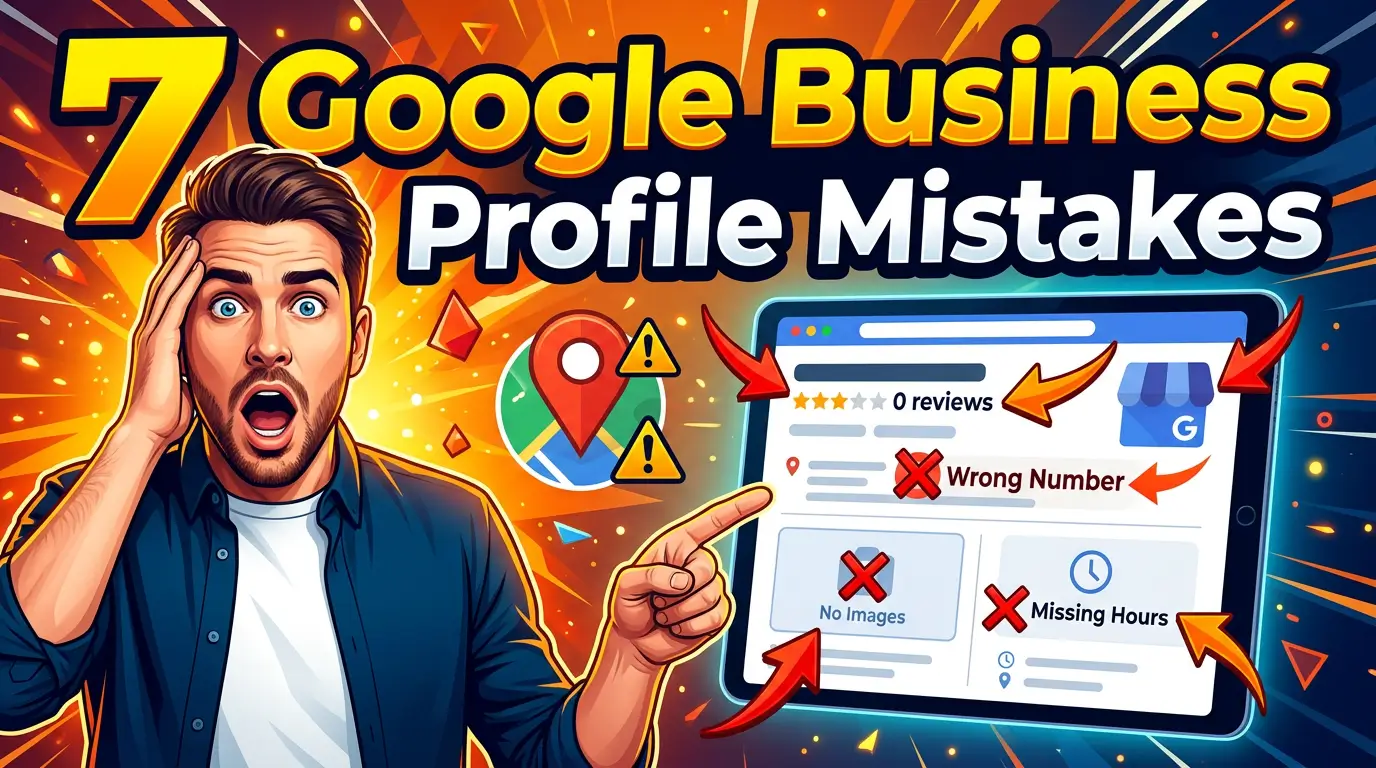
Here are seven Google Business Profile mistakes that quietly cost small businesses local leads, plus what to do instead.
1. Choosing a vague or wrong primary category
This is one of the most common problems, and it starts at the top of the profile.
Google says your business categories help customers understand what your business does and affect your local ranking. Its guidance is blunt: choose a primary category that best describes your business, and make it specific. Google’s own example is to choose “Nail salon” instead of the broader “Salon.”
A lot of businesses do the opposite.
They pick something broad because it feels safer. A contractor selects “Contractor” instead of “Kitchen remodeler.” A marketing company picks “Marketing agency” even though most of its revenue comes from web design for local service businesses. A lawyer selects a general practice category when nearly all new cases come from family law.
If your primary category is fuzzy, your relevance signal is fuzzy. And when your relevance is fuzzy, your profile has to work much harder to appear for the exact searches that turn into leads.
What to do instead
Start with the service that drives the most profitable local business. Then match your primary category as closely as Google allows. After that, add a few additional categories that describe meaningful secondary offerings.
Don’t treat additional categories like a junk drawer. Google specifically says not to add a category for every product or service you sell, only the ones that genuinely describe the business.
If you run a dental office that does implants, whitening, and emergency care, your category strategy should reflect the core practice, not every procedure under the sun.
2. Leaving services half-finished or too generic
Many owners never touch the services section, which is a mistake.
According to Google’s services editor documentation, when local customers search on Google for a service you offer, that service might be highlighted on your profile. Customers on Google Maps can also find your services under the Services section.
Your category may tell Google what business you are. Your services help clarify whether you do drain cleaning, water heater replacement, sump pump installation, or emergency pipe repair. Those are the phrases real customers use when they need help now.
Too many profiles list services like this:
- Repair
- Installation
- Consulting
- Service calls
That’s not how customers search. If someone needs AC repair at 8:30 p.m., “repair” doesn’t build confidence. “Emergency AC repair” does.
What to do instead
Go into your services section and write it for actual search intent. Use the service labels Google suggests when they fit. Add custom services when needed. Then write short, useful descriptions for important offerings.
Be specific. Instead of “web design,” use terms like website redesign, local SEO setup, ecommerce website development, or website maintenance, if those are services you really sell.
The goal is simple: make it obvious that your business matches the problem the searcher is trying to solve.
3. Treating reviews like reputation, instead of visibility
Most small businesses understand that reviews help trust. Fewer understand that reviews also help local SEO.
Google says in its local ranking guidance that more reviews and positive ratings can help your business’s local ranking. It also says in its review management documentation that replying to reviews shows customers that you value their feedback, and that helpful, positive replies can show you’re responsive.
BrightLocal’s 2026 survey adds the business impact behind that advice:
- 92% of consumers care about star ratings when choosing a business
- 47% won’t use a business with fewer than 20 reviews
- 74% seek reviews written in the last three months
- 37% say owner responses influence their trust in a review
This is where many businesses get stuck. They ask for reviews in bursts. They reply only when a review is negative. They treat a five-star average from last year like a permanent asset.
An old review profile tells customers your business might be stale. A silent owner tells customers you may be hard to work with if something goes wrong.
What to do instead
Build a repeatable review request system. Ask after completed jobs, successful appointments, and positive support interactions. Make review requests part of your operating process, not a panic move once a quarter.
Then reply like a human. Thank people. Mention the actual service when appropriate. Address concerns clearly without getting defensive. The response is not just for the reviewer. It’s for the next person reading.
If your business gets only three new reviews in the next 90 days, that’s still better than getting 20 in one month and then disappearing for six.
4. Uploading too few photos, or the wrong kind
Photos are one of the fastest ways to make a profile feel active, credible, and real.
Google says in its photo guidance that category-specific photos help customers decide whether to purchase your products or services, and that photos can help your business stand out on Google. It also recommends minimum photo coverage in several categories, including at least three exterior photos, three interior photos, three product photos, three photos at work, and three team photos where relevant.
That’s far more than the one logo and one storefront shot most small businesses upload.
Worse, some businesses upload stock-looking images, heavily filtered photos, or graphics that don’t show what the customer will actually experience. Google explicitly says photos should represent reality and should not have significant alterations or excessive use of filters or AI.
What to do instead
For a restaurant, it might be exterior shots, interior ambiance, and real menu items. For a roofing company, it might be trucks, crew photos, jobsite images, and before-and-after work. For a law office, it might be office exterior, lobby, conference room, and team photos that make the business feel established and approachable.
If you serve customers at their location instead of yours, then your “at work” photos matter even more. Show the actual service in progress. Show clean uniforms, branded vehicles, tools, and finished outcomes.
A profile with fresh, real photos feels alive. That affects both click behavior and trust.
5. Letting hours, contact info, and business details drift out of date
This sounds basic. It’s still a lead killer.
Google says in its local ranking documentation that businesses with complete and accurate information are more likely to show up in local search results. It specifically calls out address, phone number, business type, and hours. It also recommends keeping special hours up to date.
If your holiday hours are wrong, your phone number routes to the wrong office, or your address formatting doesn’t match reality, you’re creating friction right where local buying decisions happen.
Local searchers are impatient. They are not going to investigate whether your listing is wrong. They are going to call the next business.
What to do instead
Set a monthly checklist.
Review:
- Primary phone number
- Website URL
- Regular hours
- Holiday or special hours
- Address or service area
- Appointment links
- Business description
This takes maybe 15 minutes. For a local business, it’s one of the highest-value admin tasks on the calendar.
If you run multiple locations, this matters even more. Inconsistent info across locations creates confusion for both customers and Google’s systems.
6. Ignoring verification issues and profile edit warnings
Some businesses don’t realize a category or major profile change can trigger re-verification.
Google states in its category documentation that if you add or edit an existing category, you might be asked to verify your business again. It also says in its edit profile help page that business owners should keep their profile accurate and up to date.
Here’s the practical problem: a business makes a legitimate update, misses the verification follow-up, and then wonders why visibility drops or changes never fully stick.
What to do instead
After any major edit, especially categories, address changes, or core identity details, check whether Google is asking for additional verification or confirmation.
Don’t assume the edit is live just because you clicked save.
Have one person on your team own the profile. Shared ownership often creates confusion, and missed verification requests can leave the profile in limbo.
7. Expecting your website to do all the persuasion
A lot of owners still think the Google Business Profile’s job is to send people to the website, where the real selling happens.
That used to be closer to true. It isn’t anymore.
BrightLocal found in its 2026 Local Consumer Review Survey that after reading positive reviews, 54% of consumers then check the business’s website, but 66% do more research before making a purchase or booking. In other words, your profile is often part of the evaluation process, not just the doorway to it.
Some people will call from the profile. Some will ask for directions. Some will compare your photos and reviews against two competitors and decide without ever reading your About page.
If your profile is weak, your website may never get the chance to save the sale.
What to do instead
Treat your profile like a landing page.
Make sure it communicates, fast:
- what you do
- where you serve
- why people trust you
- what the customer should do next
That means accurate categories, strong review velocity, useful services, real photos, correct hours, and a website link that lands on the right page.
Your profile should answer the buyer’s first round of questions before they ever click.
Google Business Profile Audit Checklist for Small Businesses
This doesn’t require a huge SEO campaign. It requires consistency.
If you want a simple monthly Google Business Profile audit, use this:
- Confirm your primary category still matches your best local service.
- Review additional categories and remove weak or irrelevant ones.
- Update the services section with real buyer-language terms.
- Add new photos from recent work, your team, or your location.
- Check hours, special hours, phone number, and website link.
- Respond to every new review.
- Ask for a few fresh reviews every month.
That’s not flashy. It works.
Google has already told businesses what it values: relevance, completeness, accuracy, reviews, and useful profile content. Customers have told us what they value too: fresh reviews, strong ratings, and clear evidence that a business is real and active.
When your profile sends those signals, you make it easier for Google to rank you and easier for buyers to trust you.
If your Google Business Profile hasn’t been touched in months, or if you’re not sure whether it’s helping or hurting your visibility, get started with us. We’ll help you audit the profile, tighten the details that matter, and connect it to a website strategy that turns local searches into real leads.

Richard Kastl
Founder & Lead EngineerRichard Kastl has spent 14 years engineering websites that generate revenue. He combines expertise in web development, SEO, digital marketing, and conversion optimization to build sites that make the phone ring. His work has helped generate over $30M in pipeline for clients ranging from industrial manufacturers to SaaS companies.