Your contact form has two jobs that fight each other.
It needs to let real buyers through fast. It also needs to keep bots, junk leads, scraper traffic, fake registrations, and automated quote requests out of your inbox.
That balance matters more now because bot traffic is not a side issue anymore. Imperva’s 2026 Bad Bot Report says automated traffic accounted for more than 53% of all web traffic in 2025, up from 51% the year before. The same report says 27% of bot attacks targeted API endpoints, which matters because modern forms often submit straight into a backend, CRM, booking system, or payment workflow.
For a small business, the risk is practical. Bad form protection wastes time. Overly aggressive form protection loses leads.
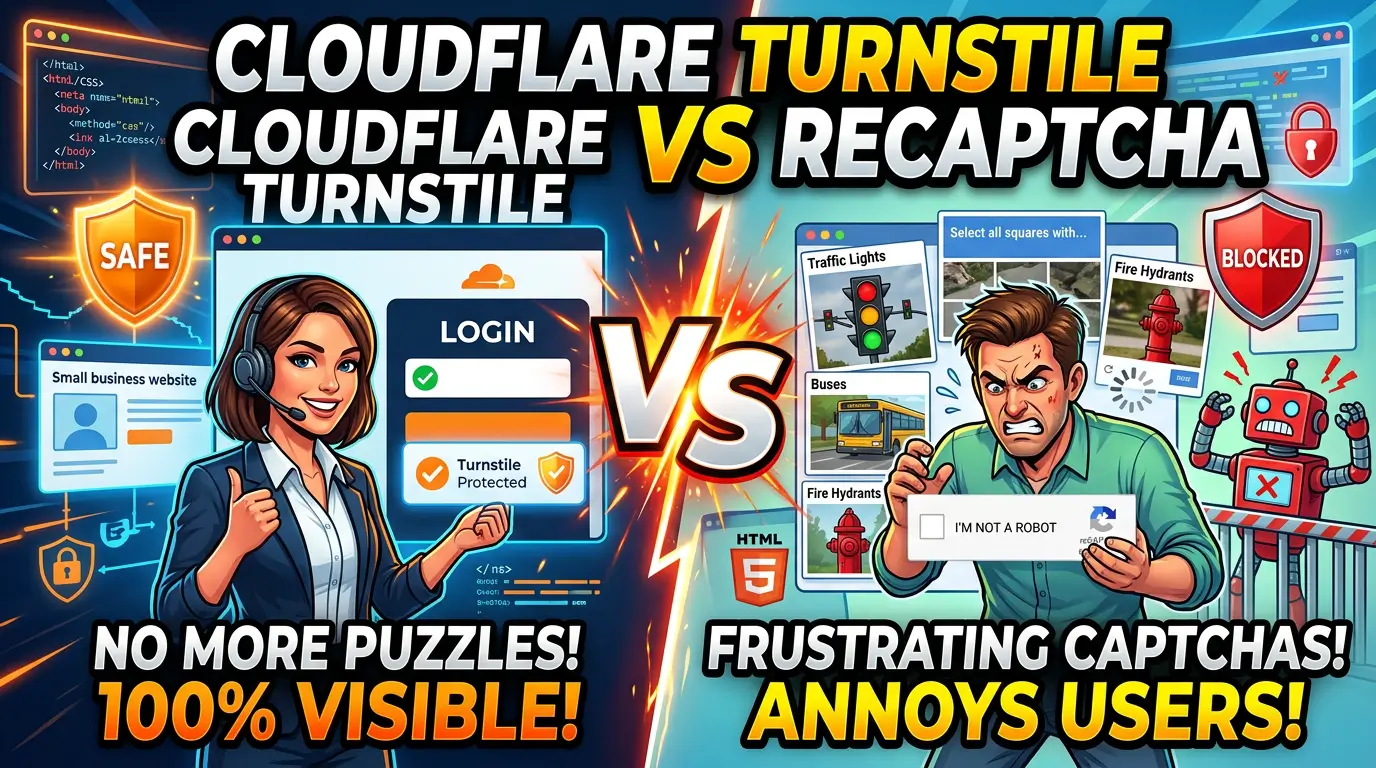
Two of the most common options are Cloudflare Turnstile and Google reCAPTCHA. Both can help. They are not the same tool.
The short answer
For most small business websites, start with Cloudflare Turnstile on contact forms, quote request forms, newsletter forms, login pages, and simple lead capture forms.
Use Google reCAPTCHA when you already depend on Google’s security stack, need score-based analysis from reCAPTCHA v3, or have a developer who knows how to use the score properly instead of treating it like a simple pass or fail.
Do not choose either one because it sounds familiar. Choose based on the buyer experience you want.
A homeowner trying to schedule a roof estimate should not have to click blurry traffic lights. A B2B buyer trying to request pricing should not be blocked because their office VPN looks unusual. A bot submitting 80 fake inquiries overnight should not hit your sales team’s inbox.
That is the standard.
What Cloudflare Turnstile does well
Cloudflare describes Turnstile as a CAPTCHA-free, privacy-preserving alternative. It can be embedded into any website, even if the site does not use Cloudflare’s CDN, and it can work without showing visitors a traditional CAPTCHA challenge.
That is the biggest selling point for small businesses: less friction.
Turnstile runs small non-interactive browser checks, including proof-of-work, proof-of-space, web API probing, browser behavior signals, and other checks that help Cloudflare decide whether the visitor looks human. Cloudflare says Turnstile can then adapt the challenge to the visitor and avoid showing a visual puzzle when it does not need to.
Turnstile has three widget modes: Managed, Non-interactive, and Invisible. Cloudflare recommends Managed mode because it automatically decides whether to show a checkbox based on visitor risk level.
For a small business site, Managed mode is usually the right starting point. It is quiet for most people, but it can still ask for interaction when risk looks higher.
Turnstile also has a cost advantage. Cloudflare’s plan page says the Free plan is meant for personal websites, small to medium businesses, development, testing, and most production applications. The Free plan includes up to 20 widgets, all widget types, unlimited challenges, and 10 hostnames per widget.
That is enough for most local service businesses, consultants, contractors, clinics, ecommerce shops, and professional service firms.
What reCAPTCHA does well
Google reCAPTCHA is the familiar option. Many small business owners have seen the “I’m not a robot” box, and many WordPress form plugins support it out of the box.
Google’s own documentation lists several versions: reCAPTCHA v3, reCAPTCHA v2 checkbox, invisible reCAPTCHA badge, and Android options. The important distinction is how each version handles friction.
reCAPTCHA v2 checkbox is simple to understand. The visitor checks a box, and suspicious traffic may get a challenge. It is familiar, but it can interrupt the form experience.
Invisible reCAPTCHA v2 runs when the visitor clicks a button or when your JavaScript calls it. Google’s documentation says only the most suspicious traffic is prompted by default, which makes it less intrusive than the checkbox.
reCAPTCHA v3 is different. It verifies interactions without user input and returns a score. Google says this lets site owners take action in context, such as adding authentication, moderating a post, or throttling bots.
That score-based approach is powerful, but it can be misused. If your developer simply blocks every low-score submission, you may lose real leads. If you never review the scores, you may let junk through. reCAPTCHA v3 works best when you have rules for what happens at different risk levels.
Google’s FAQ also says reCAPTCHA Enterprise offers up to 10,000 assessments per month at no cost. The same FAQ says site keys are considered over quota if they exceed 1,000,000 calls per month on a domain, which is far more than most small business lead forms will touch.
So cost is usually not the deciding factor for a normal small business site. User experience and implementation quality are.
Compare them where it actually matters
Most comparison articles get too technical too fast. A small business owner needs to know what happens to leads, spam, privacy, and maintenance.
1. Visitor friction
Turnstile usually wins here.
Cloudflare says Turnstile can work without showing visitors a CAPTCHA. Its Managed mode can stay quiet for normal traffic and ask for interaction only when risk looks higher.
reCAPTCHA can also be low-friction, especially with v3 or invisible v2. The problem is that many small business websites still use the visible checkbox because it is easy to install. That is not always bad, but every extra step on a contact form creates another chance for someone to quit.
If your website’s main conversion is a quote request, appointment request, or consultation form, avoid making every visitor prove they are human with a visible puzzle.
2. Spam protection
Both can work when installed correctly.
The key phrase is “installed correctly.”
Cloudflare’s form protection guide says Turnstile requires three steps: create a widget, add the client-side snippet, and validate the token on your server before processing the submission. Cloudflare also warns that the client-side widget alone does not protect your forms because attackers can submit directly to the endpoint.
That warning applies to every form protection tool. If your developer only adds a visible widget but does not verify the token server-side, your form still has a hole.
reCAPTCHA has the same basic requirement: the browser challenge is only part of the process. Your backend still needs to verify the token and decide what to do with the result.
For simple spam, either tool can reduce junk. For more serious abuse, such as credential stuffing, card testing, account creation abuse, or repeated quote form attacks, you need layered controls beyond CAPTCHA.
3. Privacy and cookies
Turnstile has the cleaner story for many small businesses.
Cloudflare positions Turnstile as privacy-preserving and CAPTCHA-free. Google says reCAPTCHA sets a necessary cookie named _GRECAPTCHA for risk analysis, and the FAQ says site owners can use www.recaptcha.net instead of www.google.com if they prefer not to use the Google domain that may have other cookies set.
This does not mean reCAPTCHA is wrong. It means privacy-sensitive businesses should understand what they are adding.
If you serve healthcare, legal, financial, education, or public-sector-adjacent clients, privacy language matters. If your cookie banner and privacy policy are already outdated, do not add another tracking-adjacent script without reviewing the copy.
4. Cost and limits
For most small businesses, both are affordable enough that cost should not drive the decision.
Turnstile’s Free plan includes up to 20 widgets and unlimited challenges. That fits most small business websites.
Google says reCAPTCHA Enterprise includes 10,000 free assessments per month, and its FAQ discusses higher limits for heavier use. Most small business contact forms will not come close to those numbers.
5. WordPress and plugin support
reCAPTCHA still has the edge on familiarity. Many WordPress plugins have supported it for years.
Turnstile support is now common too, but your exact setup matters. Gravity Forms, WPForms, Contact Form 7, WooCommerce, Elementor forms, custom Astro or Next.js forms, and headless forms each handle verification differently.
Before switching, check two things:
- Does your form plugin support Turnstile or reCAPTCHA natively?
- Does it verify the token server-side before sending email, CRM data, or webhook data?
If the answer to the second question is no, keep looking.
When I would choose Cloudflare Turnstile
Choose Turnstile if your main goal is to block form spam while keeping the form easy for real buyers.
It is a good fit for local service businesses, consultants, agencies, clinics, home service companies, B2B service firms, and ecommerce stores that want low-friction protection on contact forms, quote forms, newsletter forms, and login pages.
It is also a good fit when privacy messaging matters. Cloudflare says Turnstile is WCAG 2.2 AA compliant, and its Free plan is built for small to medium businesses. That combination makes it an easy default for many sites.
Use Managed mode first. Then review form submissions for a few weeks. If spam still gets through, add rate limiting, honeypot fields, keyword filters, blocked disposable email domains, and backend validation rules.
When I would choose reCAPTCHA
Choose reCAPTCHA if your team already knows it well, your form plugin supports it cleanly, or you want the score-based model from reCAPTCHA v3.
reCAPTCHA v3 can be useful when you do not want to block suspicious submissions outright. For example, you can route low-score submissions to manual review, require email verification, suppress automatic CRM creation, or stop the thank-you-page conversion event from firing until the submission is reviewed.
That is useful for businesses running paid ads. You do not want fake submissions polluting Google Ads, Meta Ads, or CRM reporting.
Just do not treat the score as a magic answer. Google says v3 returns a score so you can take action in the context of your site. That means your rules matter.
The setup I recommend for most small businesses
If I were cleaning up a small business site this week, I would use this order:
- Install Turnstile in Managed mode on every public lead form.
- Verify the token server-side before sending email, webhooks, CRM entries, or autoresponders.
- Add a hidden honeypot field and time-to-submit check.
- Add simple rate limits on form endpoints, especially login, quote, checkout, and registration pages.
- Send suspicious submissions to review instead of deleting them until you have enough data.
- Track form completion rate before and after the change.
That last step matters. You need to know whether real leads dropped too.
If your form gets 40 real submissions per month and drops to 24 after adding a harsh challenge, the spam problem may look better while revenue gets worse. If spam drops 80% and real leads stay flat, you made the right move.
Measure both.
Watch the CRM, not just the inbox
Form spam is not only an inbox problem. It becomes a reporting problem.
A fake lead can trigger an email notification, create a CRM contact, start an automation, fire a conversion event, inflate paid ad results, and waste a sales follow-up. That is how a $0 spam submission turns into bad marketing decisions.
So the protection needs to sit before the downstream systems.
If a submission fails Turnstile or reCAPTCHA verification, do not send it to your CRM. If a submission looks suspicious but not clearly fake, store it separately and review it. If it passes, let it move through the normal lead workflow.
Bottom line
For most small business websites, Cloudflare Turnstile is the better default in 2026 because it protects forms with less visible friction and has a free plan that fits normal business use.
Google reCAPTCHA is still a solid option, especially when you need score-based decisions or already have a clean implementation. But the visible checkbox should not be your automatic answer anymore.
Pick the tool that protects the form without punishing the buyer.
If your website is getting spam leads, fake quote requests, or messy CRM data, we can help you clean up the form flow and protect conversions at the same time. Start here: get a practical website review.