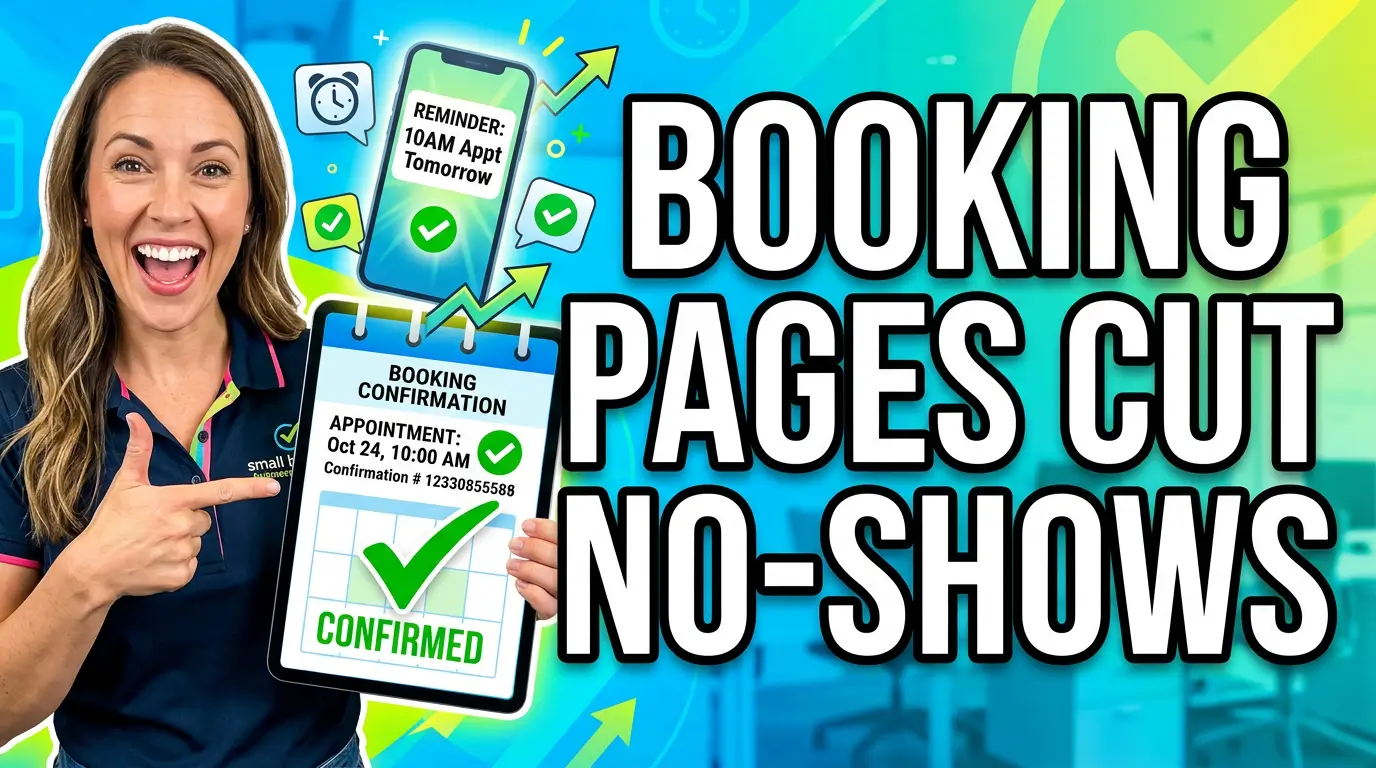
A booked appointment is not the finish line. It’s a promise.
The customer promised to show up. Your business promised to be ready. The fragile part is everything that happens between the booking and the appointment.
That’s where a lot of small businesses lose money. The website does the hard work of getting someone to schedule, then the confirmation page gives them a bland “Thanks, we’ll be in touch” and dumps them back into real life. No clear next step. No reminder setup. No directions. No prep instructions. No reschedule option.
Then Friday comes and the customer forgets, arrives late, brings the wrong paperwork, or no-shows entirely.
If your business runs on appointments, estimates, consultations, inspections, tours, classes, or service calls, your booking confirmation page is revenue protection. Treat it like part of the sales process, not a throwaway screen.
Why the Confirmation Page Matters More in 2026
Online booking is no longer a nice extra. It’s how many customers expect to work with local businesses.
Zippia’s 2026 appointment scheduling data reports that 40% of appointments are booked after business hours, 67% of patients prefer online booking, 26% of online appointments are scheduled for the same day or next day, and only 33% of people prefer booking by phone. That means the booking experience often happens when your staff is not available to clean up confusion.
The same Zippia report says 82% of clients use mobile devices to book appointments and that automated reminders can reduce no-shows by 29%. Those two details should change how you think about your confirmation page. Most people are booking from a phone, often outside business hours, and the first screen after booking may be the only chance you get to lock in the details before the reminder sequence starts.
Booking software company Bookeo reports that more than one-third of online bookings happen outside standard business hours, 73% of people want to schedule their own appointments, and 60% of American consumers prefer booking online. Bookeo also notes that customers expect live availability, instant confirmation, mobile optimization, transparent pricing and service details, and self-service cancellation or rescheduling options.
That last sentence is the job description for your confirmation page.
The Mistake: Saying “Thanks” and Stopping There
A weak confirmation page usually has three problems.
First, it confirms the form submission, not the appointment. The customer sees “Thank you” but not the service, date, time, location, staff member, payment status, or contact method. That forces them to dig through email, screenshots, or calendar invites later.
Second, it leaves the customer passive. It doesn’t ask them to add the appointment to their calendar, complete intake details, upload photos, read prep instructions, invite another decision-maker, or save your phone number. The customer did one action, then the page ends the momentum.
Third, it hides the escape hatch. A customer who needs to reschedule should not have to call, search their inbox, or ghost you because changing the appointment feels awkward. If rescheduling is easy, you keep the booking. If it feels hard, you risk an empty slot.
What a Strong Booking Confirmation Page Should Do
Think of the confirmation page as a handoff from marketing to operations. The visitor moved from “I’m interested” to “I’m on the schedule.” Now the page needs to reduce doubt, prevent mistakes, and make the next step obvious.
At minimum, show these details immediately:
- Appointment date, time, timezone, service, location, estimated duration, and who they are meeting
- Buttons to add the appointment to Google Calendar, Apple Calendar, or Outlook
- Clear next actions, including forms, uploads, deposits, prep instructions, directions, and reschedule links
That’s one of the few places where repetition is good. The customer should see the details on the page, receive them by email, and get them in a calendar event. If your booking system also supports SMS, confirm by text too, and connect it to your lead follow-up templates so the handoff stays consistent.
Don’t make the page cute before it’s useful. A clever headline won’t save a missed appointment. Clear details will.
The 7-Part Confirmation Page Framework
1. Start With a Real Confirmation
The first line should say exactly what happened.
Weak: “Thanks for contacting us.”
Better: “You’re booked for a kitchen remodel consultation on Tuesday, July 21 at 10:30 a.m.”
That sounds obvious, but plenty of booking flows still make the customer wonder whether the appointment is actually set or whether someone has to approve it manually. If approval is required, say so. Don’t fake certainty.
Use plain language. “Request received” means one thing. “Appointment confirmed” means another. Small wording mistakes create phone calls your team doesn’t need.
2. Put Calendar Adds Above the Fold
If the customer does nothing else, you want the appointment on their calendar.
Give them one-tap calendar buttons near the top of the page. On mobile, make them large enough to hit without pinching. Include the service name, address or meeting link, phone number, parking notes, and any short prep instructions inside the calendar description.
This is especially useful for bookings made after hours. According to Zippia, Sunday from 4:00 to 8:00 p.m. is a peak booking window. A customer scheduling from the couch on Sunday evening may not remember the details by Tuesday morning unless you help them capture it immediately.
3. Explain What Happens Next
Customers don’t want to guess.
Tell them whether they’ll receive a call, text, email, invoice, reminder, intake form, or confirmation from a staff member. Include the timing. “We’ll text you 24 hours before your appointment” is better than “We’ll send reminders.”
If your team reviews each request manually, say that too. For example: “Your requested time is held. Our coordinator will confirm within one business day.” That prevents angry follow-ups from people who thought the appointment was final.
4. Collect the Missing Information While Intent Is High
The moment after booking is a good time to ask for details that help your team prepare. Keep it focused.
A roofer might ask for photos of the leak. A CPA might request the prior year’s return. A salon might ask about hair history. A web design company might ask for the current website URL and biggest goal for the call.
Don’t turn the confirmation page into a second full intake process unless the appointment truly requires it. The point is to remove friction later, not punish the customer for booking.
Use progressive steps. Let the booking happen first, then ask for optional prep. A customer who won’t upload photos today should still have the appointment.
5. Make Rescheduling Safer Than No-Showing
A good confirmation page should make rescheduling feel normal.
Try wording like: “Need to move it? No problem. Reschedule here so we can keep the spot available for another customer.” That small explanation frames rescheduling as helpful, not rude.
This is practical, not just polite. AJMC published a randomized trial on appointment reminders that treated a 1.0 percentage point drop in missed appointments as operationally significant. For a small business with a tight calendar, even a small improvement can protect meaningful revenue and staff time.
6. Add Trust Signals After the Details
Once the appointment details are clear, reassure the customer that they made a good choice.
This can be a short testimonial, review count, license or certification, project photo, or “what customers usually ask before the first visit” section. Keep it secondary. The confirmation page is not a sales page, but it can reduce buyer’s remorse.
For higher-ticket services, include one short case example. “Last month, we helped a local HVAC company cut quote response time from two days to 15 minutes” is more convincing than a generic promise.
7. Give Them One Useful Pre-Appointment Resource
Don’t send people into a maze of blog posts. Offer one resource that helps them show up prepared.
For a dentist, it might be new patient forms. For a contractor, a project budget checklist. For a consultant, a short planning worksheet. For a fitness studio, what to bring to the first class.
If the appointment involves another decision-maker, say so directly: “If a spouse, partner, manager, or property owner needs to approve the project, please invite them to the consultation.” That prevents wasted meetings.
What to Measure
You don’t need a complicated dashboard. You need a short list of numbers that show whether the page is doing its job.
Track booking completion rate, calendar-add clicks, intake completion rate, reminder opt-in rate, reschedule rate, no-show rate, and appointment-to-sale rate. If you run paid ads, segment these numbers by traffic source.
The no-show rate is the big one, but don’t watch it alone. If no-shows drop because people are canceling earlier, that’s still useful. You have more time to fill the slot. If appointment-to-sale rate rises because customers arrive prepared, the confirmation page is helping your sales process too.
Bookeo’s booking software guide says manual phone scheduling can take 8.7 minutes per booking, while online booking can take 0.5 minutes. Even if your numbers are different, the principle holds: every clear self-service step saves staff time. A confirmation page that answers the top five follow-up questions can reduce calls before they happen.
Common Confirmation Page Problems to Fix
The most common problem is sending every form to the same thank-you page. A booked consultation, newsletter signup, quote request, and job application should not all land on the same generic page. Different intent needs different next steps.
Another problem is using email as the only confirmation channel. Email is useful, but it can be missed, filtered, or opened later. The page itself should carry the essential information before the customer leaves.
The third problem is missing mobile testing. Since Zippia reports that 82% of clients use mobile devices for appointment booking, your confirmation page needs to work on a small screen. Test the calendar button, reschedule link, map link, file upload, and phone number from an actual phone.
Last, watch for vague prep instructions. “Bring necessary documents” is not helpful. “Bring your insurance card, photo ID, and current medication list” is helpful. “Prepare for our strategy call” is weak. “Have access to Google Analytics, your website login, and last month’s lead count” is useful.
A Simple Example
Imagine a small HVAC company offers online estimates.
The weak confirmation page says: “Thanks. Someone from our team will contact you soon.”
The better version says: “You’re booked for an AC replacement estimate on Wednesday at 3:00 p.m. with Mark. Add this to your calendar. We’ll text you a reminder 24 hours before the visit. Please upload photos of your outdoor unit, indoor unit, and electrical panel. If you need to reschedule, use this link. If another homeowner needs to approve the quote, please make sure they’re available.”
That page does more than confirm. It improves the appointment.
Mark arrives with context. The homeowner knows what to expect. The office gets fewer calls. If the customer can’t make it, they have a clean way to reschedule instead of disappearing.
That’s good web design because it helps the business run better.
Build the Page Around the Slot You’re Protecting
A confirmation page is easy to ignore because it appears after the conversion. That’s the wrong way to look at it.
The conversion is not the form submission. The conversion is the kept appointment, completed estimate, attended consultation, paid invoice, or closed job. The confirmation page is one of the cheapest places to improve that outcome.
Start small. Rewrite the page for your most valuable booking type. Add the appointment details, calendar buttons, reminder expectations, prep instructions, and reschedule link. Then track no-shows for the next 30 days.
If your booking flow is leaking appointments or creating too much admin work, get started with Your Web Team. We’ll help you turn the pages after the click into pages that protect real revenue.