Every business owner eventually hits the same wall: which platform should my website run on?
The internet is full of comparison articles, and most of them are either affiliate-driven fluff or so outdated they’re comparing platforms that don’t exist anymore. This one is different. We’re going to look at hard data, real costs (including the ones nobody talks about), and actual performance benchmarks from independent sources.
No affiliate links here. Just the information you need to make a decision you won’t regret in 18 months.
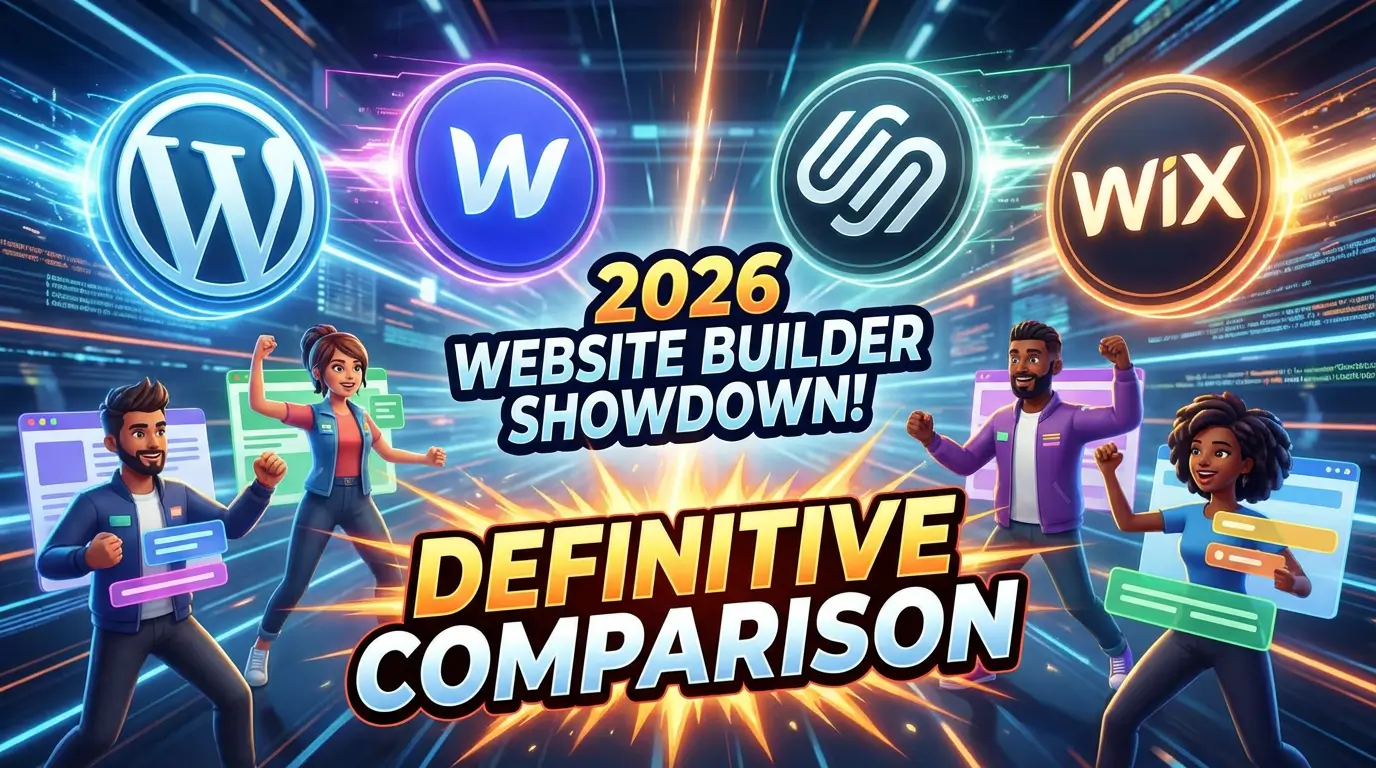
The Four Contenders in 2026
Before we get into specifics, here’s where each platform sits in the market right now.
WordPress still powers 43.4% of all websites on the internet according to W3Techs, and holds over 60% of the CMS market. It’s the default. The thing everyone assumes you should use. But market share isn’t the same as being the best fit for your project, and WordPress in 2026 looks very different from WordPress in 2016.
Webflow has carved out a serious niche among designers and agencies who want visual control without sacrificing code quality. It’s still relatively small in market share terms, but its growth among mid-market businesses and creative agencies has been steady. Webflow generates clean semantic HTML and consistently scores well on performance tests.
Squarespace repositioned itself in February 2025, replacing its old Personal/Business/Commerce tiers with new Basic, Core, Plus, and Advanced plans. Pricing now runs $16 to $99 per month billed annually. It’s still the go-to for small businesses that want something that looks good without hiring a developer.
Wix has quietly become more capable than most people give it credit for. With plans ranging from $17/month (Light) to $159/month (Business Elite), it’s targeting everyone from solo creators to serious ecommerce operations. Its AI-powered site builder has gotten attention, though opinions on the output quality vary.
Performance: The Numbers Don’t Lie
This is where the conversation gets uncomfortable for some platforms. The 2025 Web Almanac by HTTP Archive tracked Core Web Vitals across major CMS platforms, and the results are clear.
Duda actually leads the pack with 85% of its sites meeting Core Web Vitals benchmarks. But since we’re comparing the big four, here’s how they stacked up:
Wix jumped from 55% to 74% of sites achieving good Core Web Vitals scores — a massive improvement that reflects years of infrastructure investment. The Search Engine Journal’s mid-2025 analysis put Wix at 70.76% with good CWV scores, and 86.82% with good INP scores specifically.
Squarespace hit 67.66% good CWV scores, and here’s the interesting part: it ranked first for Interaction to Next Paint (INP) with 95.85% of Squarespace sites achieving a good INP score. That means the actual user experience of clicking buttons and navigating Squarespace sites is better than anywhere else.
Webflow consistently produces sites that score 90+ on PageSpeed Insights without additional optimization effort, thanks to its clean code output. Independent benchmarks place it among the top performers, though its smaller install base means it doesn’t always show up in the big CMS comparison studies.
WordPress finished last among the major platforms. Search Engine Journal called it out directly: “WordPress is the slowest of the content management systems in this comparison.” The performance gap between WordPress and the leading CMS was nearly 40 percentage points in November 2025.
That’s a big deal. Google uses Core Web Vitals as a ranking signal, and when your platform starts you 40 points behind before you’ve written a single line of content, you’re fighting uphill.
Now, a caveat. WordPress performance varies enormously based on hosting, theme, and plugin choices. A WordPress site on premium managed hosting with a lightweight theme can absolutely beat a bloated Squarespace site. But the averages tell us that most WordPress sites in the wild are underperforming, and that’s a design flaw in the ecosystem, not just user error.
The Real Cost of Each Platform
Everyone compares sticker prices. Let’s compare what you actually end up paying.
WordPress is “free” in the way that owning a house is “free” once you’ve paid the mortgage. The software costs nothing. Everything else does.
Hosting runs $3 to $30+ per month depending on quality. Premium themes cost $50 to $200. Plugins for security, SEO, forms, backups, and caching can add $50 to $500 per year. Maintenance, including plugin updates, security monitoring, and backups, runs $50 to $500+ per month if you’re paying someone to handle it. A Bluehost analysis pegged the annual cost with security and transaction fees at $500 to $1,500+.
And that’s before you hire someone to build it. Custom WordPress development for a small business typically runs $3,000 to $15,000 for a 10-page site.
Webflow is more predictable. Site plans run $14 to $39 per month for general sites, and $29 to $212 per month for ecommerce. That includes hosting, SSL, CDN, and backups. No plugins to buy. No security patches to manage. The catch: if you want someone to build a custom Webflow site, you’re looking at agency rates since the platform requires genuine design skills to use well.
Squarespace ranges from $16 to $99 per month billed annually. Everything is included: hosting, SSL, templates, basic analytics, and a certain level of ecommerce capability depending on your plan. Transaction fees apply on lower tiers. The simplicity is the value proposition. No separate hosting bill, no plugin renewals, no security panics at 2 AM.
Wix starts at $17/month for Light and goes to $159/month for Business Elite. Like Squarespace, it’s all-in-one. The Core plan at $29/month is where most small businesses land. No hosting to manage separately, no plugins to maintain, no security patches.
Here’s the honest comparison: a WordPress site that performs well and stays secure will cost you $150 to $500+ per month in total when you add hosting, plugins, maintenance, and occasional developer fixes. The managed platforms (Webflow, Squarespace, Wix) keep you in the $16 to $99 range for most small business needs, with far fewer surprises.
Security: Where WordPress Has a Real Problem
This section isn’t fun for WordPress fans, but the data is what it is.
Patchstack’s 2025 mid-year vulnerability report found that 96% of WordPress vulnerabilities were in plugins and 4% in themes. Only 7 vulnerabilities were found in WordPress core itself. The problem isn’t WordPress the software. It’s WordPress the ecosystem.
92% of all successful WordPress breaches in 2025 originated from plugins and themes, not from the core software. And according to Wordfence’s data, approximately 35% of WordPress vulnerabilities disclosed in 2024 remained unpatched in 2025. That means more than a third of known security holes just… stayed open.
The WP Security Ninja database tracks over 64,782 WordPress vulnerabilities and counting.
Meanwhile, Webflow, Squarespace, and Wix handle security at the platform level. You don’t install third-party code that might have vulnerabilities. You don’t manage server patches. You don’t wake up to find your site redirecting visitors to a pharmaceutical spam page because a plugin you forgot about got compromised.
Is this a fair comparison? Partly. WordPress’s open plugin ecosystem is also its greatest strength. But for a small business owner who doesn’t have a developer on retainer, the security burden of WordPress is real and expensive.
SEO Capabilities: More Similar Than You’d Think
SEO used to be a clear WordPress win. It had Yoast, it had complete control over everything, and the competitors were limited. That gap has narrowed dramatically.
WordPress with plugins like Yoast or Rank Math still offers the most granular SEO control. Custom schema markup, complete sitemap configuration, advanced redirect management, server-level optimization. If you’re doing enterprise SEO, WordPress gives you the most levers to pull.
Webflow gives you solid SEO control out of the box. Custom meta titles and descriptions, alt text, 301 redirects, auto-generated sitemaps, and clean semantic HTML. Its code output is consistently clean, which means search engines can parse it efficiently. The limitation: advanced schema markup requires custom code injection, and there’s no plugin ecosystem to fill gaps.
Squarespace has improved its SEO tools significantly. You get clean URLs, meta descriptions, alt text, automatic sitemaps, and SSL. But you can’t access robots.txt directly, and advanced technical SEO is limited. For most small business sites, it’s enough. For content-heavy sites competing in tough niches, you’ll feel the ceiling.
Wix has made the biggest SEO leap in recent years. Native schema markup, custom canonical tags, server-side rendering for better crawlability, and a built-in SEO dashboard. Brand Vision Marketing notes that Wix and WordPress/Webflow target different segments: complex B2B sites are still better served by WordPress or Webflow, while solo founders and small businesses do fine on Wix or Squarespace.
The honest answer: unless you’re running a site with thousands of pages or competing in extremely competitive organic search categories, all four platforms will let you rank. The differences matter at the margins, and those margins only start to show up at scale.
Who Should Use What
After looking at the data, here’s my straight recommendation.
Choose WordPress if: You need a highly customized site with specific integrations, you have a developer or agency managing it, you’re running a complex content operation with thousands of pages, or you need functionality that simply doesn’t exist on other platforms. Just go in with your eyes open about the ongoing costs and maintenance burden.
Choose Webflow if: Design quality is a differentiator for your business, you want fast performance without constant optimization, you have design skills (or are hiring someone who does), and you want to avoid the WordPress maintenance treadmill. Webflow’s learning curve is real, but the payoff is a site that performs well and looks exactly the way you want it to.
Choose Squarespace if: You’re a small business, professional, or creative who needs a beautiful site up quickly. You don’t want to manage hosting, security, or plugins. You need basic ecommerce or appointment booking. You want predictable costs with no surprises. The new plan structure gives you room to grow without platform-hopping.
Choose Wix if: You want the most flexibility from an all-in-one platform, you’re comfortable with a template-based approach but want room to customize, you need built-in marketing tools (email, social, CRM), or you’re a solo business owner who wants to manage everything from one dashboard. Wix’s AI tools can speed up the initial build, though you’ll want to customize the output.
The Comparison Table
| Factor | WordPress | Webflow | Squarespace | Wix |
|---|---|---|---|---|
| Monthly Cost | $150-500+ (total) | $14-39 (site) | $16-99 | $17-159 |
| Core Web Vitals | Last place | Top tier (90+) | 67.66% good | 70.76% good |
| Security | You manage it | Platform-managed | Platform-managed | Platform-managed |
| SEO Control | Most granular | Strong + clean code | Good, limited ceiling | Greatly improved |
| Design Flexibility | Theme-dependent | Maximum | Template-based | Template + AI |
| Learning Curve | Medium-High | High | Low | Low |
| Ecommerce | Via WooCommerce | Built-in | Built-in | Built-in |
| Best For | Complex/custom sites | Design-forward brands | Quick professional sites | All-in-one simplicity |
The Bottom Line on Platform Choice
There’s no universal best platform, and anyone who tells you otherwise is selling something. There’s only the best platform for your specific situation, budget, and growth plans.
The biggest mistake I see is businesses choosing WordPress by default because “it’s what everyone uses” and then spending thousands per year on maintenance, security fixes, and performance optimization that wouldn’t have been necessary on a managed platform. The average B2B website redesign now costs $42,500 according to Rick Whittington Associates, and a big chunk of that goes toward fixing problems that were baked in by the platform choice.
The second biggest mistake is choosing Squarespace or Wix for a project that will inevitably outgrow them, then paying to rebuild from scratch two years later.
Pick the platform that fits where your business will be in three years, not just where it is today. And if you’re not sure where that is, talk to someone who builds on multiple platforms and doesn’t have a financial incentive to push you toward one.
Need Help Deciding?
We build on multiple platforms and we’ll tell you which one actually fits your business, not just which one we prefer. Let’s talk about your project and figure out the right foundation before you commit.

Richard Kastl
Founder & Lead EngineerRichard Kastl has spent 14 years engineering websites that generate revenue. He combines expertise in web development, SEO, digital marketing, and conversion optimization to build sites that make the phone ring. His work has helped generate over $30M in pipeline for clients ranging from industrial manufacturers to SaaS companies.