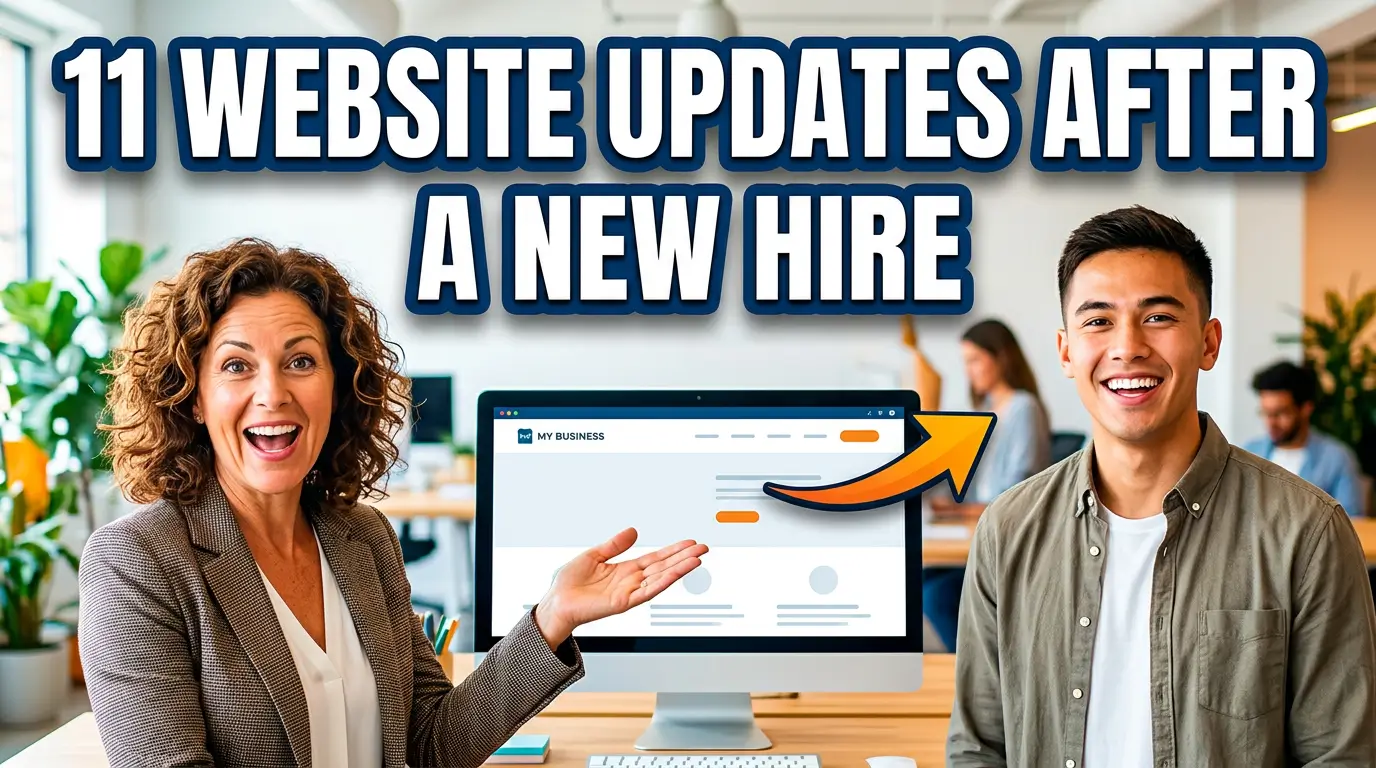
Hiring someone feels finished when the offer is signed. From a customer’s point of view, though, the change doesn’t exist until your website reflects it.
That gap creates small problems that add up. Leads keep going to the wrong person. The team page looks stale. Candidates can’t see that the company is growing. A new salesperson has no useful page to send after a call. Your employee may even struggle to find the same policies and resources customers use.
You don’t need a redesign every time someone joins. You need a short, repeatable update process. These 11 changes cover the public pages, tracking, access, and proof that should be reviewed after a new hire starts.
1. Add the Employee to the Team Page
A team page puts a real person behind the job title. Add a current photo, name, role, short biography, and one detail that helps a customer understand what the employee handles. Skip the 400-word life story. Two short paragraphs are usually enough.
This matters most for customer-facing, technical, clinical, financial, and leadership roles. Stanford’s web credibility research found that people assess credibility partly through visible evidence of a real organization, including the people behind it (Stanford Persuasive Technology Lab). A local engineering firm, for example, can make a newly hired project manager easier to trust by listing licenses, specialties, and the types of jobs they oversee.
Set a calendar reminder to review the entry after 90 days. Early biographies often describe the job as planned, not the job the person actually ends up doing.
2. Update the About Page and Company Headcount
About pages quietly collect outdated claims. “Our team of eight” becomes wrong as soon as employee number nine starts. Office photos, leadership lists, service capacity, and company timelines can go stale at the same time.
Review every number and sentence tied to the size or shape of the company. If the hire creates a new capability, say so in customer language. “We hired another developer” is internal news. “We can now support Shopify rebuilds in-house” explains the business benefit.
Mailchimp’s public company history is a useful example because it connects team growth to what the company was able to build for customers (Mailchimp). Your version doesn’t need to be elaborate. One accurate sentence in the company story may be enough. Search the site for the old headcount, previous title, and department name so the same outdated detail doesn’t survive on a second page.
3. Give the New Hire a Useful Email Signature Link
Most email signatures waste their most valuable click on a generic homepage. Give the employee one page that matches the conversations they will have: a service page, booking page, case study, product category, or support hub.
Google’s Campaign URL Builder lets you add UTM parameters so analytics can separate employee-signature visits from other direct traffic (Google Analytics). For example, a new commercial insurance producer could link “See our manufacturing coverage” to the relevant industry page with utm_source=email-signature and utm_medium=email.
Keep the signature plain. Name, role, phone number, and one useful link beat a stack of badges and oversized images. Send a test to Gmail and Outlook, then open it on a phone. If the link wraps into an unreadable mess or the logo dominates the message, simplify it before rolling the signature out.
4. Fix Contact Forms and Lead Routing
A hire often changes who should receive quote requests, support questions, applications, or regional leads. Update the routing rules before announcing the employee. Otherwise, the website creates more work for the very person you hired to reduce it.
Test each public form from end to end. Confirm that the right inbox or CRM owner receives the submission, the prospect gets a confirmation, and the event appears in analytics. Don’t just inspect the form settings. Submit it like a customer would.
Salesforce’s lead-assignment documentation shows how rules can route records based on criteria such as territory or product interest (Salesforce). A roofing company adding a second estimator could split leads by ZIP code instead of forwarding every request to both people. Clear ownership reduces duplicate calls and the much worse outcome, no call at all.
5. Add or Update the Employee’s Booking Page
If the employee takes appointments, demos, interviews, or consultations, give them a booking path that reflects their real availability. Include the meeting purpose, length, location or video platform, preparation instructions, and cancellation policy.
Microsoft Bookings, for example, lets an organization assign staff members to specific services and control scheduling availability (Microsoft Support). The website still needs context around that calendar. “Book 30 minutes” is vague. “Schedule a 30-minute kitchen remodeling estimate” tells a visitor what happens next.
Make a test booking using an outside email address. Check the confirmation, calendar invitation, time zone, reminder, rescheduling link, and internal notification. A polished page with a broken calendar is worse than a phone number because it lets the prospect believe an appointment exists when it doesn’t.
6. Strengthen the Careers Page With Real Growth Evidence
A recent hire is proof that the company is investing in people. Use it to make the careers page more credible, without turning the employee into a corporate mascot.
Add an accurate description of onboarding, the tools employees receive, how managers train people, and what the first 30 days look like. If the new hire agrees, include a short quote after they have enough experience to give an honest one. The U.S. Department of Labor’s own orientation hub is organized around giving new employees the guidance, forms, and information needed during the first phase of employment (DOL).
A machine shop could replace “great culture” with concrete details: a structured safety orientation, assigned trainer, boot allowance, and certification schedule. Those facts help candidates judge fit. Generic claims don’t.
7. Review Structured Data for People and Jobs
Website visitors see the page. Search engines also read the code behind it. If your site uses Person, Organization, or JobPosting structured data, update it when people and open roles change.
Google documents required and recommended fields for job posting markup, including title, description, hiring organization, location, and application details (Google Search Central). Remove markup for a filled role when the public posting comes down. Leaving expired jobs live creates a lousy candidate experience and can trigger structured-data warnings.
For a named professional, Schema.org’s Person type can identify job title, employer, credentials, and profile links (Schema.org). Don’t invent data just to fill fields. Mark up information that is visible and accurate on the page, then test the URL with Google’s Rich Results Test.
8. Give the Employee the Right Website Access
The new hire may need to edit pages, read analytics, publish posts, review form submissions, or do none of those things. Match access to the job instead of handing over a shared administrator password.
The U.S. National Institute of Standards and Technology defines least privilege as restricting access to the minimum needed to perform assigned tasks (NIST). Put that idea into practice with an individual account, the lowest useful role, multifactor authentication, and a password manager. Record who approved access and who will remove it when the role changes.
A content coordinator may need permission to draft posts but not install plugins, edit billing, or export customer records. A sales representative may only need analytics dashboards and CRM form results. Test the account with the employee rather than assuming the role settings work.
9. Build a Sales or Support Resource Page
New employees answer the same questions repeatedly because the website doesn’t give them one reliable place to send people. Build a simple resource page around their role.
For sales, that might include a buyer’s guide, case studies, implementation timeline, warranty, and booking link. For support, use setup instructions, common fixes, escalation steps, and contact options. HubSpot’s public resource library is a large-scale example of organizing practical material by what the visitor is trying to accomplish (HubSpot).
Your page can be much smaller. A commercial HVAC company could give its new service coordinator a “Prepare for Your Site Visit” page covering equipment access, parking, site contacts, and records to gather. The employee saves time, while the customer gets a more consistent answer than a hastily rewritten email.
10. Plan a Credible Employee Announcement
Publish an announcement only when the hire is meaningful to customers, partners, candidates, or the local community. A short newsroom post can explain the employee’s role, experience, and what the change allows the business to do.
Look at how professional-services firms announce senior hires: the useful versions connect background to client work instead of offering empty congratulations. Deloitte’s newsroom, for example, organizes leadership and people announcements alongside the business issues they support (Deloitte).
Get the employee’s approval for their photo, biography, and any personal details before publishing. Link the announcement to a relevant service or contact page, not just the homepage. Then reuse the URL in the company newsletter and social post. One solid source page keeps names, titles, and claims consistent everywhere else.
11. Add the Website Tasks to Offboarding Now
The best time to plan an employee’s website offboarding is when you onboard them. Record every place their name, photo, email, calendar, authorship, and routing rules appear.
The Cybersecurity and Infrastructure Security Agency recommends promptly disabling accounts and removing access that is no longer required as part of identity and access management (CISA). Your checklist should also reassign form notifications, transfer page ownership, redirect personal booking URLs, and preserve content the employee authored.
This isn’t pessimistic. Roles change even when people stay. A salesperson can move into management, a technician can change territories, or a contractor can finish a project. A current inventory lets you update the website in hours instead of discovering abandoned calendars and dead email addresses months later.
Turn Hiring Into a Better Customer Experience
A new employee should make the business easier to work with. The website needs to support that change. Start with the pages and routing rules closest to revenue, then handle profiles, recruiting content, access, and long-term maintenance.
If your site is too difficult to update when the business changes, talk with Your Web Team. We’ll help you build a website that stays accurate as your company grows.