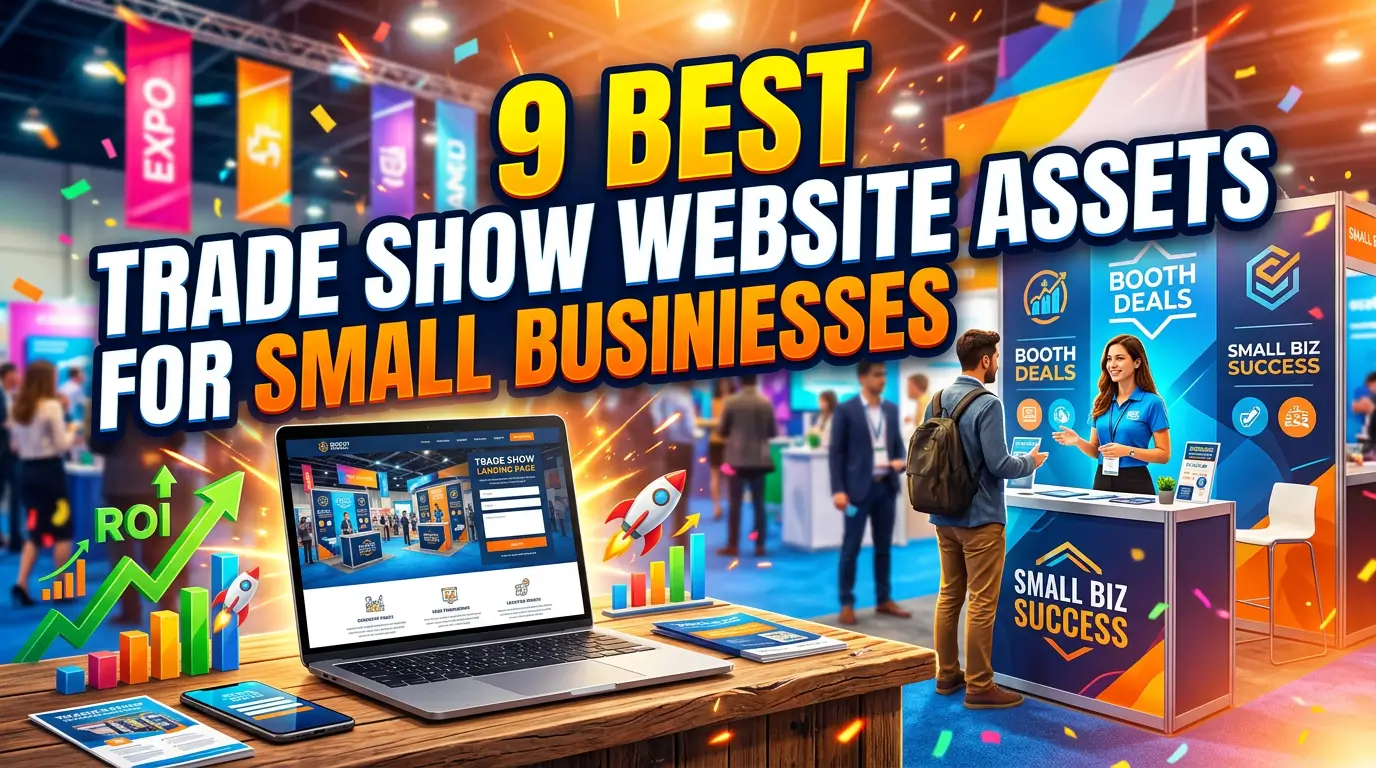
Trade shows are expensive before you scan a single badge.
You pay for the booth, travel, freight, hotels, signage, samples, staff time, and the week of normal work that gets pushed sideways. Then too many businesses come home with a spreadsheet full of names and no clear plan for turning those conversations into revenue.
The fix is not a bigger booth. It is a better web system around the booth.
Your website should help people scan, understand, compare, book, and remember you while the event is still fresh. Here are nine website assets worth building before your next show.
1. An event-specific landing page
Do not send trade show visitors to your homepage and make them hunt.
Build one page for the event with the booth number, who will be there, what problem you solve, what offer is tied to the show, and the next step. A CNC shop exhibiting at IMTS might use the page to show tolerances, industries served, lead times, certifications, and a “send us your drawing” form.
This matters because event traffic is high intent but distracted. People are walking, talking, scanning badges, and comparing vendors in real time. Wave Connect reports that 81% of trade show attendees have buying authority and 92% attend to see new products. Give those buyers one clean path instead of asking them to decode your whole site.
Keep the URL short enough to print on a booth sign.
2. QR codes that open useful pages, not generic brochures
QR codes work when the destination is worth the scan.
Instead of pointing every code to the same PDF, create different QR paths for different buyer intents: pricing basics, sample request, dealer inquiry, installation guide, product demo, quote request, or post-show appointment. A commercial flooring company could put one code beside each material sample so architects land on the right spec sheet and photo gallery. For more ideas, see our list of QR code website ideas for small businesses.
Bitly reported that over 90% of marketers used QR codes in 2025 and 94% increased QR code usage over the previous 12 months. The bar is not “will people scan?” The bar is “will this scan help them take the next step?”
Use dynamic QR codes if possible so you can change the destination after the booth graphics are printed.
3. A fast mobile product or service explainer
A trade show visitor may open your site while standing in an aisle with weak Wi-Fi. If the page crawls, they are gone.
Create a lightweight mobile explainer for your main product or service. It should answer five questions fast: what it is, who it is for, what problem it solves, what makes it different, and what to do next. Skip heavy sliders, autoplay videos, giant PDFs, and scripts you do not need.
Speed has a direct revenue cost. Portent found that pages loading in 1 second had an average conversion rate near 40%, while conversion rates dropped as load time increased. For an event page, that can be the difference between a booked demo and a forgotten tab.
Test the page on cellular data before the show.
4. A booth offer page with a real reason to act now
“Visit our website” is not an offer.
Give attendees a reason to act while the event is fresh. That could be a free audit, sample kit, private demo, specification review, quote review, implementation checklist, warranty upgrade, or show-only consultation slot. The page should explain who qualifies, what they get, how long it takes, and what happens after they submit.
For example, an industrial automation firm could offer a 20-minute controls upgrade review for plants dealing with downtime. The form asks for equipment type, plant location, current issue, and timeline. Sales walks into follow-up with context instead of a cold badge scan.
Tie the offer to a deadline, but do not fake scarcity. “Book by Friday after the show” is credible. “Only 3 spots left” is risky if it is not true.
5. A comparison page for the decision happening in the buyer’s head
Trade show buyers compare fast.
They compare you against the booth two aisles over, their current vendor, a cheaper supplier, doing it internally, and waiting until next year’s budget. A comparison page lets you frame that choice honestly.
A managed IT provider could compare break-fix support vs. managed service. A manufacturer could compare domestic production vs. offshore sourcing. A web team could compare custom development vs. website builders. The page should explain fit, tradeoffs, timeline, ownership, support, and hidden costs.
This is especially useful because B2B buying keeps moving toward self-service research. Forrester predicted that more than half of large B2B transactions of $1 million or greater would be processed through digital self-serve channels in 2025. Even when your deal is smaller, buyers still want to research before they talk.
6. Case studies grouped by industry or use case
A generic case study library is better than nothing. A trade show-specific proof page is better.
Group two or three examples by the audience at the show. If you are attending a healthcare conference, show healthcare work first. If the event is for builders, show contractors, architects, distributors, or property managers. Buyers should see themselves quickly.
The best format is simple: problem, constraint, work done, result, and quote. HubSpot’s customer story library is full of examples where the result is specific, such as Motorola Solutions unifying 123,000+ customer records. Your version does not need enterprise polish. A small distributor might show how a better reorder flow reduced phone orders, or how a new product page helped dealers answer common questions.
Print the page URL on leave-behinds so proof travels home with the prospect.
7. A short demo video page for people who cannot stay at the booth
Some good prospects will only give you two minutes.
Create a demo page with a short video, three supporting screenshots, the main benefits, and a clear booking button. This helps people who were interested but could not wait for the next staff member, or who need to share your product with a boss after the event.
Video earns its keep when it explains something faster than a salesperson can. Wyzowl reports that 85% of video marketers say video has helped them generate leads and 83% say video has directly increased sales. A 90-second walkthrough of your quoting process, product assembly, portal, or before-and-after result can do real sales work.
Keep the video hosted on a page you control, not only on a social platform where visitors can wander off.
8. A booking page built for post-show follow-up
The booking page is where warm interest becomes a calendar event.
Do not use a bare calendar embed with no context. Add who the meeting is for, what will happen, how long it takes, what the buyer should bring, and what they will get afterward. If your team uses Calendly, HubSpot Meetings, or another scheduler, embed it below that context.
Speed of follow-up still matters. Harvard Business Review found companies that contacted online leads within one hour were nearly seven times more likely to qualify the lead than companies that waited longer. After a trade show, that window closes even faster because every competitor is following up too.
Add hidden fields or UTM tracking so booked meetings are tied back to the event.
9. A post-show resource hub for every follow-up email
Your team should not write a different follow-up email for every booth conversation from scratch.
Build one post-show resource hub with the best assets: offer page, pricing explainer, comparison page, case studies, demo video, FAQ, booking link, and contact info for the person they met. Then your follow-up can be personal without being slow.
For example, a B2B services firm might send: “Good talking about your dealer portal problem. I put the portal case study, pricing notes, and booking link here.” That is more useful than a generic “great meeting you” email.
This page also helps sales managers see what is actually being shared after the show. If every rep points to the same hub, analytics can show which links prospects clicked and which pages need improvement.
Build the web assets before the booth gets busy
Trade show leads do not turn into customers because someone scanned a badge. They turn into customers when the next step is clear, fast, and relevant.
Before your next event, build the landing page, QR paths, offer page, proof, demo, booking flow, and follow-up hub. Your booth team will have better conversations, your sales team will follow up faster, and your website will keep working after the lights come down.
If you want help building a trade show web system that captures and follows up with better leads, start here.