Most small businesses obsess over Google Business Profile, and that makes sense. But if you stop there, you’re missing part of the market. A broader AI local SEO checklist now needs to include Apple Maps, review sites, service pages, and the website proof that supports each listing.
BrightLocal’s Consumer Search Behavior research found that 1 in 5 consumers conduct local searches directly within maps. The same study found that 85% of consumers consider contact information and opening hours important when researching local businesses. If your Apple Maps presence is wrong, thin, or unclaimed, that is not a branding issue. It’s a lost lead issue.
That’s why Apple Business Connect matters in 2026.
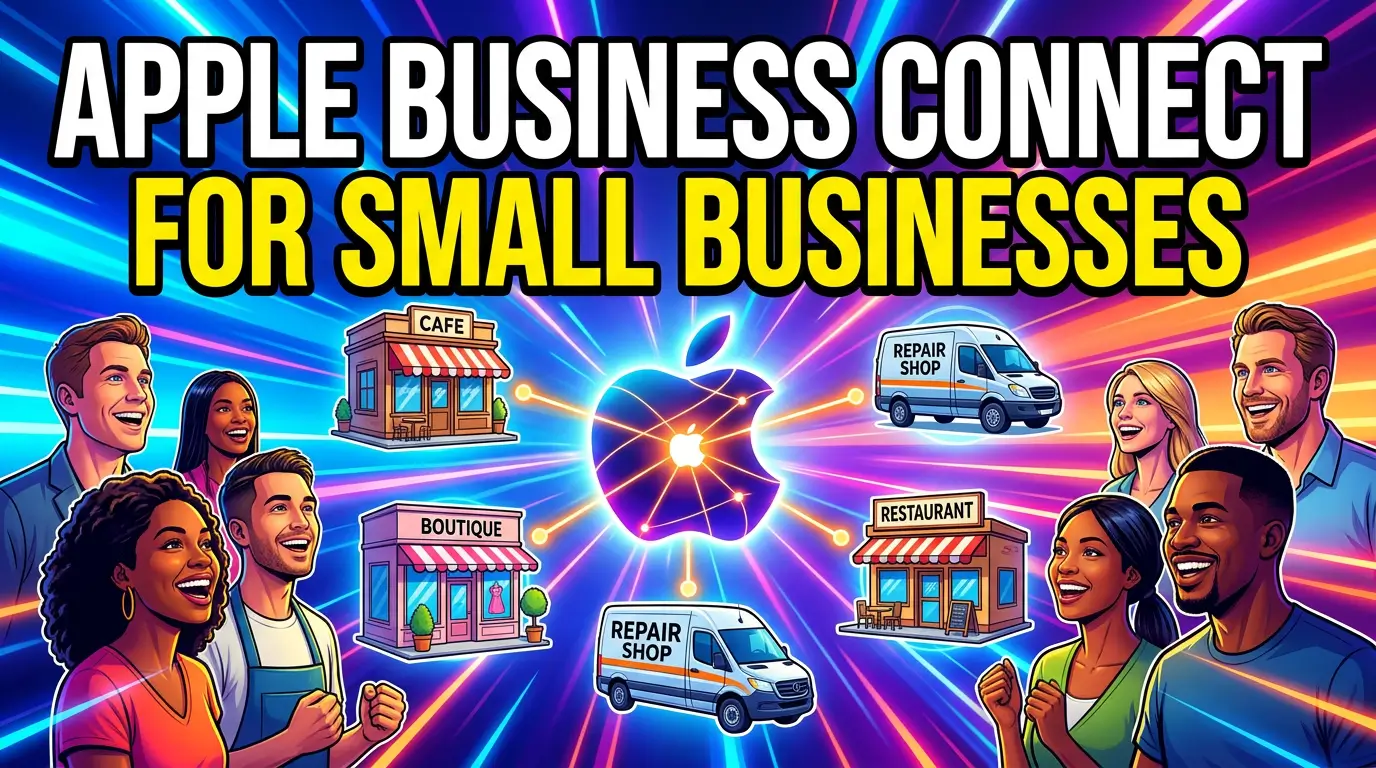
Apple introduced Apple Business Connect as a free tool that lets businesses claim and customize how they appear across Apple Maps, Messages, Wallet, Siri, and other Apple apps. Apple said the product was built for businesses of all sizes, and specifically noted that it was designed with small businesses in mind in its launch announcement.
If you run a local service business, retail shop, clinic, restaurant, law office, or multi-location company, this is worth setting up.
Why Apple Maps deserves your attention now
The clearest reason is simple: consumer behavior has shifted.
According to BrightLocal’s 2026 Local Consumer Review Survey, Apple Maps nearly doubled in usage from 14% in 2025 to 27% in 2026 as a platform consumers use when researching local businesses. That is not a rounding error. That is a serious jump in discovery behavior.
The same BrightLocal survey says 97% of consumers read reviews for local businesses, and the average consumer uses six different review sites when choosing a business. In other words, people are not making decisions in one place anymore. They bounce between maps, review platforms, websites, and social profiles until they feel confident enough to call, book, or visit.
That matters for a plumber in Tampa, a med spa in Columbus, or a bakery in Madison just as much as it matters for a bigger brand. If someone starts inside Apple Maps and your listing is outdated, missing photos, or missing a clear action, your website may never get the chance to do its job.
What Apple Business Connect actually gives you
Apple’s business platform page says Apple Business helps companies put their business on the map, build brand recognition, add custom actions, and use insights to understand discovery. Apple’s original newsroom announcement adds more detail: businesses can update photos and logos, manage key information, highlight promotions, and let customers take actions such as ordering food or making reservations directly from Maps.
For a small business, that means Apple Business Connect is not just a citation cleanup tool. It can support four practical jobs:
- Keep your location data accurate.
- Make the listing look trustworthy.
- Give people a direct next step.
- Learn how people are finding you.
That is a solid return for a free profile.
The small-business use cases that matter most
You do not need every feature on day one. You need the features that help a buyer move.
1. Accurate NAP and hours
If your name, address, phone number, category, or hours are off, you create friction immediately. That sounds obvious, but it shows up in real buying behavior. BrightLocal’s consumer search study found that contact details and hours are among the most important pieces of information people check when researching local businesses.
For small businesses, this is the minimum bar. If holiday hours change, update them. If you moved suites, update it. If you changed your call tracking setup and the wrong phone number is floating around online, fix it.
2. Better visuals
Apple says businesses can customize place cards with beautiful images, key information, and special promotions. BrightLocal’s Apple Maps optimization guide says you can edit your logo, banner image, business categories, hours, and description.
That matters because map listings are judged fast. A sharp logo, a real storefront or team photo, and a clear category do a lot of work before someone clicks through to your site. If your website is polished but your map listing looks abandoned, buyers feel the mismatch.
3. Direct actions from the listing
This is where many small businesses leave money on the table.
Apple’s launch announcement says businesses can invite customers to take actions like ordering food, making a reservation, or engaging with promotions directly from Maps. Apple’s business page also highlights Custom Actions for booking reservations, scheduling appointments, and more.
If you are a restaurant, salon, med spa, home service company, or clinic, a direct action matters because it shortens the path from search to conversion. Fewer steps usually means fewer drop-offs.
4. Insights you can actually use
Apple says its platform includes Insights that help businesses get discovered by more people. That gives small teams a way to see whether Apple Maps is just a nice extra profile or a real traffic source worth more attention.
If you start seeing action around a location, you can adjust your photos, test stronger descriptions, tighten categories, or add better landing pages on your website to match the intent coming from maps.
How to set up Apple Business Connect without making it a week-long project
The good news is this does not need to become a giant SEO project.
BrightLocal’s setup guide for adding or claiming an Apple Maps business listing lays out the basic process clearly. The short version looks like this:
Step 1: Create or use an Apple ID
BrightLocal notes that you need an Apple ID and two-factor authentication before you can manage a listing.
Step 2: Search for your business inside Apple Business Connect
Go to businessconnect.apple.com and search by business name, phone number, or city, as outlined in BrightLocal’s claiming guide.
Step 3: Claim the existing listing or create a new one
If Apple already has a listing, claim it. If not, create a new location and enter the business information carefully, including map placement and categories, following the process described by BrightLocal.
Step 4: Verify it properly
BrightLocal says Apple may require phone verification for claims or document review for new listings. Do not rush this with bad paperwork or old documents. Verification delays are annoying, but a clean verification is better than a listing problem that hangs around for months.
Step 5: Fill in the fields people actually use
Once verified, complete the details that influence real decisions: category, hours, phone, website, photos, logo, and description. BrightLocal’s optimization guide says those are among the editable fields inside the dashboard, including logo, banner image, open hours, categories, and a 500-character description.
What to write in your Apple Maps description
Most small businesses overcomplicate this part.
You do not need a mission statement. You need a clean explanation of what you do, where you do it, and why someone should trust you.
A good local description usually includes:
- your primary service or product
- the area you serve
- one trust signal, such as years in business or specialization
- a plain-language hook that matches buyer intent
For example, a bad version is: “We are a leading provider of innovative solutions for residential and commercial needs.”
A better version is: “Family-owned HVAC company serving Dayton homeowners with AC repair, furnace replacement, and seasonal maintenance plans. Emergency service available.”
That second version helps because it matches the kind of detail local buyers look for while checking listings, hours, and contact info, which BrightLocal highlights in its consumer search behavior study.
How Apple Business Connect fits with your website
This is where a lot of local businesses get sloppy. They treat map listings and the website like separate projects.
They are not separate.
If your Apple Maps listing says one thing and your website says another, trust drops. If the map listing promises booking and the landing page is slow or confusing, the lead stalls. If the listing points to the homepage when it should point to a location page or service page, you create extra work for the buyer.
Your best move is alignment:
- Match your core business name, address, and phone details across Apple Maps and your site.
- Link to the most relevant page, not always the homepage.
- Use the same service language on your listing and landing page.
- Make sure the linked page works well on mobile.
That last point matters more than ever because Apple discovery is happening on phones. If your listing does its job but your mobile page is slow, messy, or hard to use, you paid the effort cost without getting the lead.
Common mistakes small businesses should avoid
I see the same problems over and over.
Ignoring Apple because Google is bigger
Yes, Google is still the default for most search behavior. BrightLocal’s search behavior research says Google still dominates general search. But that same research also says consumers search inside maps directly, and the 2026 review survey shows Apple Maps usage moving up fast. Bigger does not mean only.
Claiming the profile and never finishing it
An incomplete profile is better than nothing, but not by much. Apple gives you room to add visuals, actions, offers, and business details through Apple Business and the original Business Connect feature set. Use them.
Sending people to the wrong page
If your listing links to a generic homepage when the buyer wants a booking page, service page, or location page, you add friction. Match the action to the destination.
Forgetting this is a trust asset
BrightLocal’s 2026 survey makes it clear that reviews still shape decisions for almost everyone. Your Apple Maps presence is not just about navigation. It is one more proof layer in the buying process.
The practical takeaway
If you’re a small business owner, Apple Business Connect is not optional cleanup work anymore. It’s part of local visibility.
The reason is straightforward. People search in maps, compare businesses across multiple platforms, and expect accurate information fast. BrightLocal’s research shows that behavior clearly. Apple’s own platform gives you free tools to improve how your business appears, what people can do next, and how much control you have over your listing through Apple Business and the original Business Connect rollout.
For a small business, that is a pretty good trade. Spend an hour setting it up well, then make it part of your normal local SEO maintenance.
If you want help tightening the connection between your maps listings, local landing pages, and conversion paths, get started here.
FAQ
Is Apple Business Connect free?
Yes. Apple introduced Apple Business Connect as a free tool for businesses to claim and customize their place cards.
Does Apple Maps matter for small businesses?
Yes. BrightLocal’s 2026 Local Consumer Review Survey says Apple Maps usage rose from 14% in 2025 to 27% in 2026, and BrightLocal’s consumer search study says 1 in 5 consumers conduct local searches directly within maps.
What should I add first after claiming my listing?
Start with the basics people use to make decisions: accurate contact info, open hours, correct categories, website URL, photos, and a clear description. Those are the details BrightLocal highlights in its setup guide and optimization guide.