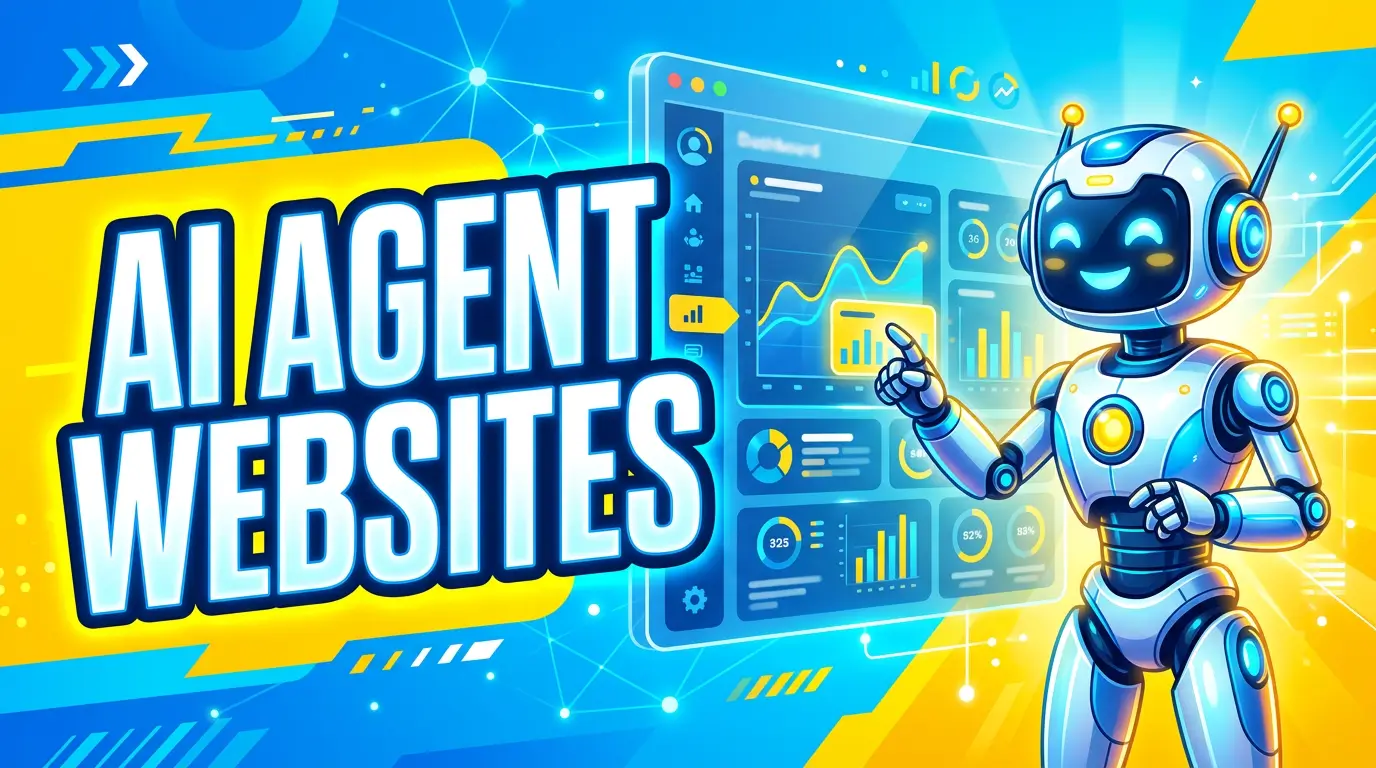
Your next website visitor might not be a person clicking around with a mouse.
It might be an AI agent acting for a person who asked, “Find me three local roofers that handle storm damage and request quotes,” or “Compare accounting firms near me that work with restaurants.” That agent still represents a real buyer. It just reads, clicks, compares, and fills out forms differently than a human visitor.
This is already happening. OpenAI says ChatGPT agent can navigate websites, fill out forms, work with files, and take actions on a user’s behalf. Google announced Search agents at I/O 2026, including background information agents that monitor the web and send synthesized updates. Chrome’s developer team is also building for what it calls the agentic web, including tools that help agents interact with websites more reliably.
For a small business, the question is practical: can an agent understand what you do, trust your information, and complete the same lead action a good customer would complete?
If the answer is no, you don’t need a moonshot rebuild. You need a cleaner, clearer, more structured website.
What an AI Agent Actually Sees
A human visitor quickly understands the logo, navigation, phone number, reviews, and form. Agents don’t process a page exactly that way. Google’s web.dev team says agents rely on screenshots, raw HTML, and the accessibility tree. Screenshots show layout. HTML shows structure. The accessibility tree gives a practical map of roles, labels, names, and states for buttons, inputs, toggles, and links.
That last one matters. If your “Request a Quote” button is really a styled <div> with a click handler, a person may recognize it. An agent may not. If your form fields don’t have labels connected to inputs, an agent may not know whether “Name” means full name, first name, or company name. Agent-ready web design looks a lot like good web design: clean HTML, accessible forms, stable layouts, clear content, and obvious next steps.
AI Search and Agentic Browsing Are Not the Same Thing
There are two related shifts happening at once. AI search is changing how people find answers. Google published a May 2026 resource saying website owners should still focus on valuable, unique content, local information, shopping information, images, video, and SEO fundamentals for generative AI features in Search. Google’s full guide also says traditional SEO best practices remain relevant for generative AI features.
Agentic browsing is different. Agents aren’t just summarizing your business. They may try to book an appointment, request a quote, compare options, or gather details for a buyer. AI search asks, “Can your business be found and cited?” Agentic browsing asks, “Can software use your website without getting confused?”
Start With the Tasks Customers Already Need to Complete
Don’t start by asking whether your site is ready for WebMCP, agent APIs, or whatever acronym shows up next week. Start with the work buyers already come to your site to do.
For most service businesses, those tasks are simple: understand what you do, decide whether you’re credible, then call, book, request a quote, or send a message. For ecommerce businesses, the tasks usually include finding the right product, comparing specs, checking availability, understanding shipping or service limits, and completing checkout.
Write these tasks down. Then open your website and try to complete each one without assuming prior knowledge. If you can’t explain a service area in one page title, if the quote form asks vague questions, or if pricing information is hidden behind five clicks, an agent will struggle too.
A good agent-ready website doesn’t make buyers guess. It states what the business does, who it serves, where it operates, what the next step is, and what information is needed to take that step.
Make Your HTML Match the Job
Agents use structure. So do screen readers. So does Google. That means your website’s code needs to match what the page is trying to do.
Google’s agent-friendly website guidance recommends using semantic HTML, especially real buttons, links, labels, and form fields instead of generic elements modified with CSS and JavaScript. That advice is not just for developers. It directly affects whether an agent understands your site.
A button should be a real button. A phone link should use a real tel: link. A contact form field should have a visible label tied to the input, not placeholder text that disappears when someone starts typing. Navigation should use normal links to real pages.
Pretty matters. But if the structure underneath is messy, your website becomes harder for people, search engines, and agents to use.
Fix Forms Before You Chase Advanced AI Features
If you sell a service, your form is often the money point. It is also where agents are most likely to fail.
OpenAI’s ChatGPT agent documentation says the agent can fill out forms, but that doesn’t mean every form is easy to use. A form with unlabeled fields, hidden required steps, confusing error messages, or a broken mobile layout is a problem for humans and agents.
Start with your main lead form. Every field should have a clear label, such as “Company name,” “Job address,” or “Preferred callback time.” Required fields should be obvious before submission, not only after an error. Error messages should explain the fix, such as “Enter a 10-digit phone number,” not “Invalid input.” The submit button should say what happens next, such as “Request Quote” or “Schedule Consultation.” The confirmation message should tell the visitor when you’ll respond.
Don’t ask for more information than your sales team actually uses. A long form may feel thorough, but it can kill lead volume. If you need job photos, budget range, or project timeline, explain why.
Keep Layouts Stable and Actions Visible
Agents often cross-check page structure with a visual screenshot. If your layout shifts after ads, banners, animations, or popups load, the agent may be working from a moving target.
Google’s guidance specifically warns that agents can be confused by shifting layouts, hidden overlays, ghost elements, and unclear interactive elements. The fix is the same fix you’d make for better conversion rates: keep the important stuff stable.
Your phone number, primary CTA, contact button, and form should not jump around. Popups should not cover critical buttons. Sticky headers should not hide form fields. Cookie banners should not block the submit button on mobile.
Use Clear Service Pages, Not Clever Marketing Copy
Agents need facts. Buyers need facts. Your service pages should make those facts easy to extract.
For example, a generic page that says “We provide high-quality solutions for homeowners” does not help much. A better page says “Emergency roof leak repair in Columbus, Ohio for homeowners, property managers, and small commercial buildings.” That gives search engines, agents, and buyers a concrete answer.
Google’s AI optimization guidance emphasizes unique, valuable content and accurate information for local, shopping, image, and video experiences. For a small business, that usually means writing pages that reflect the real work: service areas, project types, materials, timelines, warranties, financing, before-and-after photos, and common customer questions.
If your content could apply to any competitor in any city, it is too thin.
Add Trust Signals Agents Can Parse
A human visitor can look at a photo of your crew, a badge, or a review carousel and get a gut feeling. An agent needs those trust signals to be easy to read.
Put your key trust details in plain text near the decision points. That includes years in business, licenses, certifications, warranty terms, service areas, accepted payment methods, response times, and review counts. If you have a license number, write it as text. If you have industry certifications, name them clearly and link to supporting pages when possible.
This is also where structured data can help. LocalBusiness, Organization, Product, FAQ, Review, and Service schema can clarify what your page is about. Schema will not make a weak business look strong, but it can help machines understand information that already exists on the page.
Watch WebMCP, But Don’t Panic About It Yet
Chrome’s WebMCP work is worth paying attention to. Google describes WebMCP as a proposed web standard that lets websites expose structured tools for AI agents. The idea is that a site can declare tools like search, filtering, checkout, support requests, or form submission so agents know exactly how to interact with the page.
That could become useful, especially for ecommerce, travel, booking, support, and complex quoting flows. Chrome says WebMCP can be added as a progressive enhancement, and the origin trial is planned for Chrome 149.
But most small businesses do not need to stop everything and build experimental agent tooling today. First, make your current website clear, fast, accessible, and conversion-focused. Then make your forms and CTAs easy to identify and complete. After that, add structured data where it fits and monitor standards as they mature.
Run a Practical Agent-Readiness Audit
You don’t need a 90-page technical report to get started. Run this quick audit on your homepage, your top service page, and your main contact or quote page.
Ask whether someone can identify your business, service, city or service area, and main CTA in 10 seconds. Check that buttons, links, and form fields use clear semantic elements. Confirm that all form fields have visible labels, the mobile page stays stable while loading, your phone number is clickable, and each service page answers who, what, where, proof, and next step. Make sure reviews, certifications, warranties, and business details appear in text, not only images. Then verify that the thank-you page or confirmation message explains what happens next.
Test it like a buyer. Ask someone who doesn’t work in your company to request a quote on mobile. Watch where they pause. Every pause is a clue.
If you want to be more technical, run Lighthouse as well. DebugBear reports that Lighthouse 13.3 added an under-development Agentic Browsing category, with checks related to the accessibility tree, layout stability, WebMCP, and llms.txt guidance. Treat that as a signal, not a final grade. The category is still evolving.
The Real Goal: Fewer Dead Ends
Agent-ready design is not about pleasing robots. It is about removing dead ends from your website.
A customer who can’t find your service area is a dead end. A form without clear labels is a dead end. A button that looks clickable but isn’t coded like a button is a dead end. A quote request that gives no response timeline is a dead end.
AI agents make those problems more visible, but they didn’t create them. Most small business websites already lose leads because the path from interest to action is too messy.
Fix that path and you get two wins. Human visitors convert more easily today. AI agents have a cleaner route to understand, recommend, and complete tasks on your site tomorrow.
If your website looks good but still makes buyers work too hard, we can help tighten the structure, forms, service pages, and conversion paths. Start here: get started.