Right now, AI agents interact with websites the way a blindfolded person navigates a grocery store. They take screenshots. They parse raw HTML. They guess which button does what. And if you redesign your site and move a single element? Everything breaks.
It’s slow, it’s expensive, and it’s wildly unreliable.
That’s about to change.
What Is WebMCP?
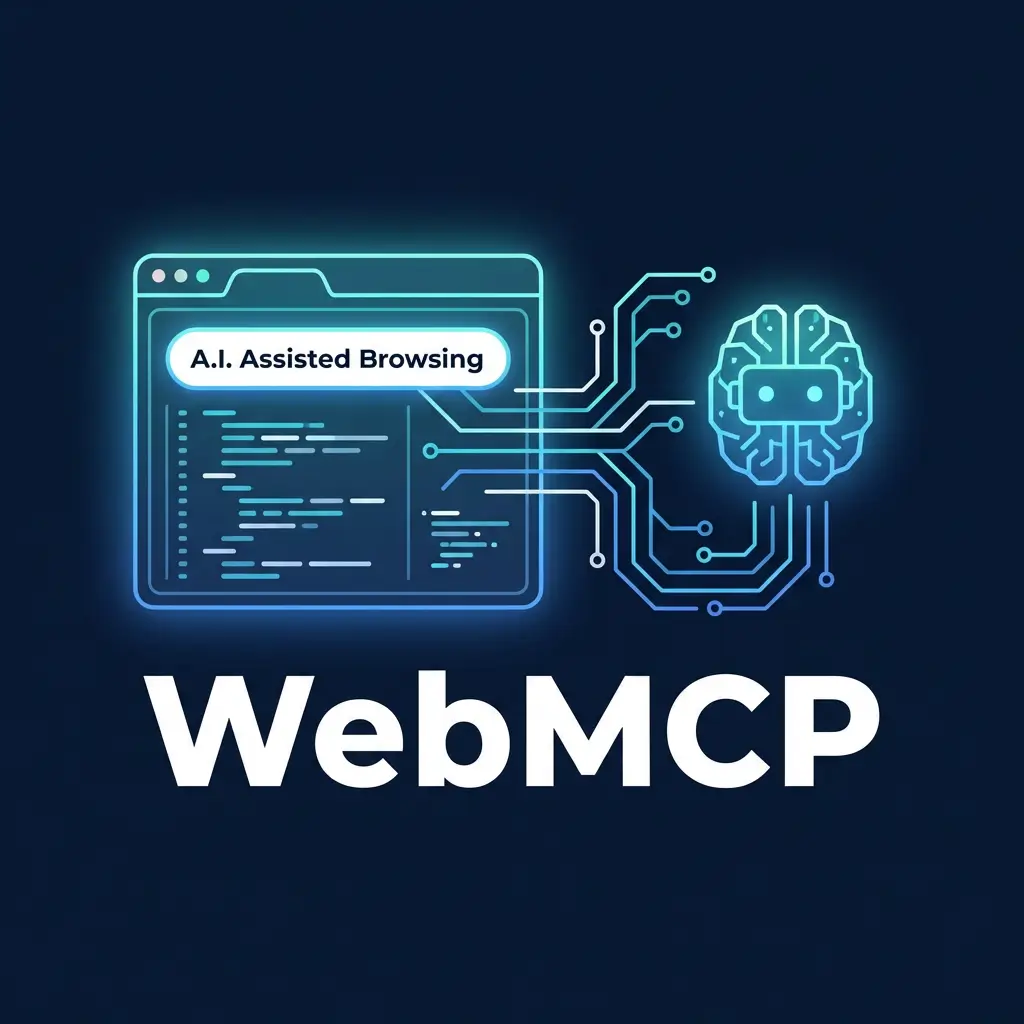
WebMCP (Web Model Context Protocol) is a proposed browser-level standard that lets any webpage declare its capabilities as structured, callable tools for AI agents.
Think of it this way: instead of an AI agent fumbling through your contact form by reading labels and guessing input types, your website just says, “Here’s a function called submitContactForm. It needs a name, email, and message. Call it and I’ll handle the rest.”
The agent calls the function. Gets a response. Moves on.
Your website becomes an API that AI agents can use — without you building or maintaining a separate API.
This isn’t a startup experiment. It’s a joint effort from Google’s Chrome team and Microsoft’s Edge team, incubated through the W3C. Broader browser support is expected by mid-to-late 2026.
How It Actually Works
WebMCP gives developers two ways to make websites agent-ready.
The Simple Way: Add Attributes to Your Existing Forms
If your site already has clean HTML forms, you can make them agent-compatible by adding two attributes: toolname and tooldescription.
A restaurant reservation form gets a tool name like bookTable and a description of what it does. The browser automatically translates the form fields into a structured schema that AI agents can read. When an agent calls the tool, the browser fills in the fields and submits the form.
That’s it. Existing websites with well-built forms can become agent-ready with minimal code changes.
The Advanced Way: JavaScript Registration
For more complex interactions, developers register tools programmatically through a new browser interface called navigator.modelContext. You define a tool name, description, input schema, and execute function.
What makes this powerful: tools can appear and disappear based on page state. A checkout tool only shows up when items are in the cart. A booking tool appears after dates are selected. The agent only ever sees what’s relevant to the current context.
The Three-Step Flow
- Discover — The agent lands on your page and sees what tools are available
- Schema — It reads the input requirements for the tool it needs
- Execute — It calls the tool with the right parameters and gets structured results
One tool call replaces what used to be dozens of sequential browser interactions — clicking filters, scrolling results, screenshotting pages — each one burning tokens and adding latency.
Why This Matters for Your Business
AI Agents Are Already Browsing the Web
This isn’t theoretical. In January 2026, Google shipped Chrome Auto Browse powered by Gemini. OpenAI’s Atlas browser launched with Agent Mode. Perplexity’s Comet does full-task browsing across platforms.
These are real products with real users. And they’re only getting more capable.
The websites that make it easy for these agents to complete tasks will capture more traffic. The ones that don’t will get skipped for competitors that do.
This Is the Responsive Design Moment for AI
When mobile arrived, the sites that adopted responsive design early won the distribution game. The late movers scrambled to catch up while traffic shifted underneath them.
WebMCP is the same dynamic. The businesses that become agent-ready first will have a compounding advantage as AI-assisted browsing goes mainstream.
Your Forms Are Already 80% There
Here’s the good news: if your website has clean, well-structured HTML forms with clear labels and predictable inputs, you’re most of the way to WebMCP readiness.
The heavy lifting is having good form hygiene in the first place. Clear labels. Predictable inputs. Stable redirects after submission. That’s technical SEO fundamentals — the same foundation we’ve been building for years.
WebMCP vs. Regular MCP
If you’ve heard of Model Context Protocol (MCP), you might wonder how WebMCP relates.
Short answer: they’re complementary.
- Traditional MCP runs on a separate server. It’s great for backend and API operations. It requires separate authentication setup.
- WebMCP runs inside the browser tab. It inherits your existing authentication (SSO, cookies, sessions). It’s built for web UI interactions.
A product might use both. MCP for headless backend operations, WebMCP for the customer-facing website. They solve different problems.
One thing to note: WebMCP currently handles tool calling only. It doesn’t yet include MCP’s concepts of resources or prompts. That will likely expand as the spec matures.
What You Should Do Right Now
WebMCP is in early preview (Chrome 146 behind a feature flag). The spec will evolve. But the foundations you build today carry forward regardless.
1. Audit Your Key User Actions
Identify the five to ten most important actions on your site. Lead forms. Booking flows. Product searches. Quote requests. Contact forms.
For each one, ask:
- Are the labels clear and descriptive?
- Are the inputs predictable (not hidden behind JavaScript gymnastics)?
- Do redirects work cleanly after submission?
- Is the form clean HTML or a tangle of workarounds?
2. Clean Up Your Form Markup
If your forms use proper HTML <form> elements with clear <label> tags and standard <input> types, you’re in great shape. If they’re built entirely in JavaScript with custom div-based inputs and no semantic structure, that’s a problem — not just for WebMCP, but for accessibility and SEO today.
3. Think in Actions, Not Just Content
Most SEO strategies focus on informational content. WebMCP rewards transactional clarity. What can someone do on your site, and how easy is it for a machine to figure that out?
The businesses that win in an agent-driven web will be the ones that make it easy for AI to complete tasks, not just find information.
4. Start the Conversation With Your Developer
Share this article with whoever manages your website. Point them to Google’s early preview documentation. Even if full implementation is a year away, the teams that start experimenting now will move faster when the standard lands.
The Bottom Line
The web is being rebuilt for two types of users: humans and AI agents.
WebMCP is Google and Microsoft’s answer to giving those agents a native, structured way to interact with websites — without the fragility of screen scraping or the cost of maintaining separate APIs.
You don’t need to implement WebMCP today. But you do need clean forms, clear labels, semantic HTML, and a site that makes it easy for machines to understand what actions are available.
That’s not future-proofing. That’s just good web development. And if you’re already doing it, you’re closer to agent-ready than you think.
Need help making sure your website is ready for the agentic web? Let’s talk about your site.

Richard Kastl
Founder & Lead EngineerRichard Kastl has spent 14 years engineering websites that generate revenue. He combines expertise in web development, SEO, digital marketing, and conversion optimization to build sites that make the phone ring. His work has helped generate over $30M in pipeline for clients ranging from industrial manufacturers to SaaS companies.