Google just made AI search reporting harder to ignore.
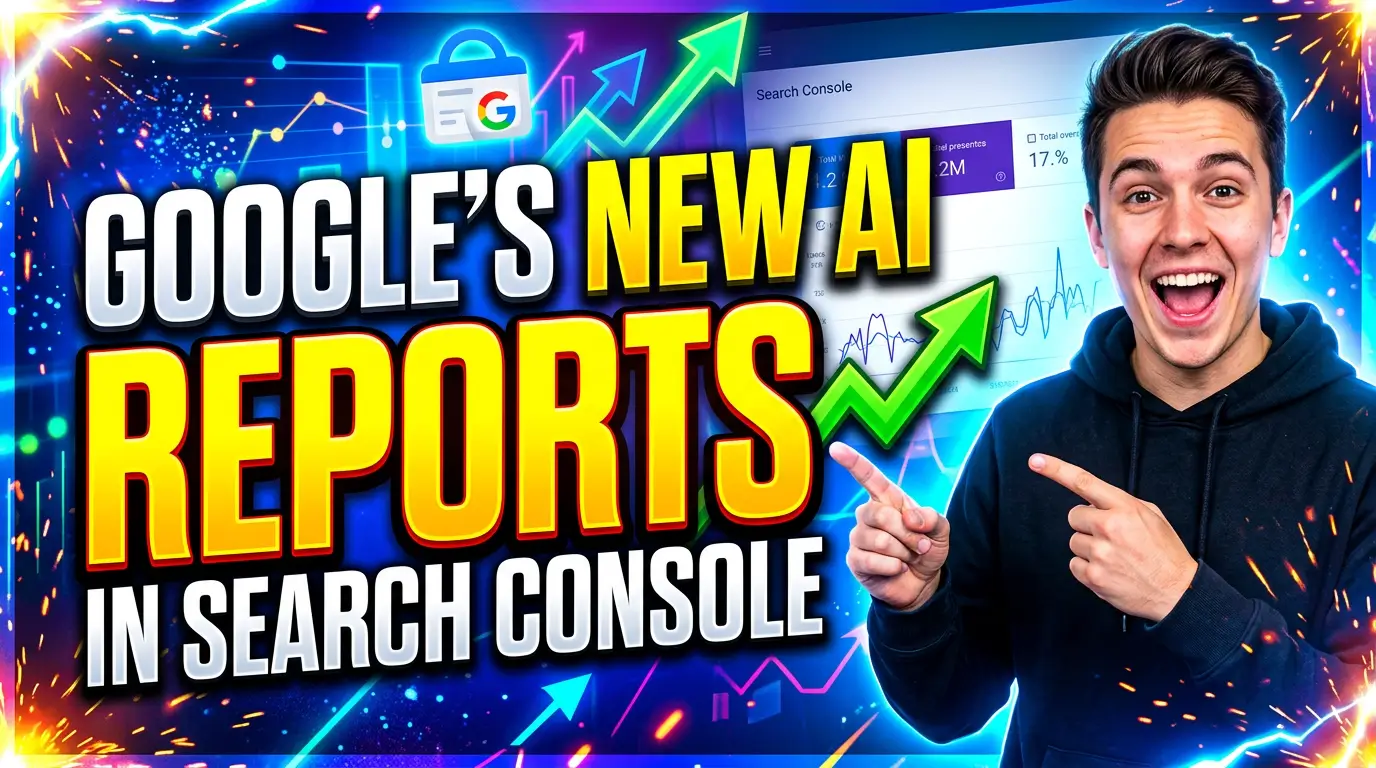
On June 3, 2026, Google announced new Search Generative AI performance reports in Search Console. The reports give some site owners a dedicated view of impressions from generative AI features, including AI Overviews, AI Mode, and generative AI features in Discover.
That is a big shift for small businesses. Until now, most owners had to read normal Search Console data and guess how much of the weirdness came from AI results. More impressions, lower click-through rates, longer searches, and fewer clean keyword patterns were all getting blended into the same old reports.
Now Google is testing a separate view.
Do not overreact. Do not rebuild your whole SEO plan because one new report appeared. But do pay attention, because this is the first serious step toward measuring AI search visibility as its own channel.
What Google’s new AI reports actually show
Google says the new reports are designed to show how often URLs from your site appear inside generative AI features in Search and Discover. The rollout is limited right now. Google says it is launching the reports to a subset of websites so it can test them and collect feedback before wider availability.
If your site gets access, Google says the reports can show:
- Impressions from generative AI features
- Pages that appeared in AI features
- Countries where those impressions happened
- Devices for Search results
- Date trends with hourly, daily, weekly, and monthly views
That list matters because it answers one question small business owners have been asking for months: “Are we showing up in AI answers at all?”
The answer still will not be perfect. Google says this is visibility data, not a full lead attribution system. The report does not automatically tell you whether an AI Overview mention led to a phone call, a form fill, or a sale. But it gives you a cleaner starting point than guessing from total impressions.
Why this matters more than another dashboard
Most small businesses already have too many dashboards. Google Analytics, Search Console, ad reports, CRM reports, call tracking, email marketing, and maybe a spreadsheet somebody updates when they remember.
So the value here is not “one more report.”
The value is separating AI visibility from normal search visibility. That distinction is becoming necessary because AI search behaves differently from classic blue-link search.
Google’s own AI features documentation says AI Overviews and AI Mode can use a query fan-out technique, where Google issues multiple related searches across subtopics and data sources to build a response. In plain English, one user question may turn into several behind-the-scenes searches.
That changes how your content gets discovered. A buyer might ask, “Who is the best website design company for a local HVAC business that needs booking forms and SEO?” Google may look across service pages, reviews, location pages, examples, pricing context, and technical content before deciding which links to show.
A thin service page will struggle in that environment. So will a blog post that answers a question but never proves your business can solve the underlying problem.
The click problem is real
The reason this report matters is not just that AI search exists. It is that AI search can change click behavior.
Ahrefs reran its AI Overview click-through study using December 2025 data and found that the presence of an AI Overview correlated with a 58% lower average click-through rate for the top-ranking page. Ahrefs compared 300,000 keywords, including 150,000 with an AI Overview and 150,000 informational keywords without one.
SparkToro’s zero-click research found that 58.5% of American Google searches in 2024 ended without a click. For every 1,000 Google searches in the U.S., SparkToro estimated only 360 clicks went to the open web.
That does not mean SEO is dead. It means the old habit of judging SEO only by clicks is incomplete. If you need a broader plan for this shift, our zero-click search strategy guide walks through how to earn value when fewer searches turn into website visits.
If your plumbing company, dental office, machine shop, law firm, or home services business appears inside an AI answer, the user may see your name without clicking. That can still influence the next step. They may search your brand later. They may call from a local result. They may compare you against two competitors without visiting five websites first.
Visibility is not the same as traffic. But visibility can still create demand.
AI Overviews are not staying in the research lane
Some owners still think AI search only affects blog traffic. That is outdated.
Semrush analyzed more than 10 million keywords in its AI Overviews study and found AI Overviews appeared for 6.49% of queries in January 2025, rose to 24.61% in July, then settled at 15.69% in November. More important for small businesses, Semrush reported that commercial queries triggering AI Overviews increased from 8.15% to 18.57%, transactional queries increased from 1.98% to 13.94%, and navigational queries increased from 0.84% to 10.33%.
That means AI results are moving closer to the money.
A search like “what is epoxy flooring” is informational. A search like “best epoxy flooring contractor for a garage in Cincinnati” is much closer to a job. If AI features show up for more commercial and transactional searches, your service pages, location pages, reviews, and proof need to be easier for Google to understand.
Google also says there are no additional technical requirements to be eligible as a supporting link in AI Overviews or AI Mode. A page must be indexed, eligible to appear in Google Search with a snippet, and follow normal Search requirements.
That should calm people down. You do not need a magic AI SEO plugin. You need better fundamentals.
What to check first when you get the report
When the report appears in your Search Console account, resist the urge to stare at the top-line number. Raw AI impressions are interesting, but they do not pay invoices.
Start with the pages.
Which URLs are appearing in generative AI features? If the list is mostly blog posts, your educational content is getting surfaced. That is useful, but you need a bridge from those pages to service pages, case studies, pricing context, and contact options.
If service pages are showing up, that is stronger buying-intent visibility. Review those pages carefully. Make sure they answer the questions a real buyer asks before calling: who the service is for, what is included, what affects price, where you work, what proof you have, and what happens next.
Then check countries and devices. A local business in Ohio does not need to celebrate AI impressions from countries it cannot serve. A service company with mostly mobile impressions needs pages that load quickly, show phone numbers clearly, and make forms easy to complete on a thumb-sized screen.
Dates matter too. Look for changes around site updates, new content, Google updates, and seasonality. One spike is not a strategy. A steady pattern tied to useful pages is worth investigating.
What not to do with the new data
Do not use AI impressions as a trophy metric.
A page can earn impressions and still do nothing for the business. That has always been true in SEO. It is even more true with AI reports because impressions may represent appearances inside answers where the user never visits your site.
Do not rewrite every page to sound like a chatbot answer. Google’s AI feature guidance says the same foundational SEO best practices still apply, including making content easy to find through internal links, providing a good page experience, making important content available in text, using helpful images and videos when appropriate, and keeping structured data aligned with visible page content.
Do not hide behind technical work either. Schema, crawlability, and internal links matter, but they cannot fix weak content. If your page says “quality service at affordable prices” and gives no specifics, AI reporting will only confirm that Google has little reason to cite you.
The small business action plan
Use the report as a prioritization tool, not a panic button.
First, identify pages that already appear in AI features. Improve those before creating a dozen new posts. Add clearer answers, stronger examples, better internal links, and proof that supports the claim on the page.
Second, connect informational pages to money pages. If a blog post about “how much does a website redesign cost” appears in AI features, link it to your redesign service page, your project process, your examples, and your contact page. Make the next step obvious.
Third, tighten your local and trust signals. BrightLocal’s 2026 Local Consumer Review Survey found that 97% of consumers read reviews for local businesses, and that the average consumer uses six different review sites when choosing businesses. If AI systems and humans are both looking for trust, your reviews, testimonials, business details, and proof pages need to be current. For local visibility specifically, see our guide on getting recommended by ChatGPT and Google AI in local search.
Fourth, track business outcomes beside AI visibility. Put AI impressions next to calls, form submissions, booked appointments, branded searches, and qualified leads. If visibility rises but leads do not, the problem may be your offer, your page content, your CTA, or your follow-up speed.
A simple monthly review process
Once a month, pull three lists from Search Console: top AI-visible pages, top countries, and pages with rising AI impressions. Compare those against your normal Search Console pages and your lead data.
For each page, ask four questions:
- Does this page answer a buyer’s question clearly?
- Does it prove we can solve the problem?
- Does it link to the next useful step?
- Can a mobile visitor contact us without fighting the page?
That is enough for most small businesses. You do not need a 40-tab reporting workbook. You need a short list of pages to improve and a clear way to see whether those improvements help leads.
The bottom line
Google’s new Search Console AI reports are useful because they make invisible visibility a little more visible. They will not tell the whole story. They will not replace call tracking, analytics, or lead quality review. And they will not rescue a vague website.
But they can show which pages Google already trusts enough to surface inside AI features. That is valuable.
If you get access to the report, treat it like a flashlight. Find the pages that are already being seen, strengthen them, connect them to conversion paths, and measure whether the business gets better leads from the work.
Need help turning Search Console data into actual website fixes? Start a conversation with Your Web Team and we’ll help you find the pages worth improving first.