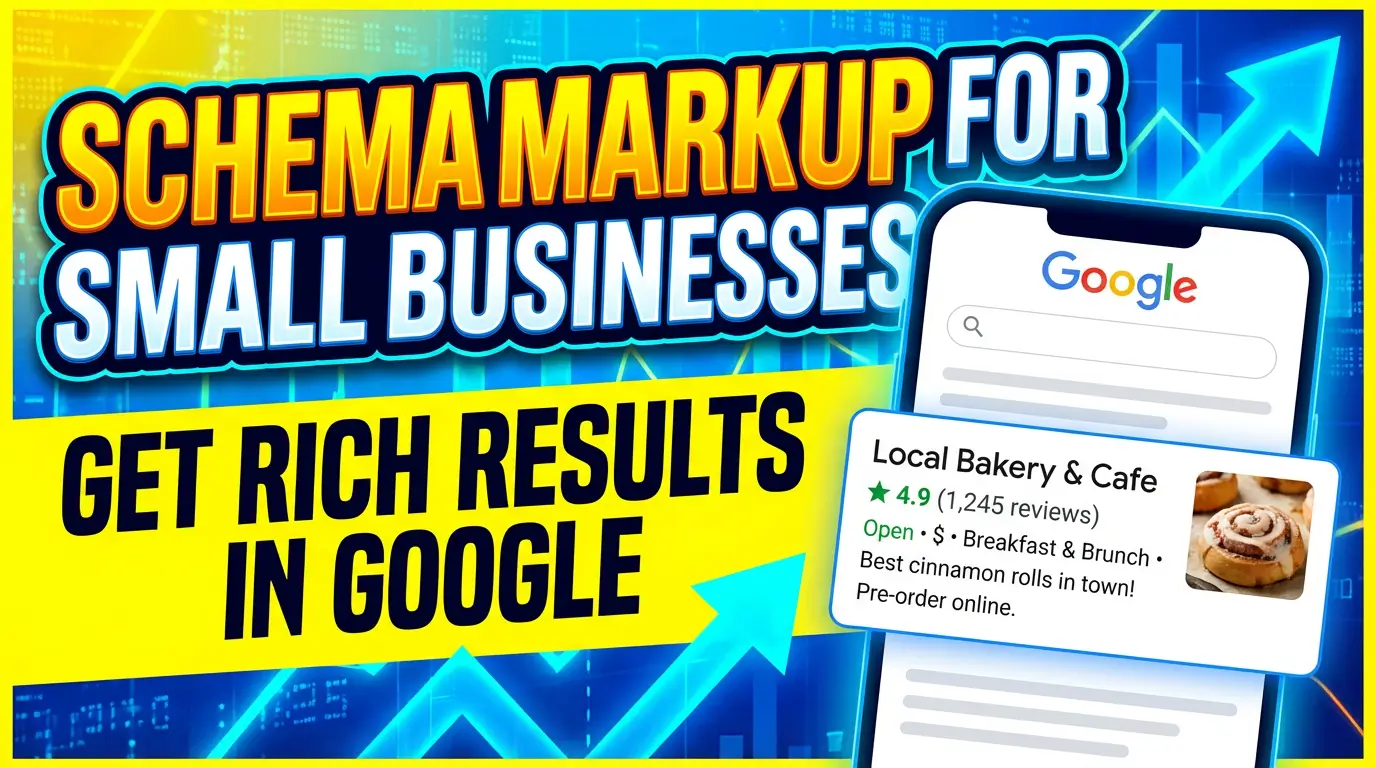
If you’ve ever searched for a local restaurant and seen the star ratings, hours, and price range right in Google’s results — that’s schema markup doing its job.
Most small business owners have never heard of it. Fewer still have implemented it. And that’s exactly why it’s one of the biggest untapped advantages available to you right now.
According to research compiled by ALM Corp, 72% of first-page Google results now use schema markup — and pages with rich results see 20–40% higher click-through rates compared to standard listings. Another study cited by Best Version Media put the CTR boost even higher, at 40%.
In an era where roughly 60% of searches end without a single click (Semrush, 2025), getting more of those remaining clicks matters more than ever. Schema markup is one of the best levers you have.
Here’s what it is, why it matters in 2026 specifically, and how to add it to your website — no developer required.
What Is Schema Markup?
Schema markup (also called structured data) is code that you add to your website to help search engines understand your content — not just what words are on the page, but what those words mean.
Without schema, Google has to guess. Is “Dr. Sarah Chen” a person, a business, or a character in a book? Is “open 9–5” referring to a store’s hours or a software ticket? Structured data removes that guesswork.
Schema vocabulary is standardized at Schema.org, a collaborative project founded in 2011 by Google, Microsoft, Yahoo, and Yandex. It covers hundreds of content types — from local businesses and products to events, FAQs, and job postings.
The most common implementation format is called JSON-LD (JavaScript Object Notation for Linked Data). It looks like a small block of code that sits in your page’s <head> tag, invisible to visitors but very visible to search engines.
Why Schema Markup Is Especially Important in 2026
Here’s the thing: schema markup has always been useful. But in 2026, it’s gone from “smart tactic” to “table stakes.”
AI Overviews changed everything.
Google’s AI Overviews now reach 2 billion monthly users. ChatGPT gets over 5 billion monthly visits. AI search traffic has grown 527% year over year — and it’s not slowing down.
These AI systems don’t read your website the way a human does. They rely on structured signals to identify your content, understand your credibility, and decide whether to include you in an AI-generated response.
According to Zavops:
“Without structured data, your content may still rank, but it becomes less likely to be selected for enhanced presentation formats.”
And from ALM Corp’s analysis, research shows that LLMs grounded in knowledge graphs achieve 300% higher accuracy compared to those relying on unstructured text alone. In practical terms: schema markup increases the likelihood that AI systems accurately understand and cite your business.
Google’s own Knowledge Graph — which powers AI answers, knowledge panels, and featured results — contains over 500 billion facts about 5 billion entities. Schema is how your business gets connected to that graph.
The 5 Schema Types Every Small Business Should Use
You don’t need to implement every schema type on the planet. Start with what’s most relevant for your business.
1. LocalBusiness Schema
This is the most important one for any business with a physical location or service area.
LocalBusiness schema explicitly tells search engines:
- Your business name
- Your address and phone number
- Your hours of operation
- Your category (e.g., “Plumber,” “Restaurant,” “Dental Clinic”)
- Your geo-coordinates
When Google has this data in a machine-readable format, it’s much more likely to show your business in the local pack — the map results that appear at the top of local searches.
Use HigherVisibility’s guide for a deep-dive on local business schema if you want to see the specific fields.
Example use case: A plumber in Cincinnati with LocalBusiness schema is far more likely to appear when someone asks Google’s AI “who’s the best plumber near me open right now?“
2. Review / Aggregate Rating Schema
This is what generates those gold star ratings under your search result.
If your business has reviews — on your website, through a third-party plugin, or pulled from a platform — review schema lets you display that social proof directly in search results.
Star ratings are one of the single biggest trust signals a search listing can have. They communicate quality before anyone even clicks on your site.
Note: Google requires that review schema represent genuine reviews that appear on your actual web page. You can’t fabricate them or import private internal data.
3. FAQ Schema
FAQ schema creates expandable question-and-answer dropdowns right inside Google’s search results.
This is powerful for two reasons:
- It takes up more visual real estate, pushing competitors down
- It directly answers the questions your potential customers are asking — at the exact moment they’re asking them
For service businesses especially, FAQ schema lets you address objections (pricing, timelines, credentials) before someone even visits your site.
Pro tip: Use FAQ schema on your service pages, not just a dedicated FAQ page. Every service page should anticipate and answer common questions.
4. Organization Schema
Organization schema establishes your brand identity in Google’s eyes. It tells search engines:
- Your official business name
- Your logo URL
- Your social media profiles
- Your contact information
- Your area of service
This is what feeds your Google Knowledge Panel — that branded box that appears on the right side of search results when someone searches your business name. A Knowledge Panel signals legitimacy and makes your business look established.
5. Service / Product Schema
If you sell specific services or products, schema markup lets you display pricing, availability, and descriptions directly in search results.
For a web design firm, for example, you could mark up specific service packages with starting prices. For an e-commerce store, product schema shows stock availability and pricing before a user clicks through.
How to Add Schema Markup Without Writing Code
Here’s the good news: you don’t need to write JSON-LD from scratch. Several tools will generate it for you.
Option 1: Use a WordPress Plugin
If your site runs on WordPress, plugins like Yoast SEO, Rank Math, or Schema Pro automatically generate and inject most of the schema you’ll need.
- Yoast handles LocalBusiness, Organization, and Article schema
- Rank Math is particularly strong for review and FAQ schema
- Schema Pro (paid) gives you granular control and supports every major schema type
For most small businesses, enabling schema through one of these plugins is a 30-minute setup.
Option 2: Use Google’s Structured Data Markup Helper
Google offers a free Structured Data Markup Helper that lets you tag elements on your page visually — no code knowledge required. It then generates the JSON-LD you need to paste into your site.
Option 3: Use a Schema Generator Tool
Sites like TechnicalSEO.com’s Schema Markup Generator or Merkle’s Schema Markup Generator let you fill in a form and download the ready-to-use code.
You paste it into your site’s <head> section, or ask your developer to add it in 5 minutes.
How to Test Your Schema Markup
After implementing structured data, always verify it’s working correctly.
Google’s Rich Results Test (search.google.com/test/rich-results) is the official tool. Enter your URL and it will show you:
- What schema it detected
- Whether you’re eligible for rich results
- Any errors or warnings that need to be fixed
Google Search Console also has a dedicated “Enhancements” section that shows which schema types Google has found across your site and flags any issues at scale.
Run both. Fix any errors. Rich results won’t appear if your schema has validation problems.
Common Mistakes to Avoid
A few pitfalls that trip up small businesses:
Marking up content that isn’t on the page. Schema must reflect what’s actually visible to users. If your structured data says you have a 4.8-star rating but there are no reviews on the page, Google may penalize you for spammy structured data.
Inconsistent NAP (Name, Address, Phone). Your business name, address, and phone number in your LocalBusiness schema must exactly match what’s on your Google Business Profile and your website. Even minor discrepancies (Suite vs Ste, using & vs and) can undermine your local SEO.
Using outdated schema types. Schema.org evolves. Deprecated types can confuse search engines. Stick to the types listed on Schema.org directly, or use a well-maintained plugin.
Not marking up every service page. Many businesses add schema to their homepage and forget everything else. Each service page should have its own relevant schema — FAQs, Services, and LocalBusiness as applicable.
Setting it and forgetting it. When your hours change, when you add services, when your pricing shifts — your schema needs to be updated too. Treat it as part of your site maintenance routine.
What to Expect After You Implement Schema
Results aren’t instant. Here’s a realistic timeline:
- 1–2 weeks: Google re-crawls your pages and detects the new schema
- 2–4 weeks: Validation in Google Search Console; rich results may start appearing in testing
- 4–8 weeks: Rich results begin showing up live in search; you may see early CTR improvements
- 3–6 months: Full impact visible in click-through rate data in Search Console
The payoff is compounding. Better CTR data signals to Google that your listing is valuable, which can gradually improve rankings over time as well.
The Bottom Line
Schema markup isn’t a silver bullet. It won’t rescue a site with bad content or weak backlinks overnight.
But for small businesses competing against larger, better-funded competitors, structured data is one of the most cost-effective technical edges available. You’re literally telling search engines — and AI systems — what you do, where you are, and why you’re worth clicking on.
According to WeAreTG, search engines process over 8.5 billion queries daily. Structured data is how your business gets clearly understood — and clearly presented — in that flood of information.
In 2026, with AI Overviews reshaping how people interact with search results, schema markup is how you stay visible when the rules keep changing.
If your site doesn’t have it yet, now is the time to add it.
Want a website that’s already built for how search works in 2026? At Your Web Team, we build sites with proper structured data from day one — so you’re not chasing technical fixes after launch. Let’s talk about your project →

Richard Kastl
Founder & Lead EngineerRichard Kastl has spent 14 years engineering websites that generate revenue. He combines expertise in web development, SEO, digital marketing, and conversion optimization to build sites that make the phone ring. His work has helped generate over $30M in pipeline for clients ranging from industrial manufacturers to SaaS companies.