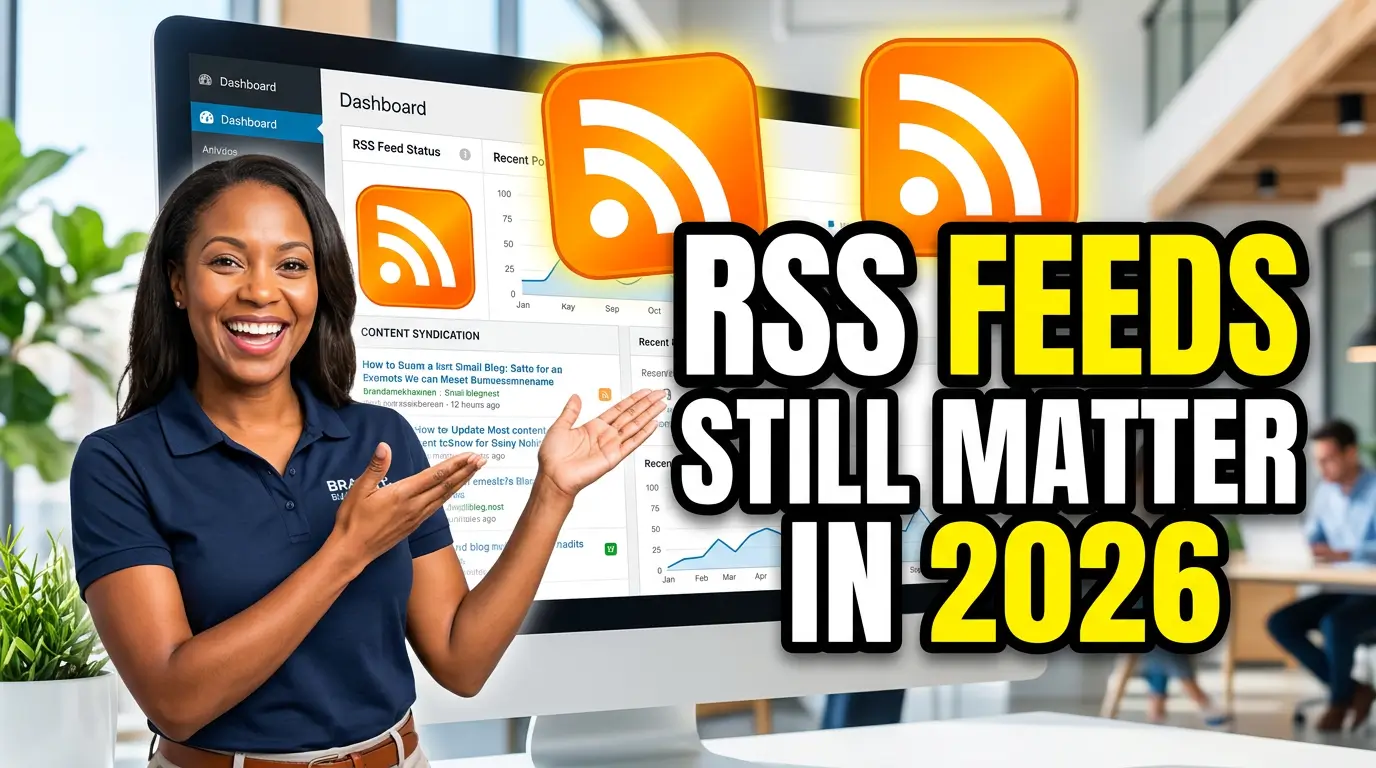
RSS feels old until you need one.
A lot of small business websites have a blog, a service page library, a case study section, or a news area that gets updated every month. Then those updates just sit there waiting for Google, Bing, email tools, AI systems, and customers to notice. That waiting period costs you visibility.
RSS is not a magic ranking button. It will not make a thin blog post outrank a better competitor. But it does solve a basic plumbing problem: it gives machines and people a clean, dated list of your newest content.
That matters more now, not less. Google says XML sitemaps describe the full set of URLs on a site, while RSS and Atom feeds describe recent changes, and Google recommends using both for optimal crawling because feeds help Google keep content fresher in its index (Google Search Central). Bing made the same general point for AI-powered search in 2025, saying crawlable, fresh, fully indexed content is more important as AI-powered search engines reshape discovery (Bing Webmaster Blog).
If you own a local service company, professional firm, clinic, ecommerce shop, or B2B service business, RSS belongs in the same conversation as your sitemap and analytics. Not glamorous. Useful.
Why RSS came back into the conversation
The web is getting noisier. Search results are getting more crowded. AI answers are reducing clicks in some searches. Pew Research Center analyzed 68,879 Google searches from March 2025 and found that about 18% produced an AI summary. When an AI summary appeared, users clicked a traditional search result in 8% of visits, compared with 15% when no AI summary appeared (Pew Research Center). Pew also found that users clicked a link inside the AI summary in just 1% of visits to pages with a summary (Pew Research Center).
That doesn’t mean you give up on content. It means every page you publish needs better distribution, cleaner discovery signals, and a stronger reason to exist.
RSS helps with the discovery part. It tells crawlers and tools, “Here are the newest things we published, with dates and links.” That is simple, but simple signals tend to survive platform changes.
Google’s sitemap documentation says RSS, mRSS, and Atom feeds are often easy to provide because most CMS platforms automatically create them, while XML sitemaps remain the most versatile format for supplying broader URL information (Google Search Central). WordPress says it includes several built-in feeds by default, including RSS 2.0 and Atom feeds (WordPress Developer Resources).
So if you’re on WordPress, you may already have a feed. If you’re on Webflow, Shopify, Squarespace, Wix, Astro, Next.js, or a custom site, you may need to check. Many small businesses assume the feed exists because the blog exists. That is not always true.
What an RSS feed actually does
An RSS feed is a machine-readable page, usually XML, that lists recent posts or updates. A normal visitor may never look at it. Search engines, feed readers, automation tools, and newsletter systems can.
Think of it like the receiving dock at a shop. Your website pages are the products. The sitemap is the full warehouse inventory. The RSS feed is the clipboard showing what just came in.
That distinction matters. Google says XML sitemaps are usually large and describe the full URL set, while RSS and Atom feeds are small and include only recent updates (Google Search Central). Google also says XML sitemaps are downloaded less frequently than RSS or Atom feeds in that same guidance (Google Search Central).
For a small business, the feed usually supports five practical jobs.
- It gives search engines a clean list of fresh content.
- It lets newsletter or automation tools pull new posts without manual copying.
- It gives loyal readers a way to subscribe outside social media algorithms.
- It helps partners, industry directories, or niche communities monitor your updates.
- It creates a simple publishing record that is easier for machines to parse than a visual blog archive.
That is not flashy. Neither is a clean electrical panel. You still want one.
RSS is not a replacement for your sitemap
Do not use RSS as an excuse to ignore your XML sitemap. You need both if you publish regularly.
Google’s guidance is clear: XML sitemaps give Google information about all pages on a site, while RSS and Atom feeds provide updates that help keep content fresher in the index (Google Search Central). Google’s current sitemap documentation also says XML sitemaps can provide more information about URLs, including images, videos, news content, and localized versions of pages (Google Search Central).
Bing’s 2025 guidance focuses heavily on sitemaps too. Bing says sitemaps remain a foundational signal for URL coverage even when real-time submission tools such as IndexNow notify search engines about immediate changes (Bing Webmaster Blog). Bing also says accurate lastmod values help it prioritize URLs for recrawling and reindexing, especially for frequently updated or time-sensitive pages (Bing Webmaster Blog).
Here is the clean setup for most small business sites:
- XML sitemap for every important indexable page.
- RSS or Atom feed for recent posts, updates, and articles.
- Accurate
lastmodvalues in the sitemap when content changes. - IndexNow submission for important new, updated, or deleted URLs.
- Links to the sitemap in
robots.txt, plus feed discovery in the site’s HTML where your platform supports it.
IndexNow is useful because it lets website owners instantly inform participating search engines that a URL has been added, updated, or deleted (IndexNow). IndexNow says that without it, search engines can take days to weeks to discover changed content because they do not crawl every URL often (IndexNow). But IndexNow is still a notification method. It does not replace your site architecture.
A good setup does not bet everything on one signal. It gives crawlers several clean ways to understand what changed.
Where RSS helps small businesses the most
RSS is most useful when your website publishes recurring updates that have business value. If your site has five static pages and you never publish anything new, you probably do not need to spend much time on this.
A plumber writing about water heater replacement, a CPA explaining tax deadlines, or a law firm publishing local compliance updates can benefit from faster discovery. These posts may answer time-sensitive questions. If Google and Bing discover them late, the opportunity shrinks.
Project stories are another strong fit. A remodeler can publish before-and-after notes. A landscaping company can publish seasonal yard transformations. A machine shop can publish a short case study about a rush job that saved a customer’s production run. Those updates build trust and create a record of work that prospects can review.
RSS can also feed new articles into newsletters, CRM workflows, partner updates, and internal sales emails. The point is not nostalgia. The point is making your website content easier to reuse without asking a staff member to copy and paste links into five different places.
What to check on your own website
Open a browser and test the basics. For many WordPress sites, /feed/ shows the main RSS feed because WordPress includes built-in feeds by default (WordPress Developer Resources). Other platforms vary.
If you are not technical, ask your web person these exact questions:
- Do we have an XML sitemap, and is it submitted in Google Search Console and Bing Webmaster Tools?
- Do we have an RSS or Atom feed for new blog posts or articles?
- Does the feed include the correct title, canonical URL, publication date, and excerpt for each post?
- Is the feed blocked by robots.txt or a security setting?
- Do our sitemap
lastmoddates update only when content meaningfully changes? - Are new and updated URLs submitted through IndexNow where appropriate?
That lastmod question matters. Bing says accurate lastmod values help prioritize recrawling, and that optional sitemap tags such as changefreq and priority do not influence how Bing crawls pages (Bing Webmaster Blog). Do not fake freshness by changing dates when the page did not change. That is like putting a new sticker on old inventory. It does not improve the product.
Common RSS mistakes that hurt more than they help
The first mistake is having no feed for a site that publishes every week. This is common on custom builds where the blog looks fine to humans but lacks the feed output machines expect.
The second mistake is a feed full of broken or redirected URLs. Your feed should use the final canonical URL for each item. If every feed link has to pass through a redirect, you are adding avoidable noise.
The third mistake is treating RSS as SEO by itself. Google says submitting sitemaps or feeds does not guarantee indexing (Google Search Central). Your page still needs to deserve indexing. That means original information, useful examples, clear structure, internal links, and a page experience that does not make visitors bail.
The small business RSS setup I would use in 2026
For most small businesses, keep it simple.
Create one main RSS or Atom feed for blog posts and learning-center articles. Keep it clean, valid, and limited to recent updates. Make sure your XML sitemap includes every important page you want indexed. Add accurate lastmod timestamps to your sitemap. Submit the sitemap in Google Search Console and Bing Webmaster Tools. Use IndexNow for new or meaningfully updated URLs. Then connect the feed to your newsletter, CRM, or internal sales enablement process if that saves your team time.
This is not a six-month project. For many websites, it is a short development task and a quality-control pass. The harder part is publishing content worth distributing.
If you publish one helpful article a month, your feed gives that article a cleaner shot at being discovered. If you publish weekly, the value compounds because the feed becomes a reliable signal of recent work. If you never publish, fix that first.
RSS is old web infrastructure. So is email. So are URLs. The useful parts of the web tend to stick around because they solve boring problems reliably.
If your website has valuable updates, do not make search engines and customers hunt for them. Give them a clean feed.
Need help checking whether your website has the right sitemap, RSS feed, and IndexNow setup? Start here and we’ll help you tighten the discovery plumbing before your next post goes live.