Your website gets traffic. People show up, poke around for a few seconds, and leave. No form submissions. No phone calls. No sales.
You’ve probably blamed the design. Maybe the colors are off, or the layout feels dated. So you redesign. New fonts, new photos, maybe a snazzy animation or two. Traffic keeps coming. Conversions stay flat.
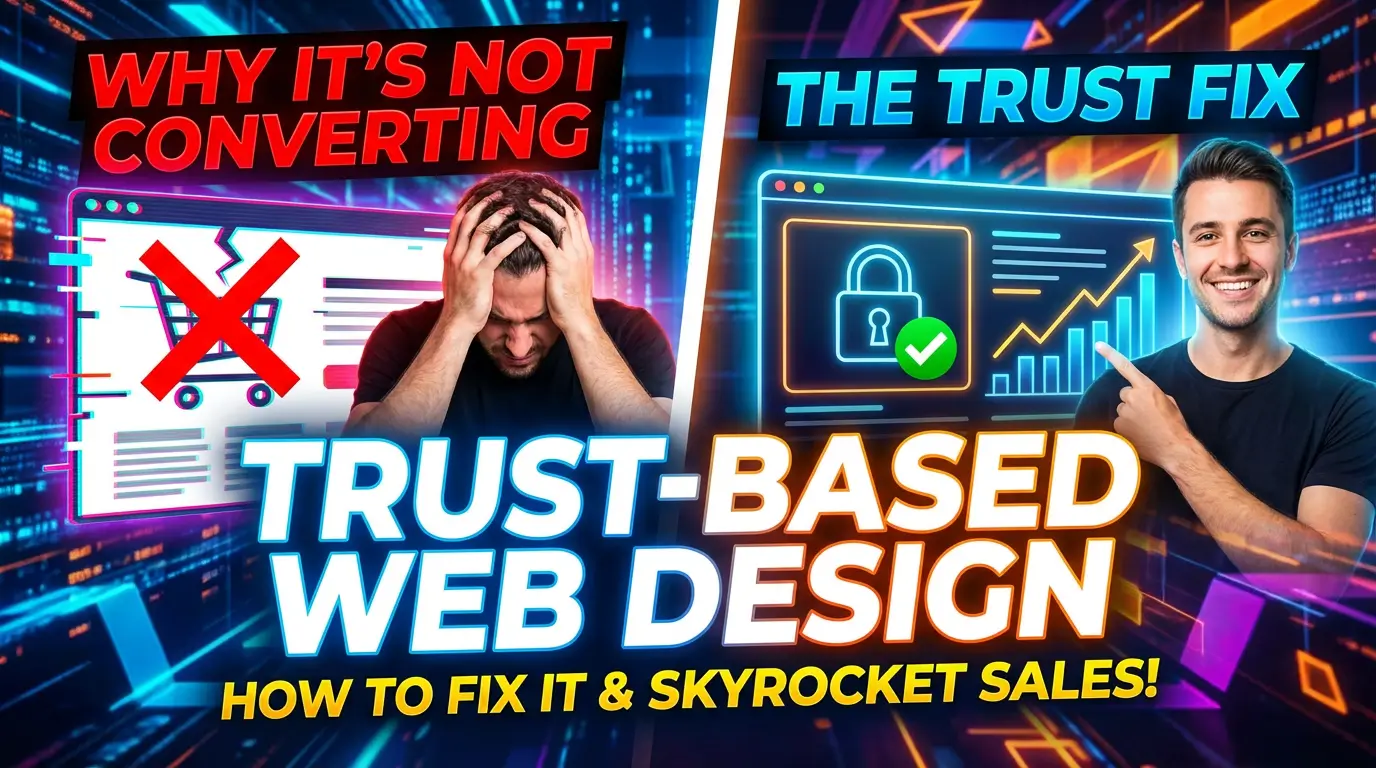
Here’s what most businesses get wrong: the problem isn’t usually how your website looks. It’s how your website feels. Specifically, whether it feels trustworthy.
Trust is the invisible force behind every conversion on the internet. Nobody fills out a contact form, enters their credit card, or picks up the phone unless they believe the business on the other side is legitimate, competent, and worth their time. According to WebFX’s 2025 CRO trends report, every winning conversion optimization strategy this year focused on reducing friction and creating more human, trustworthy experiences.
That’s the shift. And if your website isn’t built around trust, you’re leaving money on the table.
What Trust Actually Looks Like on a Website
Trust isn’t one thing. It’s a collection of signals that, taken together, tell a visitor: “This is a real business. They know what they’re doing. I’m safe here.”
Some of those signals are obvious. An SSL certificate. A physical address. A phone number that somebody actually answers. But most trust signals are subtler than that, and they’re baked into the design itself.
Think about the last time you landed on a website and immediately felt uneasy. Maybe the text was hard to read. Maybe the images looked like stock photos from 2014. Maybe the page took forever to load and then jumped around while ads filled in. You probably didn’t consciously think “I don’t trust this site.” You just left.
That gut reaction is what you’re fighting against. Research from Brimar Online Marketing found that adding trust badges and visual credibility indicators lifted conversion rates by 12.6% in one case study. Marketing LTB’s CRO analysis puts the number at a 9% increase for trust signals placed near checkout or conversion points. The numbers vary, but the direction is always the same: more trust equals more conversions.
So what does trust-based design actually involve?
Speed Is the First Trust Signal
Before a visitor reads a single word on your page, they’ve already formed an impression based on how fast it loaded. A slow website doesn’t just frustrate people. It signals that something is wrong. Maybe the business is cutting corners. Maybe the site isn’t maintained. Maybe they don’t care about their customers enough to invest in a decent experience.
Google confirmed what most of us already suspected: a one-second delay in mobile load time can reduce conversions by up to 20%. One in five potential customers, gone, because your site took four seconds instead of three.
Core Web Vitals, Google’s set of performance metrics including Largest Contentful Paint, Interaction to Next Paint, and Cumulative Layout Shift, are now a confirmed ranking factor that influences 25% of Page Experience signals. Sites passing all Core Web Vitals benchmarks see 24% higher click-through rates and 19% lower bounce rates, according to data compiled by Backlinko.
The takeaway is straightforward. If your site is slow, nothing else matters. No amount of trust badges or testimonials will save a page that takes six seconds to render on someone’s phone.
This is one of the reasons we build sites with Astro instead of bloated WordPress themes. When your pages ship minimal JavaScript and load in under two seconds, you’ve already passed the first trust test before the visitor even starts reading.
Social Proof: Let Your Customers Do the Selling
You can say you’re great all day long. It doesn’t mean much. But when a customer says it? That changes everything.
Crazy Egg’s breakdown of trust signals highlights social proof as essential for every type of business, whether you’re B2B, ecommerce, or a local service provider. The specific forms matter though. Generic testimonials (“Great company! Would recommend!”) carry almost no weight. Specific, detailed reviews from real people with real names carry a lot.
Here’s what works:
Case studies with actual numbers. “We helped XYZ Manufacturing increase qualified leads by 340% over six months” is infinitely more convincing than “We deliver results.”
Video testimonials. A real person talking about their experience on camera is almost impossible to fake, and visitors know that.
Client logos. If recognizable brands trust you, new visitors will too. Crazy Egg notes that client logo sections are one of the simplest and most effective trust signals you can add, because they let visitors immediately verify the relationship.
Third-party review badges. G2 ratings, Google Business reviews, Clutch scores. These carry weight precisely because the business can’t control them.
The key with social proof is placement. Don’t bury your best testimonials on a dedicated “Testimonials” page that nobody visits. Put them right next to your calls to action. Right next to the pricing. Right next to the contact form. That’s where doubt lives, and that’s where proof needs to show up.
Design Consistency Builds Subconscious Trust
This one is harder to quantify but just as real. When a website has consistent typography, a coherent color palette, properly aligned elements, and thoughtful spacing, it communicates professionalism. It says “someone cared about this.”
When fonts change between pages, when buttons look different in every section, when images are different aspect ratios scattered randomly across the page, it communicates the opposite. Inconsistency creates cognitive friction, and cognitive friction erodes trust.
The 2026 web design trends identified by Elementor point toward organic layouts and accessibility-first design as the dominant direction. That doesn’t mean boring. It means intentional. Every spacing decision, every color choice, every micro-interaction should feel like it belongs.
This is where having a proper design system pays off. A set of reusable components with defined styles means your homepage, your service pages, your blog, and your contact page all feel like they’re part of the same experience. That consistency is a trust signal in itself.
Personalization Without Being Creepy
Here’s where things get interesting, and where a lot of businesses either miss the opportunity entirely or go too far and alienate their visitors.
Instapage’s 2025 personalization research found that B2B brands personalizing their web experiences saw an average conversion rate increase of 80%. Marketing LTB found that personalized landing pages outperform generic ones by 22%. And Sender.net’s analysis showed that personalized calls-to-action convert 202% better than default ones.
Those numbers are hard to ignore. But personalization done poorly, the kind where you visit a site once and then get stalked across the internet by their ads, actually destroys trust.
The sweet spot is what Forbes describes as the democratization of personalization: small businesses using AI tools to deliver Amazon-level relevance without Amazon-level creepiness. That means showing returning visitors content relevant to what they looked at last time. It means adjusting calls-to-action based on the page someone came from. It means serving different hero sections to visitors from different industries or locations.
What it doesn’t mean is addressing someone by name when they’ve never given it to you, or showing them the exact product they mentioned in a private conversation. There’s a line, and your visitors know exactly where it is.
For most small and mid-sized businesses, the practical starting point is location-based personalization (showing different content to visitors from different service areas) and behavior-based adjustments (showing a “Welcome back” message to returning visitors, or highlighting content related to pages they’ve previously viewed).
The Contact Form Problem
We wrote an entire post about contact form mistakes that kill leads, but it’s worth hitting the highlights here because the contact form is where trust either pays off or falls apart.
If a visitor has made it all the way to your contact form, they’re already interested. They’ve read your content, looked at your work, and decided you might be worth talking to. The form is the last hurdle, and it’s where an astonishing number of businesses fumble.
Too many fields. No privacy assurance. No indication of what happens after they submit. No idea how long it’ll take to hear back. Each of these is a trust failure at the worst possible moment.
The fix is simple: ask only for what you need, tell people what to expect, and follow through. A short form with a clear promise (“We’ll get back to you within one business day”) converts better than a long form with no promise at all.
Security Signals Still Matter (Yes, Even in 2026)
SSL certificates aren’t new or exciting. Neither are privacy policies. But Crazy Egg’s research is clear: security and privacy badges are non-negotiable for any site that collects user data.
Here’s the thing though. Having an SSL certificate isn’t enough. People don’t check for the padlock icon anymore. What they do notice is when something feels off. An HTTP site triggers browser warnings. A missing privacy policy raises questions. A checkout page with no payment provider logos feels risky.
The Martal Group’s conversion rate analysis emphasizes that trust signals have an outsized impact in B2B specifically, because the risk of a bad decision is higher. When a plant manager is choosing a vendor for a $50,000 project, they’re not impulse buying. Every missing trust signal is a reason to keep looking.
Display your certifications. Show your payment icons. Link to your privacy policy in your footer. Make your physical address visible. These aren’t exciting design elements, but they’re the baseline that everything else is built on.
Putting It All Together
Trust-based web design isn’t a single technique. It’s a philosophy that runs through every decision you make about your website. The speed of your pages. The quality of your social proof. The consistency of your design. The intelligence of your personalization. The simplicity of your forms. The visibility of your security credentials.
When all of these work together, something interesting happens: your conversion rate goes up without any gimmicks. You don’t need pop-ups begging people to stay. You don’t need countdown timers creating artificial urgency. You don’t need any of the dark patterns that treat visitors like targets instead of people.
You just need a website that earns trust, page by page, interaction by interaction.
The average website converts somewhere around 2-3% of visitors. B2B sites tend to sit at about 1.8%. That means 97-98% of your traffic leaves without converting. Even modest improvements in trust, moving from a 2% conversion rate to a 3% one, represent a 50% increase in leads from the same traffic.
That’s not a redesign. That’s a revenue transformation.
Your Next Move
If your website isn’t converting the way it should, don’t start with a visual redesign. Start with a trust audit. Walk through your site as if you’ve never heard of your business. Ask yourself: would I trust this company with my money? My time? My contact information?
If the answer is anything other than an immediate yes, you know where to start.
We build websites specifically designed to convert, with performance, trust signals, and user experience baked in from day one. If you want a site that actually works for your business, let’s talk.

Richard Kastl
Founder & Lead EngineerRichard Kastl has spent 14 years engineering websites that generate revenue. He combines expertise in web development, SEO, digital marketing, and conversion optimization to build sites that make the phone ring. His work has helped generate over $30M in pipeline for clients ranging from industrial manufacturers to SaaS companies.