Most small business owners spend their SEO budget chasing backlinks and publishing new blog posts. But there’s a powerful ranking tactic hiding in plain sight — one that costs nothing, takes minutes to implement, and can deliver dramatic results.
It’s called internal linking, and it might be the single most underrated SEO strategy available to small businesses in 2026.
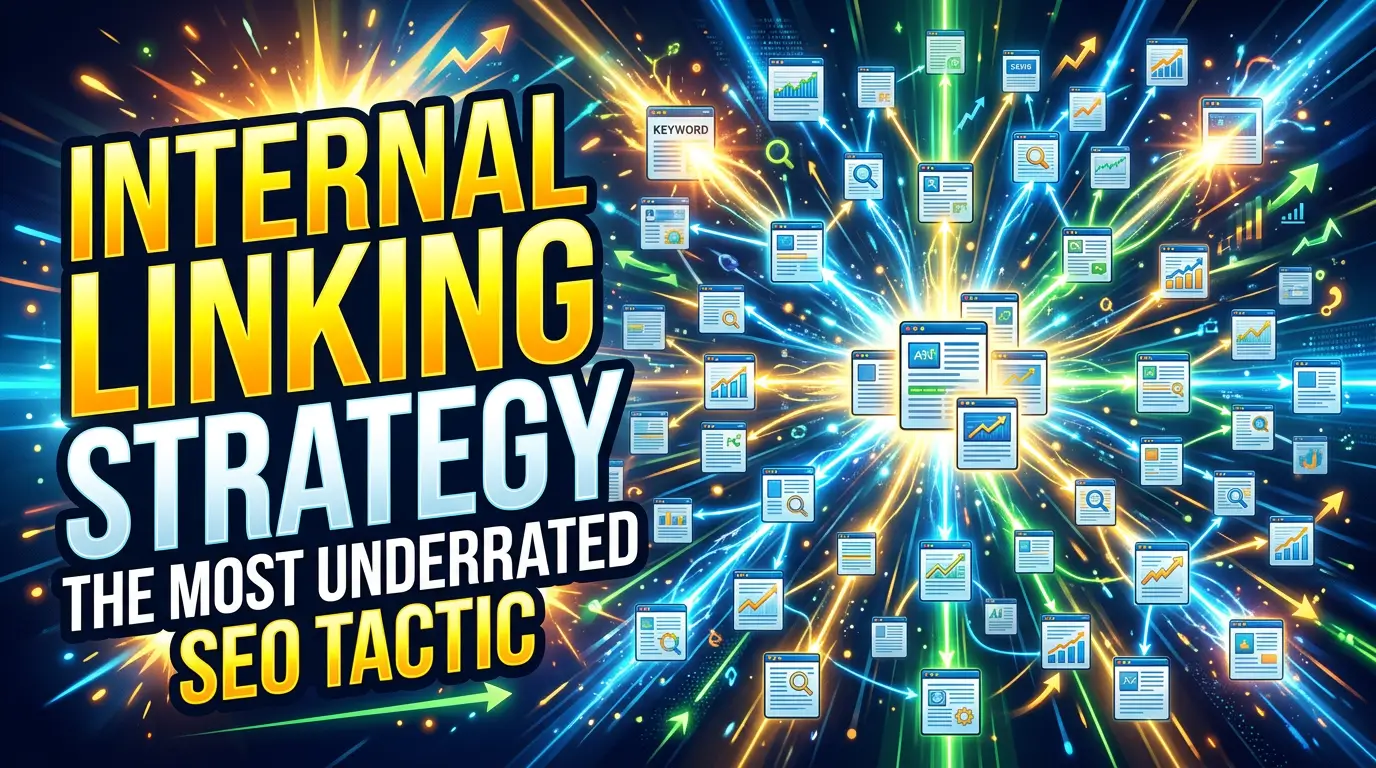
Internal links are simply hyperlinks that connect one page of your website to another page on the same website. They’re the connective tissue that holds your site together, tells search engines what your most important pages are, and guides visitors toward the actions you want them to take.
And the data backs it up: strategic internal linking can boost rankings by up to 40% and improve crawl efficiency from 40% to 70%. One case study showed that a SaaS company drove 33% year-over-year organic traffic growth primarily through internal linking improvements. Another found that revamping internal link structure led to a 43% increase in organic traffic.
Yet most small business websites barely use internal links at all. Let’s fix that.
Why Internal Links Matter More Than You Think
1. They Tell Google What’s Important
Search engines use internal links to discover pages, understand relationships between content, and determine which pages are most important on your site. A page with many internal links pointing to it signals to Google that it’s a high-priority page. A page with zero internal links? Google may never even find it.
According to a large-scale study by Zyppy analyzing 23 million internal links, pages with at least one exact-match anchor text from an internal link had five times more organic traffic than pages without one. That’s not a marginal improvement — it’s a fundamental difference.
2. They Distribute Authority Across Your Site
Every page on your site has a certain amount of “authority” (sometimes called link equity or PageRank). Internal links pass that authority from one page to another. Your homepage, for example, typically has the most authority because it receives the most backlinks. By strategically linking from your homepage to key service pages, you’re transferring some of that authority where it matters most.
3. They Keep Visitors on Your Site Longer
When a visitor lands on your blog post and finds a relevant link to your service page, case study, or related article, they’re more likely to click through and keep exploring. This reduces bounce rate, increases time on site, and — most importantly — moves people closer to becoming a lead or customer.
A SearchPilot case study testing internal link additions across roughly 8,000 regional pages found a 7% uplift in organic traffic just from adding contextual links between related geographic pages.
4. They Help New Content Get Indexed Faster
Published a new blog post or service page? Without internal links pointing to it, Google’s crawlers may take weeks to discover it. But if you add links from existing, well-indexed pages, that new content gets crawled and indexed significantly faster.
The Anatomy of a Smart Internal Linking Strategy
Now that you understand why internal links matter, let’s get into the how. Here’s a step-by-step framework that works for any small business website.
Step 1: Map Your Site Structure
Before you start linking, you need to understand what you’re working with. A clear site hierarchy makes internal linking intuitive and effective.
Think of your site as a pyramid:
- Top level: Homepage
- Second level: Main service or category pages
- Third level: Individual blog posts, sub-services, or product pages
Every page on your site should be reachable within three clicks from the homepage. If you have orphaned pages (pages with no internal links pointing to them), they’re essentially invisible to both Google and your visitors.
Action item: Use a tool like Screaming Frog (free for up to 500 URLs) or Google Search Console’s crawl reports to identify orphaned pages and pages with low internal link counts.
Step 2: Identify Your Pillar Pages
Pillar pages are the most important pages on your site — the ones you most want to rank in search results. For most small businesses, these include:
- Your main service pages
- Your location pages (if you serve specific areas)
- Your highest-value blog posts or guides
- Your contact or “get started” page
These pillar pages should receive the most internal links from throughout your site. Every blog post, every supporting page, every relevant piece of content should link back to at least one pillar page.
Step 3: Build Topic Clusters
Topic clusters are the natural extension of pillar pages. The concept is straightforward: group related content around a central pillar page and interlink everything within the cluster.
For example, if you’re a plumbing company, your pillar page might be “Residential Plumbing Services.” Your cluster content might include:
- “How to Know When You Need a Water Heater Replacement”
- “5 Signs of a Hidden Water Leak”
- “What to Expect During a Drain Cleaning Service”
- “Emergency Plumbing: When to Call a Professional”
Each of these blog posts links to the pillar page (“Residential Plumbing Services”) and to each other where relevant. The pillar page, in turn, links out to each cluster article.
This structure tells Google that your site has comprehensive topical authority on residential plumbing. According to Digital Applied, sites that sustain cluster publishing for 12 or more months see 40% higher organic traffic than those using isolated single-page strategies.
Step 4: Use Descriptive Anchor Text
Anchor text is the clickable text in a hyperlink. It’s one of the strongest signals Google uses to understand what the linked page is about.
Bad anchor text: “Click here,” “Read more,” “Learn more”
Good anchor text: “Our residential plumbing services,” “water heater replacement guide,” “signs of a hidden water leak”
The key rules for anchor text:
- Be descriptive. The anchor text should tell the reader (and Google) exactly what they’ll find on the linked page.
- Use natural variations. Don’t use the exact same anchor text for every link to a page. Mix it up with synonyms and related phrases.
- Keep it relevant. Only link when the content genuinely relates to the destination page. Forced or irrelevant links hurt more than they help.
Step 5: Add Contextual Links Within Your Content
The most valuable internal links are contextual links — links placed naturally within the body of your content where they provide genuine value to the reader.
Here’s what contextual linking looks like in practice:
“If your website loads slowly, visitors won’t wait around. Studies show that even a one-second delay in page load time can reduce conversions by 7%. Check out our guide on website speed optimization to see how your site stacks up.”
Notice how the link flows naturally within the content. It’s relevant, it adds value, and it uses descriptive anchor text.
Aim for 3-5 contextual internal links per blog post, in addition to any navigational links in your header, footer, or sidebar.
Step 6: Don’t Forget Navigational Links
While contextual links within content are the most powerful, navigational links still matter:
- Header/navigation menu: Link to your most important pillar pages
- Footer: Include links to key service pages, your blog, and contact information
- Sidebar widgets: Display related posts or popular content
- Breadcrumbs: Show users (and search engines) where they are in your site hierarchy
Breadcrumbs are particularly underused on small business sites. They create automatic internal links through your site structure and improve both user experience and SEO.
Step 7: Link From High-Authority Pages to High-Priority Pages
Not all pages on your site carry equal weight. Some of your pages — your homepage, your most popular blog posts, pages with strong backlink profiles — carry more authority than others.
Use these high-authority pages strategically. Identify them in Google Search Console (look for pages with the most impressions and clicks) or your analytics platform, then add internal links from those pages to the service pages or content you want to boost.
This is essentially free link building within your own site.
Common Internal Linking Mistakes to Avoid
Even with the best intentions, it’s easy to get internal linking wrong. Here are the mistakes I see most often on small business websites:
Using Generic Anchor Text
“Click here” and “read more” tell Google nothing about the destination page. Always use descriptive, keyword-relevant anchor text.
Linking to the Same Page Over and Over
If every blog post on your site links to your homepage and nothing else, you’re wasting the opportunity to distribute authority to your service pages. Diversify your internal links.
Having Orphaned Pages
An orphaned page has no internal links pointing to it. It’s essentially invisible to search engines. Run a crawl audit quarterly to find and fix orphan pages.
Over-Linking
Cramming 20 internal links into a 500-word blog post looks spammy and dilutes the value of each link. Keep it natural: Google’s own documentation recommends keeping links to a “reasonable number.”
Ignoring Broken Internal Links
Pages get deleted, URLs change, and internal links break. Broken links create dead ends for both users and search engines. Audit your internal links regularly and fix or redirect any broken ones.
Not Linking to New Content
This is the most common mistake I see. A business publishes a great new blog post, but never goes back to add internal links from existing content. New content needs internal links from established pages to get discovered and build authority.
A Simple Monthly Internal Linking Workflow
You don’t need to overhaul your entire site at once. Here’s a practical monthly routine that takes about an hour:
Week 1: Audit
Run a crawl of your site using Screaming Frog, Ahrefs, or even a free tool like Sitebulb’s limited trial. Identify:
- Orphaned pages (no internal links pointing to them)
- Pages with only 1-2 internal links
- Broken internal links
- Pages using generic anchor text
Week 2: Link New Content
For every blog post or page you’ve published in the past month:
- Find 3-5 existing pages that relate to the new content
- Add contextual internal links from those existing pages to the new one
- Add internal links from the new content back to relevant pillar pages
Week 3: Strengthen Pillar Pages
Pick one pillar page (a key service page or comprehensive guide) and find 5-10 blog posts that could naturally link to it. Add or update the links with descriptive anchor text.
Week 4: Fix and Clean Up
Fix any broken internal links you identified in your audit. Update any generic anchor text. Remove links that point to outdated or irrelevant content.
Repeat this process monthly, and within six months you’ll have a dramatically more connected, authoritative website.
How Internal Linking Connects to the Bigger SEO Picture
Internal linking doesn’t exist in a vacuum. It amplifies every other SEO effort you’re making:
- Content marketing: Every new blog post you publish is an opportunity to add internal links to (and from) existing content, strengthening your entire content ecosystem.
- Technical SEO: A clean internal link structure improves crawlability, reduces index bloat, and helps Google understand your site architecture.
- Local SEO: Linking your location pages to relevant service pages and blog content helps Google understand what you do and where you do it.
- Conversion optimization: Strategic internal links guide visitors from informational blog posts to your service pages and contact forms, shortening the path from discovery to conversion.
In a landscape where traditional search engine volume is expected to drop 25% by 2026 as AI-powered search grows, having a well-structured, deeply interlinked website becomes even more important. AI systems like Google’s AI Overviews and ChatGPT favor content from authoritative, well-organized sites — exactly the kind of site structure that good internal linking creates.
Start With What You Have
You don’t need a massive content library to benefit from internal linking. Even a small business website with 10-15 pages can dramatically improve its SEO by thoughtfully connecting those pages together.
Start by linking your blog posts to your service pages. Connect related blog posts to each other. Make sure every page is reachable within three clicks from your homepage. Use descriptive anchor text instead of “click here.”
These small changes compound over time. A case study by NinjaOutreach showed that a systematic internal linking campaign boosted organic traffic by 40% — and that result came from optimizing existing content, not creating anything new.
The best part? Internal linking is entirely within your control. You don’t need to convince other sites to link to you. You don’t need to pay for advertising. You just need to be intentional about how your pages connect to each other.
Ready to Build a Website That Actually Ranks?
If your website isn’t generating the traffic and leads it should be, internal linking might be the missing piece — but it’s often just the start. A truly effective online presence requires a cohesive strategy that ties together site structure, content, design, and technical SEO.
At YourWebTeam, we build websites designed to rank, convert, and grow your business. Whether you need a full redesign or a strategic SEO overhaul, we’ll create a site that works as hard as you do.

Richard Kastl
Founder & Lead EngineerRichard Kastl has spent 14 years engineering websites that generate revenue. He combines expertise in web development, SEO, digital marketing, and conversion optimization to build sites that make the phone ring. His work has helped generate over $30M in pipeline for clients ranging from industrial manufacturers to SaaS companies.