Your website gets traffic at 11 PM on a Tuesday. A visitor has a question. They want to know if you offer a specific service, how long it takes, what it costs. Nobody’s answering email at 11 PM. Your phone goes to voicemail.
They leave. They find a competitor who had an answer ready.
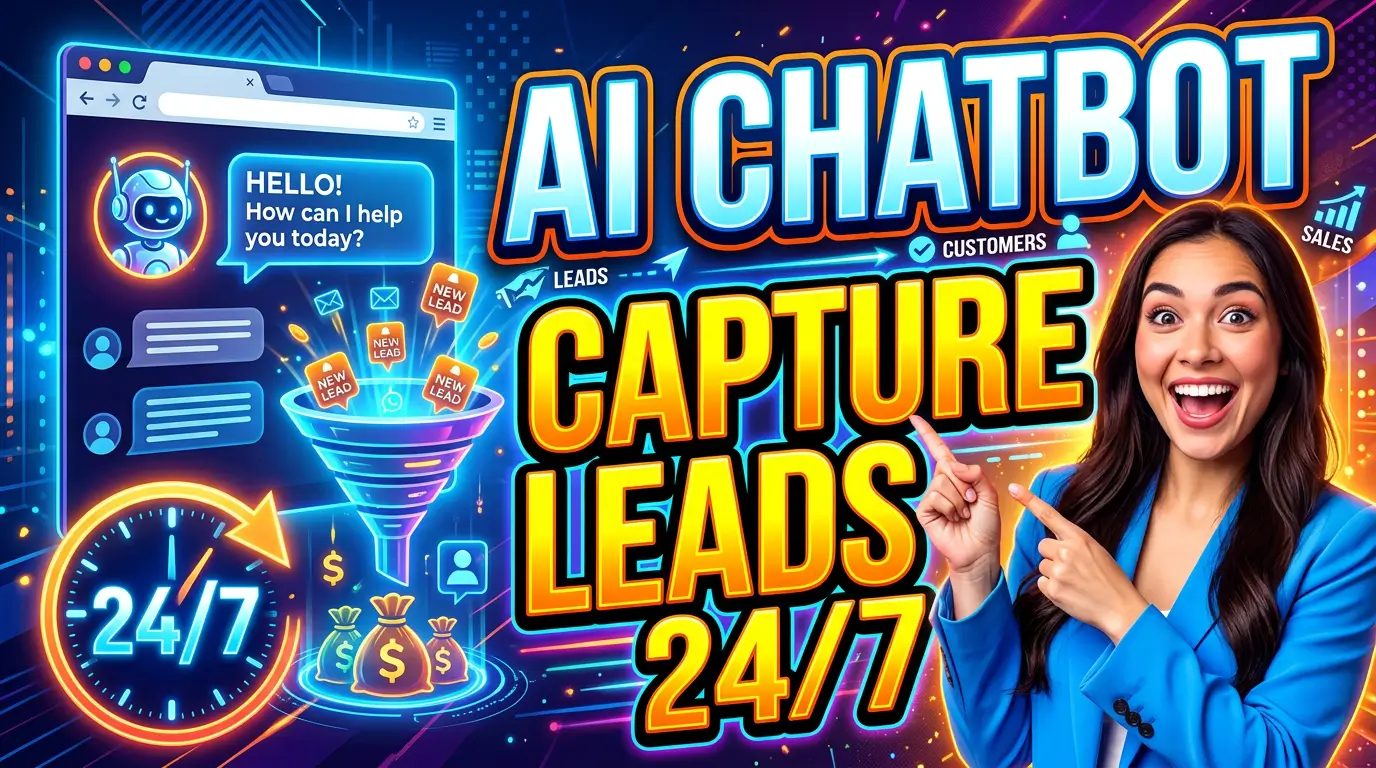
This is what an AI chatbot solves. And in 2026, not having one is starting to feel like not having a contact form.
Why Small Businesses Can’t Ignore This Anymore
The numbers are hard to dismiss. According to Jotform, 80% of companies now use or plan to use AI-powered chatbots for customer service. But here’s the more relevant stat: sales chatbots convert up to 28% of website visitors into leads, according to Master of Code Global.
For context, most small business websites convert somewhere between 1-5% of visitors. Chatbots specifically built for lead generation have been shown to push that number significantly higher.
And it’s not just about sales. 73% of users now expect websites to feature chatbots for convenient interactions. If you don’t have one, you’re already behind expectations.
Grand View Research projects the global chatbot market to reach $61.69 billion by 2032 — that’s nearly 8x growth from 2024. This isn’t a trend. It’s a permanent shift in how customers expect to interact with businesses online.
What a Chatbot Actually Does For a Small Business
Let’s be specific, because “AI chatbot” is a phrase that’s been oversold. Here’s what it can realistically do for a small business website:
1. Capture leads when no one’s around
Visitors don’t follow your schedule. A chatbot can greet someone at midnight, ask what they’re looking for, collect their name and email, and notify you in the morning. Live chat automated with bots converts about 4% of website visitors into leads, according to Tidio — visitors you’d otherwise have lost entirely.
2. Answer the same 10 questions you answer every day
What are your hours? Do you serve my area? How long does it take? What does it cost? These questions are killing your productivity if you’re answering them manually. A chatbot handles them instantly, every time, without wearing down.
Chatbots reduce response times for routine questions by up to 80%, according to Invesp research. That matters because 82% of customers expect instant responses to their inquiries, per Salesforce research — not “we’ll get back to you within 24 hours.”
3. Qualify leads before they reach you
Not every lead is worth your time. A chatbot can ask qualifying questions — budget, timeline, project type, location — and route the serious prospects directly to your calendar or inbox while filtering out the tire-kickers.
AI chatbots improve lead qualification accuracy by 45%, according to Hyperleap’s 2026 data. That’s less time on bad leads, more time on the ones that close.
4. Book appointments automatically
The best chatbots integrate with calendar tools like Calendly or Google Calendar. Instead of a back-and-forth email chain to schedule a consultation, a visitor can book directly in the chat window. Fewer steps, more bookings.
The ROI Case Is Strong
57% of companies say chatbots deliver significant ROI within the first year, according to Jotform. Hyperleap’s 2026 analysis puts the average first-year ROI at 340%, with payback periods of 3–6 months.
For a small business, the math is simpler: if your chatbot captures 5 leads per month that you would have otherwise lost, and 2 of those become customers, what’s that worth? For most service businesses, the chatbot pays for itself inside 30 days.
55% of companies using chatbots report an increase in high-quality leads, according to Master of Code. Business leaders have also reported a 67% increase in sales directly attributed to chatbot interactions.
The Right Tools for Small Businesses
You don’t need an enterprise-grade AI system. Here are the tools that make the most sense at the small business level:
Tidio — Best for Most Small Businesses
Tidio is the most widely recommended chatbot for small businesses in 2026. It has a free tier that gives you a working chatbot without spending a dollar, and paid plans starting around $29/month. It integrates with WordPress, Shopify, Wix, and most major platforms. The AI layer (called Lyro) can handle conversational questions using your own content as a knowledge base.
Best for: Service businesses, consultants, e-commerce shops on a budget.
HubSpot Chatbot Builder — Best if You’re Already Using HubSpot
If you’re using HubSpot CRM (or thinking about it), their built-in chatbot builder is hard to beat. Leads captured by the chatbot flow directly into your CRM. It’s included in the free tier, which makes it essentially zero-cost. It’s not the most powerful AI, but the CRM integration makes up for it.
Best for: Businesses that want tight CRM integration from day one.
Intercom — Best for Growing Teams
Intercom’s Fin AI is a genuinely powerful product but starts at $74/seat/month plus per-resolution fees. It’s overkill for most solo operators and tiny teams, but if you’re scaling fast and need sophisticated routing, it’s worth it.
Best for: Businesses with multiple team members handling inbound and a real volume of inquiries.
Chatbase — Best for Custom AI Knowledge Bases
Chatbase lets you train a chatbot on your own content — PDFs, website pages, documents — and deploy it as an embeddable widget. It’s good for businesses with a lot of detailed information (contractors, legal, medical, financial) where the chatbot needs to give accurate, nuanced answers.
Best for: Any business where visitors need detailed, specific information before they’ll convert.
How to Set It Up Right
A bad chatbot is worse than no chatbot. Here’s how to deploy one that actually works:
Start with your most common questions
Before you build anything, write down the 10–15 questions you get most often. These become the foundation of your chatbot’s responses. If your chatbot can’t answer these well, it’s going to frustrate people.
Set expectations honestly
Don’t pretend it’s a human. Visitors aren’t fooled, and pretending is a trust problem. Name your bot something simple (“Hi, I’m Alex, our virtual assistant”) and make clear it’s automated. 87.2% of consumers rate their interactions with bots as neutral or positive — honesty doesn’t hurt adoption.
Always offer a human fallback
The chatbot handles common questions, but if someone has a complex or urgent issue, they need a way to reach a real person. Include a “talk to a human” option or a direct link to your contact form. Chatbots work best as a first layer, not a dead end.
Collect, don’t just answer
Every chatbot interaction is an opportunity to capture a lead. Build a flow that collects a name and email even in casual conversations. Something as simple as “Want me to send you our pricing guide? Drop your email and I’ll have it in your inbox in 2 minutes” converts remarkably well.
Test it like a visitor would
Before you go live, run through every conversation path yourself. Click every button, try every question, test the mobile experience (remember: 89% of AI chatbot interactions happen on mobile). A chatbot that gets stuck or gives weird answers is worse for your brand than having no chatbot at all.
Common Mistakes to Avoid
Overcomplicating it. More buttons, more flow paths, more AI — not necessarily better. Start simple. One clear purpose: answer questions and capture leads.
Not following up on leads. The chatbot captures the lead. Then what? Make sure your chatbot leads feed into your CRM or email list automatically. Chatbot leads go cold just like any other leads.
Setting and forgetting. Your business changes. Your services change. Update your chatbot’s knowledge base when you update your website. An outdated chatbot giving wrong pricing information will cost you deals.
Ignoring the chat history. Most platforms give you transcripts of every chatbot conversation. Read them. They tell you exactly what your visitors are confused about, what questions come up repeatedly, and where people drop off. It’s free customer research.
Getting Started This Week
Here’s a practical starting point: install Tidio’s free plan on your website today. Set up a simple greeting that triggers after 30 seconds of inactivity (“Hey! Have a question? I can help.”) and build a basic FAQ flow with your top 5 questions. Connect it to your email or CRM.
That alone — three to four hours of setup — will start capturing leads your website is currently letting slip away.
Only 34% of small and medium businesses have implemented chatbot solutions so far. That’s your competitive window. The businesses that add this now have an advantage over the majority of their competitors who are still answering the same questions manually at 9 AM.
Want a website that works for you around the clock — with the right tools, copy, and conversion strategy baked in from the start? Let’s talk →

Richard Kastl
Founder & Lead EngineerRichard Kastl has spent 14 years engineering websites that generate revenue. He combines expertise in web development, SEO, digital marketing, and conversion optimization to build sites that make the phone ring. His work has helped generate over $30M in pipeline for clients ranging from industrial manufacturers to SaaS companies.