Your website header is not decoration. It’s the control panel visitors use when they decide whether to call, book, buy, compare, or leave.
That matters because the header shows up before most people read a paragraph of copy. On mobile, it may be the only navigation a rushed buyer uses before tapping the back button. StatCounter tracks desktop, mobile, and tablet traffic using more than 3 billion monthly page views, and mobile remains too large to treat as a secondary layout.
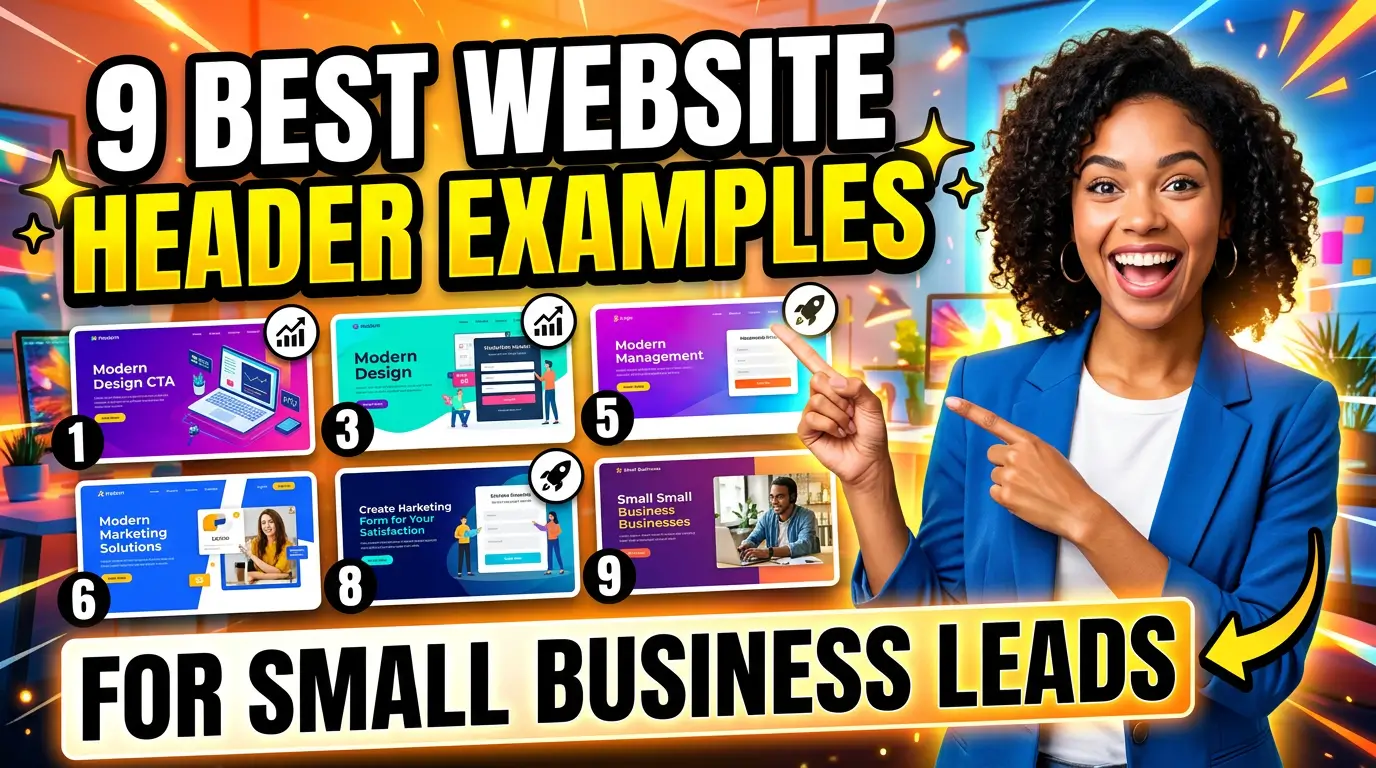
A strong header does three jobs: it tells visitors where they are, helps them find the right page, and makes the next action obvious. Here are 9 website header examples small businesses can copy without turning the site into a cluttered billboard.
1. The phone-first local service header
Best for plumbers, roofers, HVAC companies, dentists, med spas, and any business where a phone call can turn into revenue quickly.
The header should put the phone number in the top right on desktop and use a tap-to-call button on mobile. A good example is ServiceTitan’s contractor-focused site, which makes demo and contact paths easy to spot while keeping the navigation simple. Local service businesses can use the same logic with “Call Now,” “Schedule Service,” and a service-area link.
Don’t bury the phone number in the footer. If a homeowner has water in the basement or a buyer needs a same-week appointment, they are not browsing for fun. They need a fast path. Use one clear number, one primary button, and plain labels like Services, Reviews, Financing, and Contact.
2. The appointment booking header
Best for consultants, clinics, salons, fitness studios, home service companies, and professional firms that sell through scheduled calls.
The header should make booking feel like the default next step. Calendly does this well because the product itself is about reducing scheduling friction. Small businesses can borrow the pattern: a short nav, one high-contrast “Book a Call” or “Schedule Appointment” button, and no competing buttons fighting for attention.
The key is specificity. Nielsen Norman Group warns that vague “Get Started” calls to action can stop users because people are not always sure what happens next. “Book a Free Estimate,” “Schedule a 15-Minute Call,” or “Reserve Your Consultation” tells the visitor exactly what they are committing to. That reduces hesitation, especially for first-time buyers.
3. The quote-request header
Best for contractors, manufacturers, agencies, B2B service firms, print shops, logistics companies, and custom product sellers.
If your sales process starts with project details, your header needs a quote path. FastSigns is a practical example from a category where buyers often need custom pricing. The header gives visitors clear ways to find locations, browse products, and start a project instead of forcing them to hunt through generic pages.
For a small business, the quote button should be visible on every page. Use language like “Request a Quote,” “Start Your Project,” or “Get Pricing.” Then connect it to a form that asks only what sales actually needs: project type, timeline, location, budget range if relevant, and contact details. A quote-request header works because it matches buying intent. People who want pricing should not have to read three service pages first.
4. The ecommerce category header
Best for stores with multiple product lines, gift shops, apparel brands, parts suppliers, food brands, and specialty retailers.
The goal is not to show every product in the header. The goal is to help shoppers find the right category fast. Baymard’s mobile navigation benchmark includes hundreds of navigation examples from ecommerce sites, which is a useful reminder that product discovery is a design problem, not just a catalog problem.
Look at Warby Parker for a clean category-led pattern. The main navigation separates eyeglasses, sunglasses, contacts, and eye exams so shoppers can self-route quickly. A small retailer can copy that structure with categories like Shop Men, Shop Women, Gifts, New Arrivals, Sale, and Store Hours. Keep the cart visible, make search easy to find, and do not hide your best-selling categories inside a vague “Shop” menu if most visitors already know what they want.
5. The proof-heavy B2B header
Best for agencies, consultants, software firms, accountants, managed IT providers, and higher-ticket service businesses.
When the sale requires trust, the header should get prospects to proof quickly. Basecamp is a good example of a B2B site that keeps navigation tight while making product value and customer proof easy to reach. Your version might include Services, Results, Pricing, About, and Book a Call.
This header works because skeptical buyers do not want adjectives. They want evidence. Put “Case Studies” or “Results” in the top navigation if proof helps close deals. If you serve a narrow market, name that market in the header or near it. For example, “Web Design for Home Service Companies” gives a visitor more confidence than a generic agency logo and five clever menu labels.
6. The location-aware header
Best for multi-location businesses, franchises, medical practices, restaurants, gyms, and service companies with defined territories.
Location friction kills leads. If someone lands on your site and cannot tell whether you serve their area, they may leave before checking your work. Toast uses clear navigation for restaurants and business types, but local operators can take the idea further by putting “Find a Location,” “Service Areas,” or a selected city in the header.
For one-location businesses, include the city or neighborhood near the logo or in a slim top bar. For multi-location teams, add a location finder and let the site remember the selected location when possible. This is especially useful for franchises where pricing, hours, and services vary. The header should answer the silent question every local buyer has: “Can you help me here?“
7. The search-led support header
Best for SaaS companies, repair businesses, membership sites, education brands, and companies with many help articles or resources.
Some visitors do not want to call yet. They want an answer. A search-led header gives them one. Shopify’s Help Center puts search at the center of the support experience because users often arrive with a specific problem. Small businesses with support-heavy sites can do a lighter version in the main header.
Use this pattern when your website has enough content to justify search: FAQs, troubleshooting guides, service documentation, policy pages, or product resources. Keep the main sales CTA in place, but give current customers and cautious prospects a fast way to find answers. The business win is simple: fewer repetitive support questions, more confident prospects, and a site that feels easier to use.
8. The offer-bar header
Best for ecommerce, seasonal service businesses, events, courses, clinics, and any company running a real promotion.
An offer bar sits above the main header and highlights one timely message. Google’s Core Web Vitals guidance says sites should aim for Largest Contentful Paint of 2.5 seconds or less, so this bar needs to be light, text-based, and fast. Do not load a giant animated banner just to announce free shipping.
Good offer bars are specific: “Free shipping over $75,” “Spring tune-up appointments available this week,” or “Book by Friday and save 10%.” Bad offer bars say nothing useful: “Welcome to our website” or “Quality service since 1998.” If the message is not tied to revenue, urgency, or customer clarity, remove it. The header is expensive space.
9. The split-audience header
Best for businesses that serve two clear buyer groups, such as job seekers and employers, homeowners and contractors, patients and providers, or buyers and sellers.
Nielsen Norman Group’s homepage design principles highlight Robert Half’s approach of organizing calls to action around different audiences. That same idea can work in the header. Instead of forcing everyone through one generic menu, help each audience choose a lane.
A recruiting firm might use “For Employers” and “For Job Seekers.” A real estate business might use “Buy a Home” and “Sell a Home.” A training company might use “For Individuals” and “For Teams.” The trick is restraint. Use split-audience navigation only when the groups truly need different pages. If you add six audience options, you have not clarified the site. You have made a wall of choices.
Quick header checklist before you redesign
Before you pay for a full website redesign, fix the header first. Use this quick check:
- Can a first-time visitor understand what you do within 5 seconds?
- Is there one primary action, not three competing buttons?
- Does the mobile header make calling, booking, buying, or requesting a quote easy?
- Are menu labels plain enough for a busy buyer to understand?
- Can local visitors tell whether you serve their area?
- Does the header load fast and stay usable on small screens?
If the answer is no, your site may be losing leads before the page content gets a chance to work.
Need help turning your header into a lead path instead of a logo strip? Get started with Your Web Team and we’ll show you what to fix first.