If you run more than one location, your location pages should do more than list an address and a phone number.
They need to answer the local buyer’s real question: “Is this the right nearby branch for what I need right now?”
That matters because local searchers are usually close to action. Google says Business Profile performance tracks customer actions like calls, website clicks, bookings, messages, food orders, and direction requests, not just passive views. BrightLocal’s 2026 Local Consumer Review Survey also found that 68% of consumers will only use a business with four or more stars.
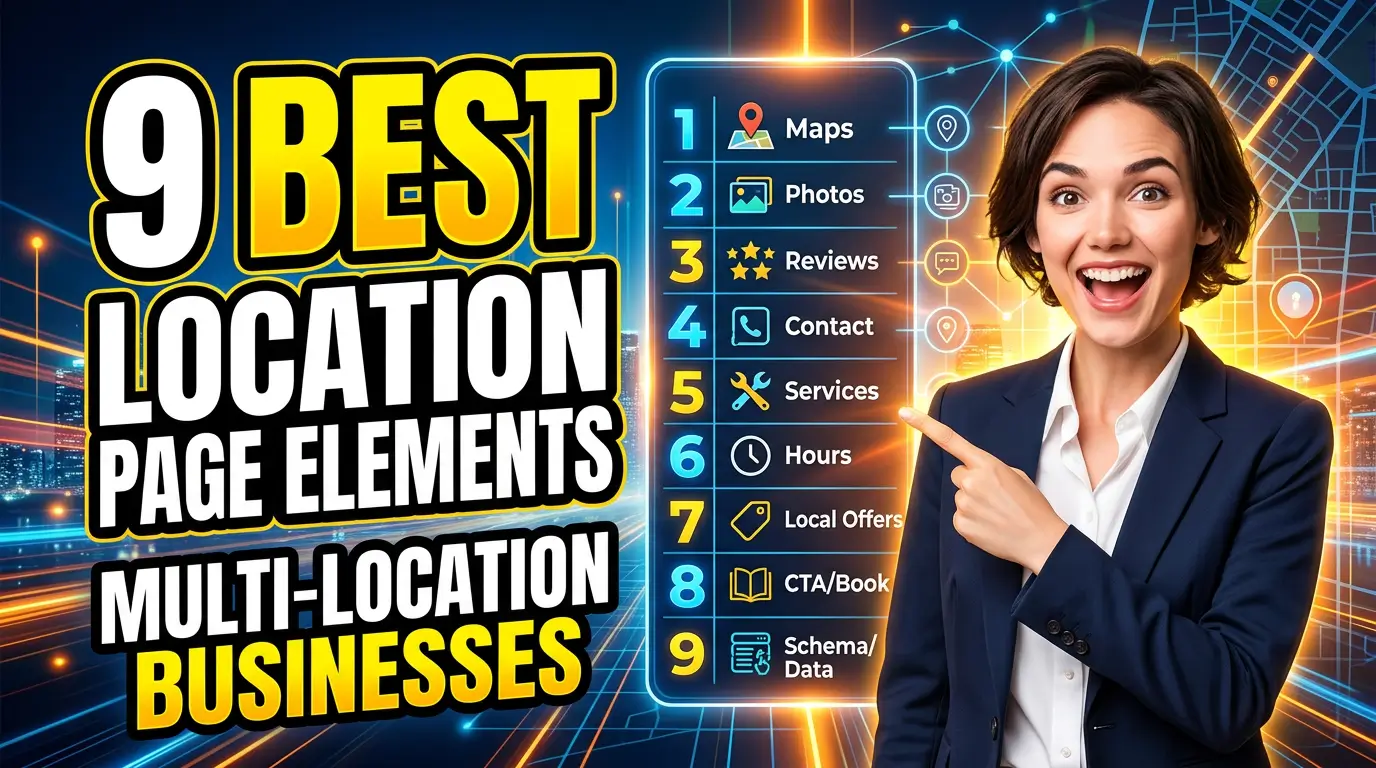
A thin location page gives people another reason to bounce back to Google. A useful one gives them proof, directions, service details, and a next step. Here are the nine location page elements I’d build first for multi-location businesses in 2026.
1. A Localized Hero Section
The top of the page has to confirm the visitor landed in the right place. Use the city, neighborhood, branch name, primary service, and a clear action. “Commercial HVAC Repair in Plano” is better than “Our Plano Location.” It tells the visitor and search engines what the page is about.
Add a click-to-call button, a booking button, or a quote button above the fold. If walk-ins matter, include the address and hours right away.
Real example: The Joint Chiropractic uses location-specific pages that focus on the clinic, local address, hours, and appointment-related actions. A franchise, dental group, gym, urgent care chain, or home service company can use the same pattern. Make every location page feel like a branch with a local job to do, not a copy-paste entry in a directory.
2. Accurate NAP Details and Business Hours
NAP means name, address, and phone number. It sounds basic, but this is where a lot of multi-location sites get sloppy. One wrong suite number, old tracking phone number, or outdated holiday schedule can cost calls and trust.
Put the full business name, address, local phone number, hours, holiday notes, and parking details in a plain format visitors can copy. Match the details to your Google Business Profile and major listings where possible. Google Business Profile’s help docs say performance reporting includes calls, website clicks, bookings, messages, and direction requests, so inconsistent contact details can muddy the very actions you’re trying to improve.
Real example: a regional law firm with five offices should not send every location to one generic intake number if the goal is to understand which office is producing calls. Use location-level numbers carefully, keep them consistent, and document where each number appears.
3. Embedded Map and Direction Cues
A map is not decoration. For restaurants, clinics, retail stores, repair shops, and service counters, it removes doubt.
Embed a map, then add human directions around it. Mention nearby roads, landmarks, parking entrances, transit stops, or building access quirks. This helps people who are already on the move and reduces “I can’t find you” calls.
Google’s Business Profile docs define direction requests as a customer action, which is a useful reminder that local pages need to support physical visits. A map without context still leaves work for the visitor.
Real example: a med spa in a shopping center could write, “We’re in the west end of Greenway Plaza, between Target and PetSmart. Park near the pharmacy entrance.” That sentence may do more for arrivals than another paragraph of brand copy. The goal is simple: make the visit feel easy before they leave the house.
4. Location-Specific Reviews and Testimonials
Do not dump the same five testimonials on every location page. If a visitor is looking at your Fort Worth branch, show Fort Worth proof.
Reviews matter because people use them as a shortcut for risk. BrightLocal’s 2026 survey found that 68% of consumers will only use a business with four or more stars, up from 55% in 2025. That is a sharp expectation jump.
Feature a small set of reviews tied to that branch, service, or staff. Include first name, service type, city, and review source when you can. If you use a review widget, make sure it does not slow the page or show irrelevant reviews from another location.
Real example: a multi-location roofing company can show storm repair reviews on its Denver page and roof replacement reviews on its Boulder page. Same brand, different buyer concerns. Local proof beats generic praise.
5. Service Availability by Location
Not every branch offers every service. Say so clearly.
A location page should list the services available at that branch, then link to the deeper service pages. This helps visitors self-qualify and helps your internal linking. It also prevents awkward calls where someone asks for a service that only another branch handles.
Keep the list short and useful. If you offer 40 services, group them by category. For each major service, add one sentence about how that branch handles it.
Real example: Trek Bicycle stores can differ by retail, service, fit, and local support. A service business has the same issue. One plumbing location may handle emergency calls 24/7 while another only handles scheduled remodel work. If that distinction matters in the sales process, it belongs on the page.
6. Real Photos of the Branch, Team, and Work
Stock photos make multi-location pages feel fake. Real photos lower anxiety.
Use exterior photos so visitors know what the building looks like. Add interior photos if customers visit. Include team photos when relationships matter. For contractors and service businesses, show recent work from that service area.
This is especially useful for businesses where trust is personal: dentists, clinics, attorneys, home service companies, schools, childcare centers, repair shops, and fitness studios. People want to know who they’re about to call or visit.
Real example: U-Haul location pages often include local facility details, hours, services, and photos where available. A smaller business can do a tighter version with six photos: exterior, front desk, team, vehicle, project example, and parking entrance. Those six images answer more questions than another block of generic sales copy.
7. Local FAQs That Answer Buying Questions
FAQs are useful when they answer the questions your local team hears every week. They are weak when they repeat filler like “Why choose us?”
Use five to seven questions per location. Cover parking, service area, emergency availability, insurance, appointment timing, pricing basics, accessibility, languages spoken, and what to bring. If the answer changes by location, it belongs on the location page.
Google’s local business structured data documentation includes business details like address, opening hours, telephone, and department information, which is a clue about the kind of facts search systems need to understand. Your visible page should be just as clear for humans.
Real example: an urgent care page can answer, “Do you take walk-ins at the Mesa clinic?” and “What insurance does this location accept?” A home services page can answer, “Do you serve homes outside city limits?” These questions remove friction before the call.
8. Local Schema Markup
Schema markup will not save a bad location page, but it helps search engines understand the facts already on the page.
For each branch page, add LocalBusiness structured data with the branch name, address, phone number, opening hours, URL, geo coordinates, and sameAs links when appropriate. Google’s Local Business structured data guide says you can add LocalBusiness structured data to any page on your site, though it may make more sense on a page that contains business information.
Keep schema aligned with visible content. Do not mark up fake reviews, hidden locations, or services the branch does not offer. That creates maintenance problems and can put you out of step with Google’s structured data rules.
Real example: a dental group with 12 offices should have 12 location pages, each with its own visible address and matching structured data. One organization, many branches, no mystery.
9. Clear Conversion Tracking and Next Steps
A location page should have one primary job. For some businesses, that job is a phone call. For others, it’s a booked appointment, quote request, online order, route request, or store visit.
Set that action up clearly and track it. Use click-to-call links, UTM-tagged buttons, form source fields, call tracking, and booking analytics. Google Business Profile performance can show calls and website clicks from the profile, but your website analytics should show what happens after people land on the page.
Real example: a pest control company with six branches can track quote requests by location page, then compare close rates by branch. If the North Austin page gets traffic but no calls, the fix may be proof, pricing clarity, speed, or the offer. Without tracking, everyone is guessing.
Build Location Pages Like Local Sales Assets
Good location pages are not glamorous. They are practical. They tell people where you are, what you do there, why they should trust that branch, and what to do next.
Start with the pages that affect revenue first: your busiest locations, highest-margin services, and branches where Google Business Profile already sends traffic. Then improve the rest using the same structure.
If your location pages are thin, duplicated, or not turning local traffic into leads, YourWebTeam can help rebuild them into pages that rank, earn trust, and convert.