AI images are tempting because they solve a real problem.
You need a hero image. You need a blog thumbnail. You need a graphic for a service page. A photo shoot costs money, stock photos look stale, and AI can produce something polished in a minute.
That doesn’t mean it belongs everywhere on your website.
For small businesses, the risk isn’t that visitors will always spot an AI image. The risk is that they feel something is off right when they’re deciding whether to trust you. A fake technician, fake office, fake customer, or fake project photo can create the same problem as cheap stock photography: it fills space without proving anything.
The goal isn’t to ban AI visuals. The goal is to use them where they help and keep them away from the parts of your site that need evidence.
The Trust Problem With AI Images
A small business website has a harder job than most owners realize. It has to prove that you’re real, capable, local, responsive, and safe to contact. Images carry a lot of that weight.
Nielsen Norman Group’s eyetracking research found that users pay attention to images that contain useful information, especially product details and real people, but ignore decorative images added just to make a page look better. Their summary is direct: users scrutinize helpful photos and ignore fluffy ones. Source: Photos as Web Content.
AI images often fail for the same reason fluffy stock photos fail. They can look clean without answering a real buyer question.
A fake roofer on a fake roof doesn’t prove your crew did good work. A fake dental patient doesn’t prove your office is friendly. A fake restaurant interior doesn’t help someone know what your actual place feels like. The image may be attractive, but it doesn’t carry evidence.
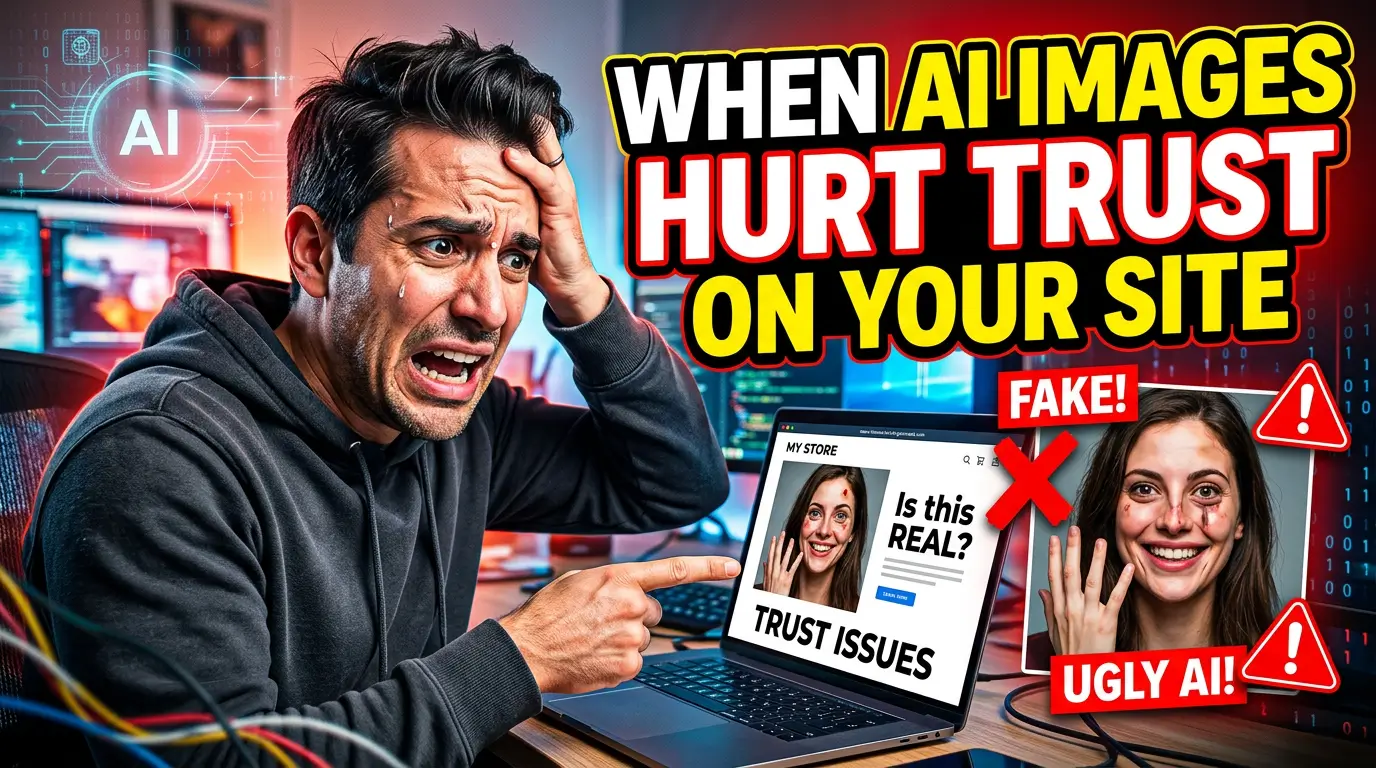
There is also a perception issue. Clutch reported that, in its consumer study, 57% of consumers couldn’t correctly identify AI-generated photos, even though many felt confident they could. That cuts both ways. Visitors may not consciously say, “That image is AI.” They may simply hesitate because faces look too smooth, hands look odd, lighting feels artificial, or the scene doesn’t match the rest of your brand.
A 2025 academic review in Administrative Sciences also found that AI-generated imagery in advertising can create authenticity concerns, especially when people know an image was generated rather than made by human effort. Source: The Impact of Generative AI Images on Consumer Attitudes in Advertising.
For a small business, authenticity isn’t a soft branding word. It’s a sales requirement. People are about to invite you into their home, hire you for a serious project, trust you with money, or ask your team to solve a problem. Your website images should make that decision feel easier.
Where AI Images Are Usually Safe
AI images work best when the visitor already understands that the image is illustrative.
Blog thumbnails are a good example. If you publish a post about website speed, a stylized image of a browser window, stopwatch, or loading bar can work fine. Nobody thinks that image is a literal photo of your team fixing their website. It sets the topic and makes the post more clickable.
Abstract section graphics can work too. A local accounting firm might use a simple AI-generated illustration for tax planning. A contractor might use a diagram-style graphic to explain project phases. A marketing agency might use a visual metaphor for analytics or lead generation. These images are not pretending to be proof.
AI can also help with background textures, icons, concept art, pattern images, and social graphics. In those cases, the image is design support. It is not asking the visitor to believe a fake scene.
The rule is simple: AI images are safer when they represent an idea, not a claim.
If the image says, “This post is about AI marketing,” you’re probably fine. If the image implies, “This is our team, our shop, our customer, our product, or our work,” be careful.
Where AI Images Can Cost You Leads
The most risky places are the trust-building sections of your site.
Start with your homepage hero. This is often the first large visual a visitor sees. If you run a local service business, your hero image should show the actual work, actual people, actual location, or actual result. An AI-generated hero can make the whole business feel less grounded.
Service pages are another danger zone. These pages answer the question, “Can this company solve my specific problem?” A plumber’s service page should show real equipment, branded trucks, finished work, or the team on a job. A web design agency should show real projects, real screenshots, or clear process visuals. A fake service scene may look polished, but it doesn’t prove competence.
Testimonials and case studies should almost never use AI people. If a testimonial has a face, that face should be the real customer or no face at all. A synthetic headshot next to a testimonial can feel deceptive, even if the words are real. The Federal Trade Commission’s endorsement guidance says endorsements must reflect honest opinions, findings, beliefs, or experiences, and material connections should be disclosed when they matter to consumers. Source: FTC Endorsement Guides.
Product images deserve the same caution. If you sell a physical product, don’t use AI to make the product look better than what arrives. Google Merchant Center’s product image requirements prohibit promotional overlays and require images that accurately represent the product. Source: Google Merchant Center image requirements.
For service businesses, the equivalent is before-and-after work. Don’t generate an after photo. Don’t clean up a project until it looks better than the job you delivered. If a buyer hires you because of that image, it needs to be honest.
A Practical AI Image Policy for Small Businesses
You don’t need a legal department to handle this. You need a short internal policy that your team, designer, or marketing contractor can follow.
Use this as a starting point:
- Real proof stays real. Team photos, location photos, project photos, testimonials, case studies, product photos, and before-and-after images should come from the real business.
- AI is allowed for concepts. Blog graphics, abstract backgrounds, icons, diagrams, and topic illustrations can use AI when they don’t imply a real person, customer, product, or job.
- No fake customers or employees. If a person appears to represent your team, client, patient, technician, installer, consultant, or customer, use a real photo or clearly label the image as an illustration.
- No visual overpromising. Don’t use AI to show a result you can’t deliver, a facility you don’t have, equipment you don’t own, or a product configuration customers can’t buy.
- Keep source files and prompts. If you use AI visuals, save the prompt, tool, date, and final file in a shared folder so your business knows what was generated later.
That last point sounds fussy until someone asks where an image came from. A simple record keeps your website maintainable.
What to Use Instead of Fake-Looking AI Images
The best replacement is not always an expensive photo shoot. Most small businesses can build a better image library with one planned half-day.
Get the basics first. Take a clean exterior photo, interior photo, team photo, owner photo, process photo, tool or equipment photo, project photo, and customer-facing detail photo. If customers visit you, show parking, signage, entry, lobby, and front desk. If you visit customers, show branded vehicles, uniforms, job setup, and finished work.
A phone camera is good enough if the photos are clear, well-lit, and honest. Bad lighting hurts, but fake perfection hurts too.
Use captions when a photo needs context. “Our crew installing a 200-amp panel in Lancaster” is stronger than a generic image with no explanation. The caption turns the image into proof.
If you can’t show customer work because of privacy, show controlled process photos. A healthcare practice can show rooms, equipment, staff, and check-in experience without showing patients. A financial advisor can show the office, team, whiteboard planning session, or educational workshop. A manufacturer can show materials, machinery, quality checks, and finished components without exposing confidential client details.
You can still use AI to support these real assets. For example, AI can remove a distracting background from a real team photo, generate a branded pattern behind a real product image, or help create an illustration that explains a process. The difference is that the underlying proof remains real.
How to Audit Your Website Images
Open your homepage, top service pages, about page, testimonial page, case studies, and contact page. For each important image, ask one question: what does this prove?
If the answer is “nothing,” the image is decoration. Decoration isn’t always bad, but it shouldn’t occupy the most valuable trust spots on the page.
Mark each image with one of four labels:
- Proof: real team, real work, real product, real location, real customer, real result.
- Explanation: diagram, process visual, screenshot, comparison, annotated example.
- Mood: abstract image, background, pattern, broad concept, visual style.
- Risk: fake person, fake workplace, fake project, fake product, misleading before-and-after, AI image that looks like a real claim.
Your first job is to replace the risk images. Your second job is to move proof higher on the page. Your third job is to make explanation images clearer.
A homepage with one real hero photo, one real team photo, and three real project photos will usually beat a page full of polished but generic visuals. It gives buyers something to believe.
The Better Way to Use AI Visuals
AI should make your website clearer, not less believable.
Use it to create educational graphics. Use it to turn a rough process into a clean diagram. Use it for blog thumbnails, background art, or concept illustrations. Use it to help your designer move faster.
But when your website needs to prove trust, use the real thing.
Show the actual crew. Show the actual office. Show the actual work. Show the actual product. Show the owner, the van, the workshop, the showroom, the messy middle of the job, and the finished result.
Small business buyers aren’t looking for perfect. They’re looking for confidence. Real photos give them clues that your company is alive, accountable, and experienced.
If your website is using AI images because you don’t have better proof yet, treat that as a temporary patch, not the final design. Build a small photo library, replace the riskiest visuals first, and keep AI in the places where it supports the message instead of pretending to be evidence.
Need help sorting which website images are helping, hurting, or wasting space? Start here and we’ll help you turn your site into something that feels real, trustworthy, and ready to convert.